Twitch Emote Resizer
Every Twitch emote size from one image.
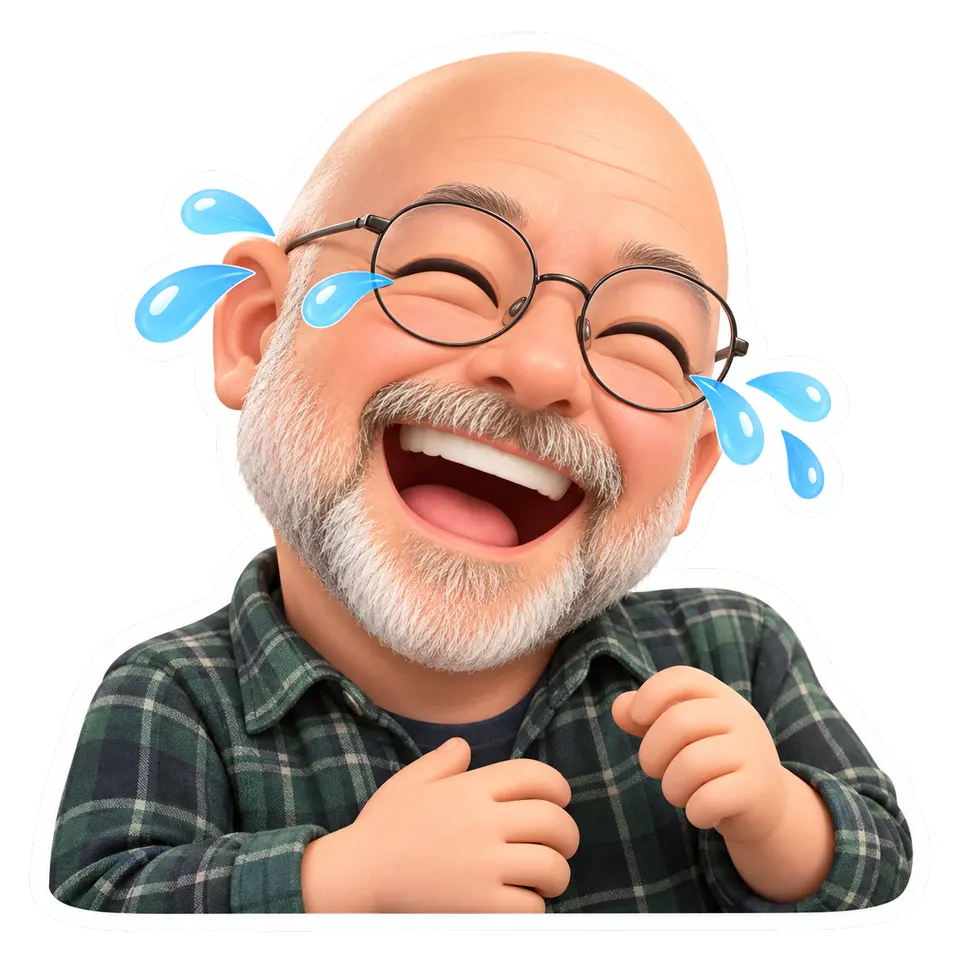
- 112 px
- 56 px
- 28 px
mira_plays: that boss fight gg
Free · PNG, JPG, WebP or GIF · stays on your device
Trim the edges, keep the face big
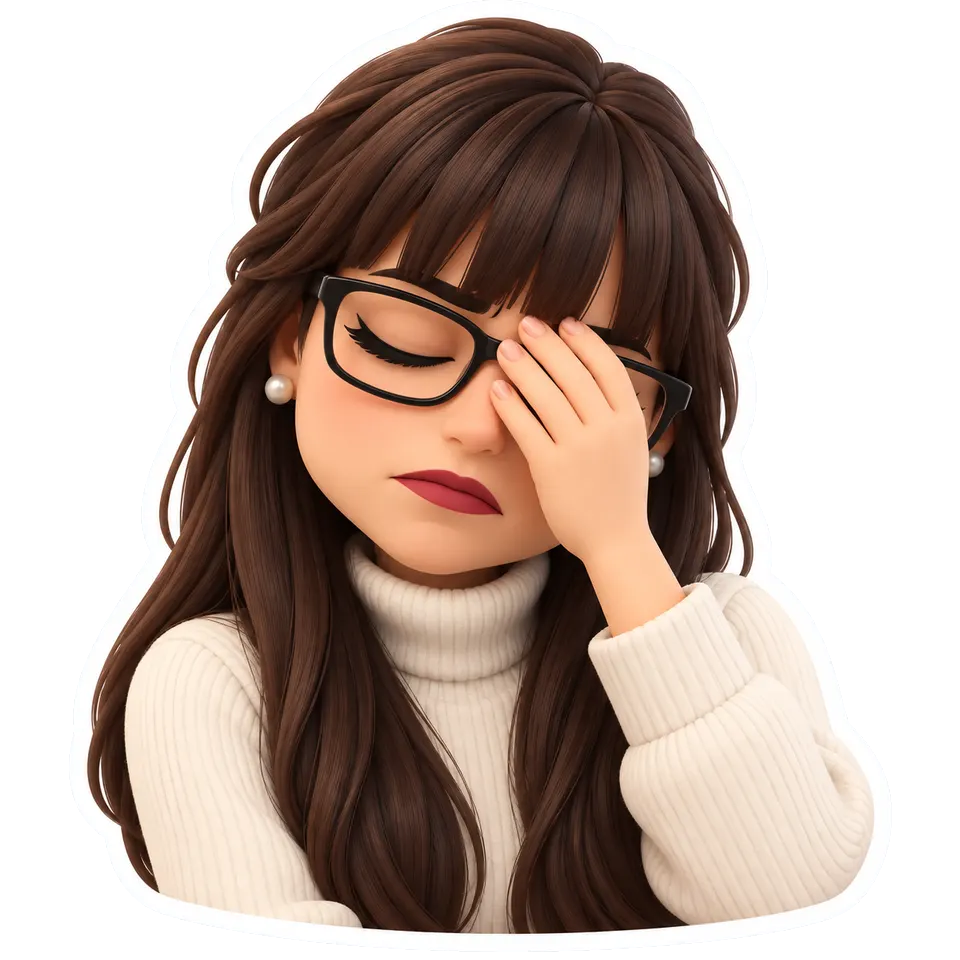
kai_live: 28 px
Empty edgeskai_live: 28 px
Trimmed
Questions
What size are Twitch emotes?
28 x 28, 56 x 56 and 112 x 112 px. With auto-resize on, Twitch takes one square image from 112 to 4096 px, under 1 MB, and makes the other two; with it off you upload all three yourself, each under 100 KB. This tool makes all three as transparent PNGs. From Twitch's help pages, checked October 2026; not affiliated with Twitch.
Why does my emote look tiny in chat?
Most often the picture has an empty margin around it, so at 28 px the face takes half the square. "Trim empty edges" cuts transparent space down to the outline before resizing; it only works on a PNG, WebP or GIF with a transparent background.
What size are sub badges?
18 x 18, 36 x 36 and 72 x 72 px, as PNGs with a transparent background, each no more than 25 KB. Pick "Sub badge" after choosing an image.
And a Discord emoji?
Discord asks for a file under 256 KB; a 128 x 128 px square is plenty, since a server emoji shows at about 22 px in a message and 48 px on its own. Not affiliated with Discord.
Is my image uploaded?
No. It is resized on a canvas on your device and the files are made there, so nothing is sent to us and the tool keeps working offline once the page has loaded.
Can it resize animated GIF emotes?
Not yet: a GIF comes out as a still of its first frame. Animated resizing that keeps every frame is next. to hear when it works.
I don't have an emote yet
The emote maker draws six emotes of your own face from one selfie. The people in the examples on this page are AI-generated.