Photo to Cartoon
Cartoon yourself online: AI turns a selfie into a cartoon of you.
Pay once · no subscription
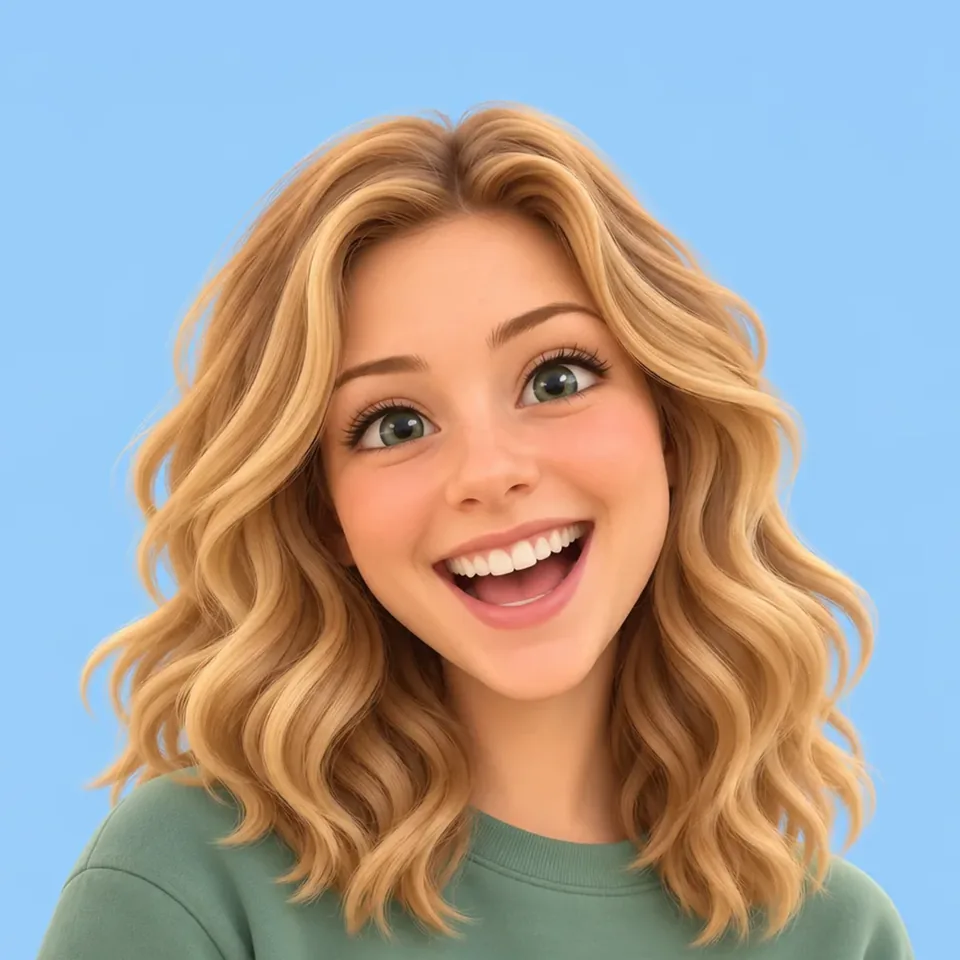
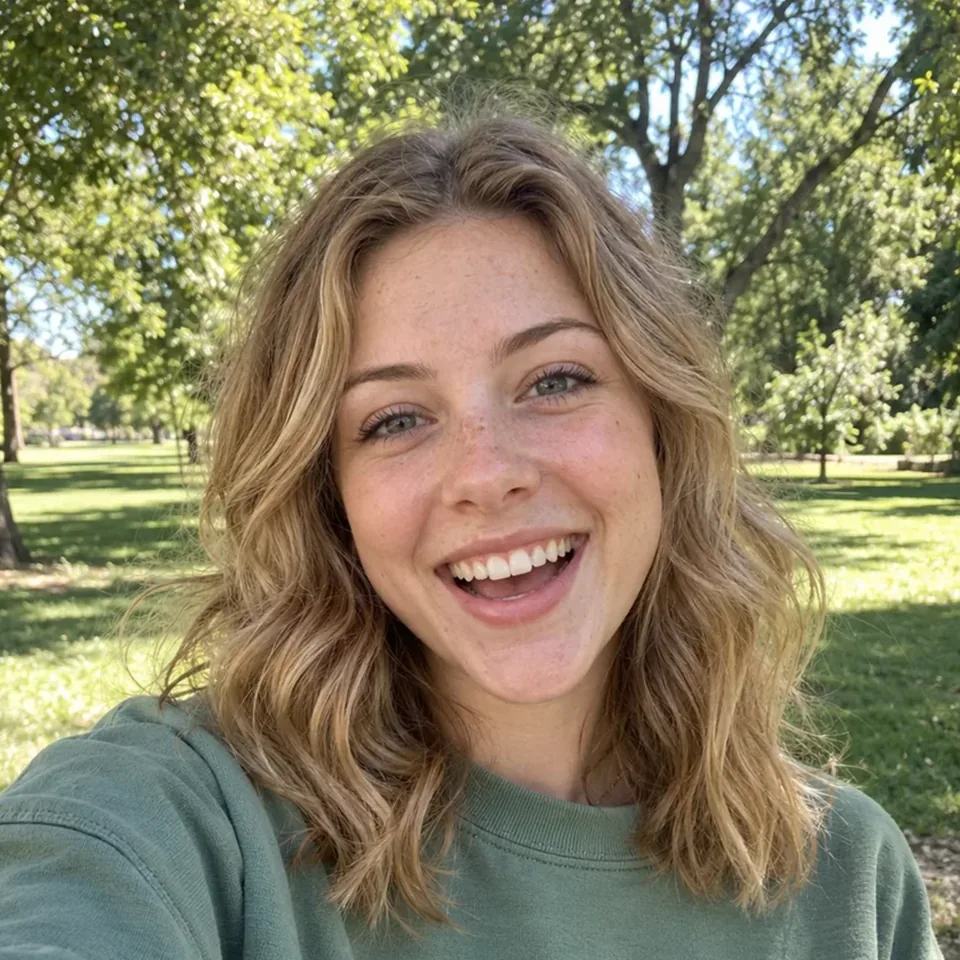


Pick your cartoon style
How it works
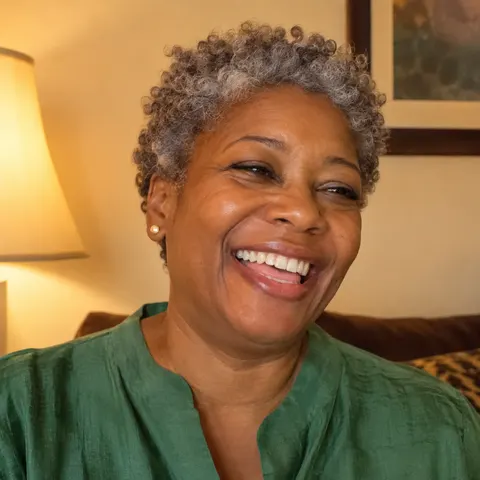
01Upload photo
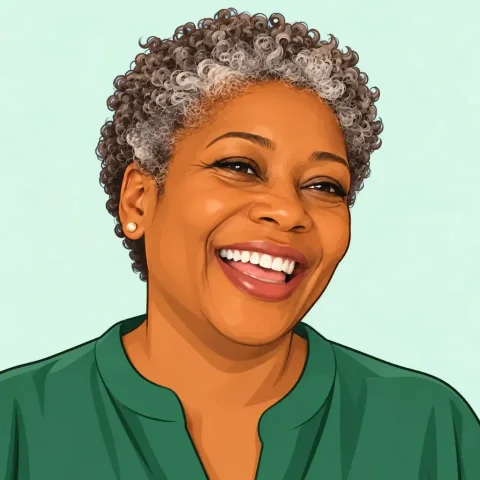 Vector
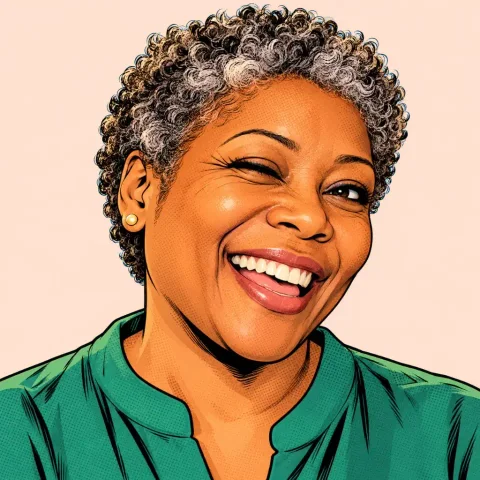 Comic
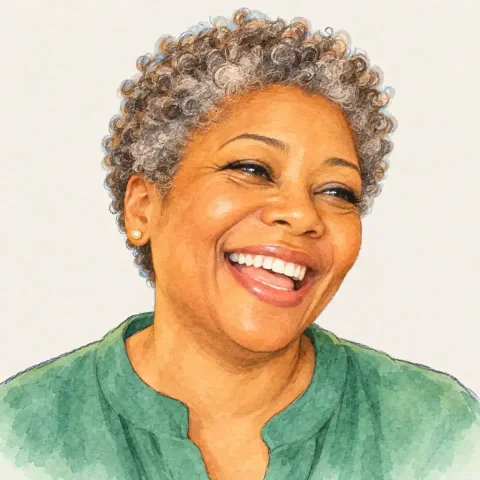 Storybook
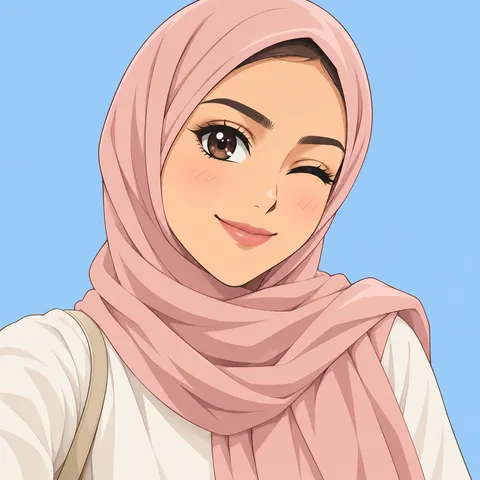
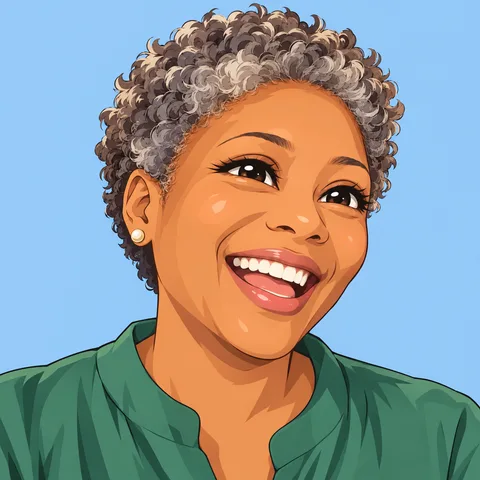 Anime
02Pick a style
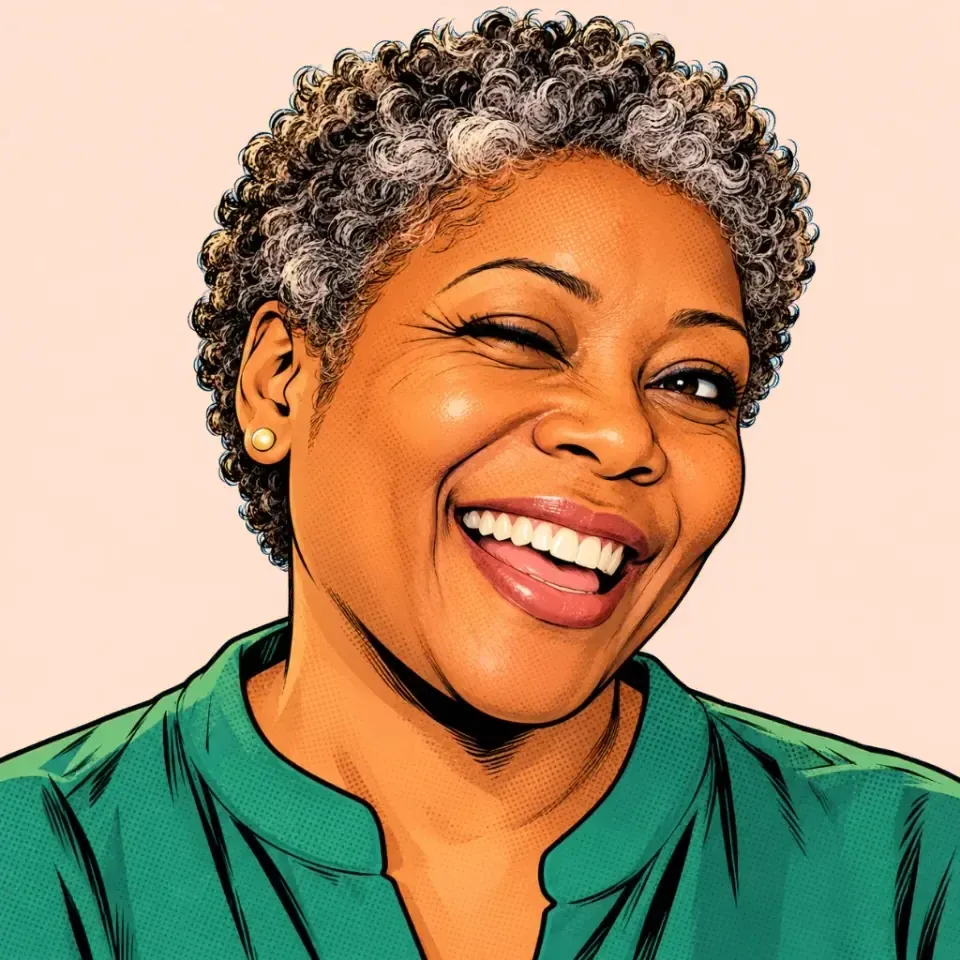
03Download in HD
Choosing your cartoon style
For a small profile picture
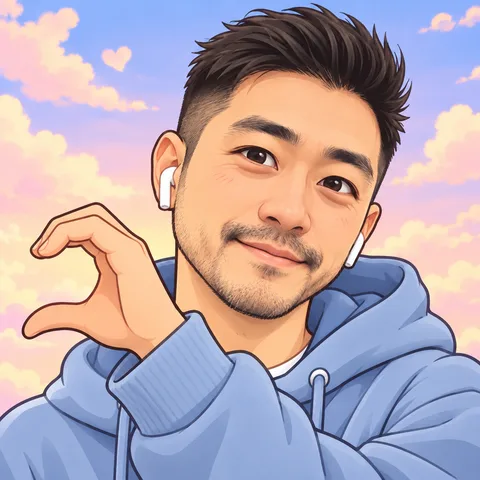
Vector and Comic have the cleanest bold outlines. Vector uses flat colour with at most one hard shadow tone and no gradients; Comic adds black ink lines and halftone dots. Both still read when an app shrinks your picture to a thumbnail.
For something friendly
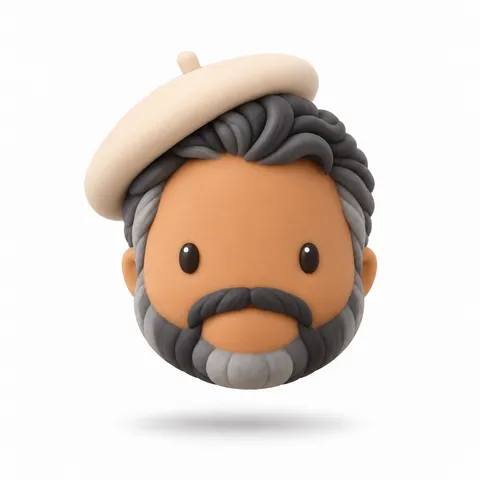
3D gives you the proportions of a family animated film: a large head, big round eyes, a smooth rounded jaw and matte, clay-like skin. Chibi goes further, an oversized head on a tiny body with very simple features, and is the cutest choice.
For a mood
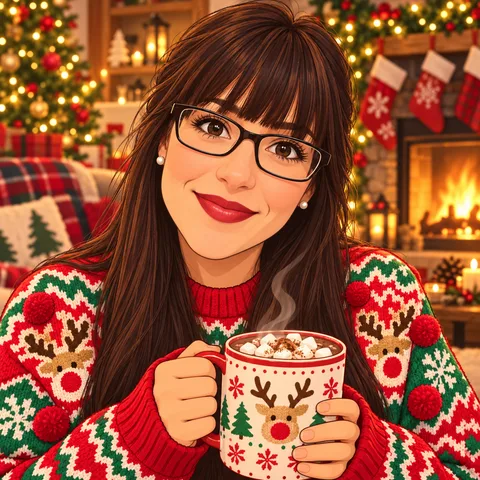
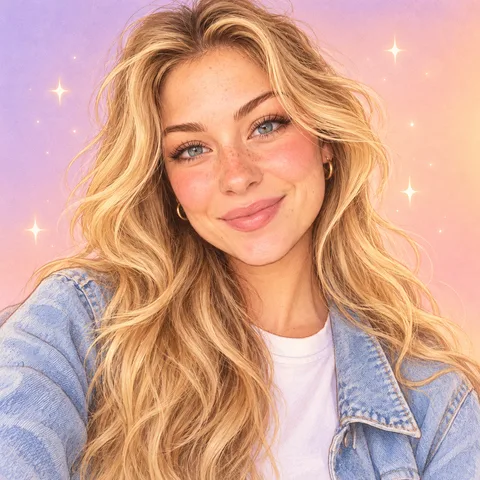
90s has thick wobbly outlines and flat bright colours, like a Saturday-morning TV show. Storybook uses soft pencil lines and gentle washes of watercolour on paper texture; it is the gentlest look and shows best large, on a card or a print.
Comparing two
Each preview round uses one style. To choose between two favourites, try both with the same photo and the same expression, then put the previews side by side: the difference is in the line and the colour, not in your face.
What it costs
See credit packs- 2–4 previews
- 70–100 credits
- HD download
- 300 credits
- Starter pack
- $4.99
- ≈ 4 HD avatars
Questions
Which cartoon styles are there?
Vector, 3D, anime, comic, chibi, 90s and storybook, each with four expressions. Chibi and anime change your proportions most; for a whole page of anime, see photo to anime.
Will it still look like me?
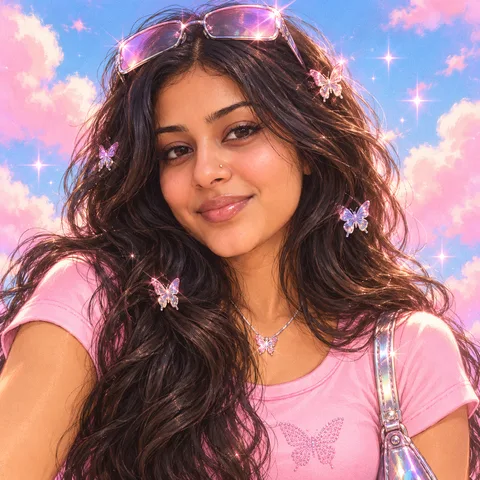
Your hair, glasses, earrings, facial hair and skin tone carry over in every style; curls stay curls and a fade stays a fade. Skin texture, photo lighting and the background are what go.
Which photo works best?
One person facing the camera in good light, face not covered. Wear your glasses if you want them in the cartoon: every style keeps them, and none of the seven adds a hat or an outfit you didn't have.
How long do you keep my photo?
A photo you upload but never use is deleted after 2 days. Photos you use and your cartoons are kept for 12 months, so you can come back for another size, then deleted. You can delete a photo sooner, or your whole account. We never train AI on them.
What do I download?
Your pick redrawn at 1024 or 2048 px with a transparent background; choose a background colour before you download, or keep it see-through for stickers and overlays.
Who are the people in the examples?
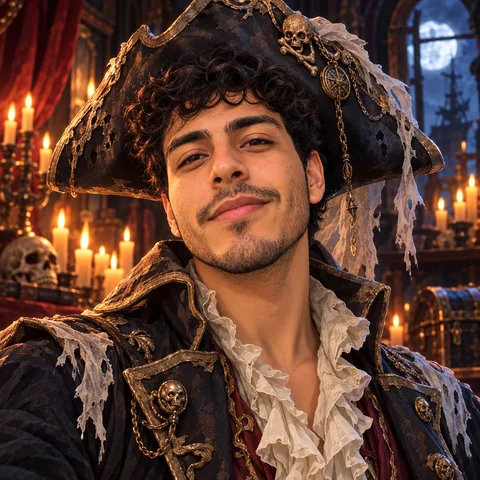
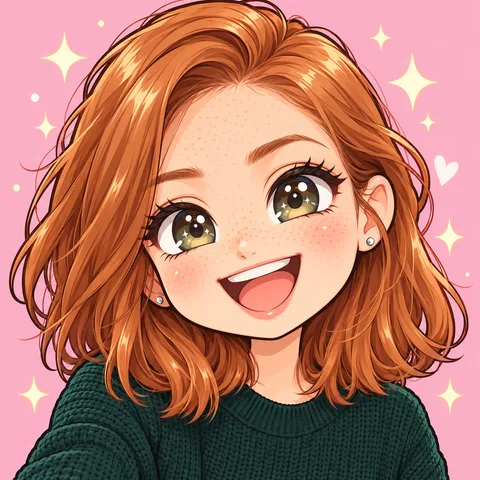
AI-generated faces, not customers. Each picture was made with the exact prompt the tool uses, with no retouching; the background colours are ones you can pick at download.