Photo to Sketch
Turn a photo into a pencil, charcoal or easy line drawing of you.
Pay once · no subscription



Pick your drawing style
How it works
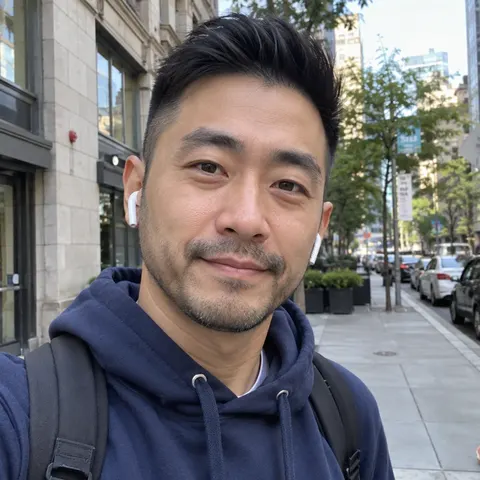
01Upload photo
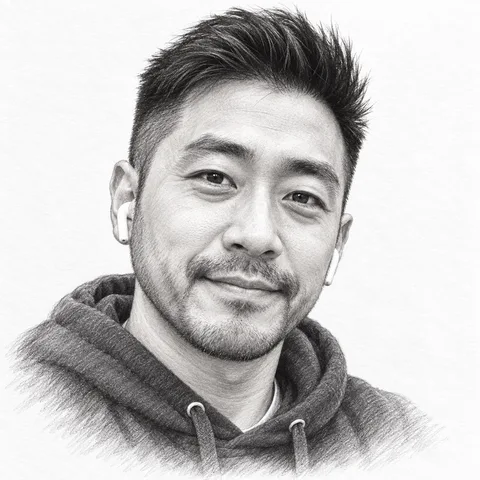 Pencil
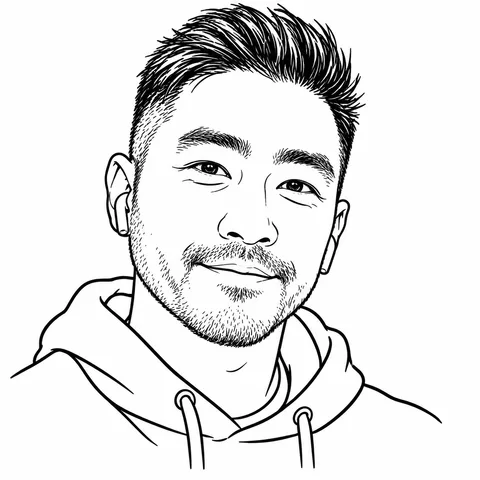 Easy lines
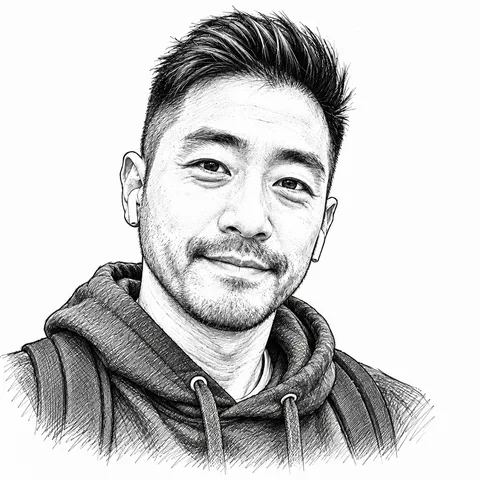 Ink pen
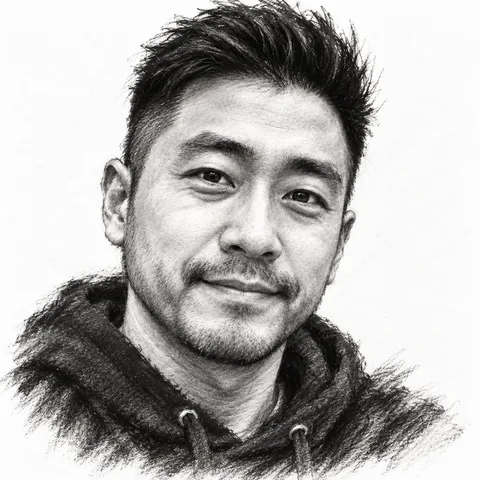 Charcoal
02Pick a style
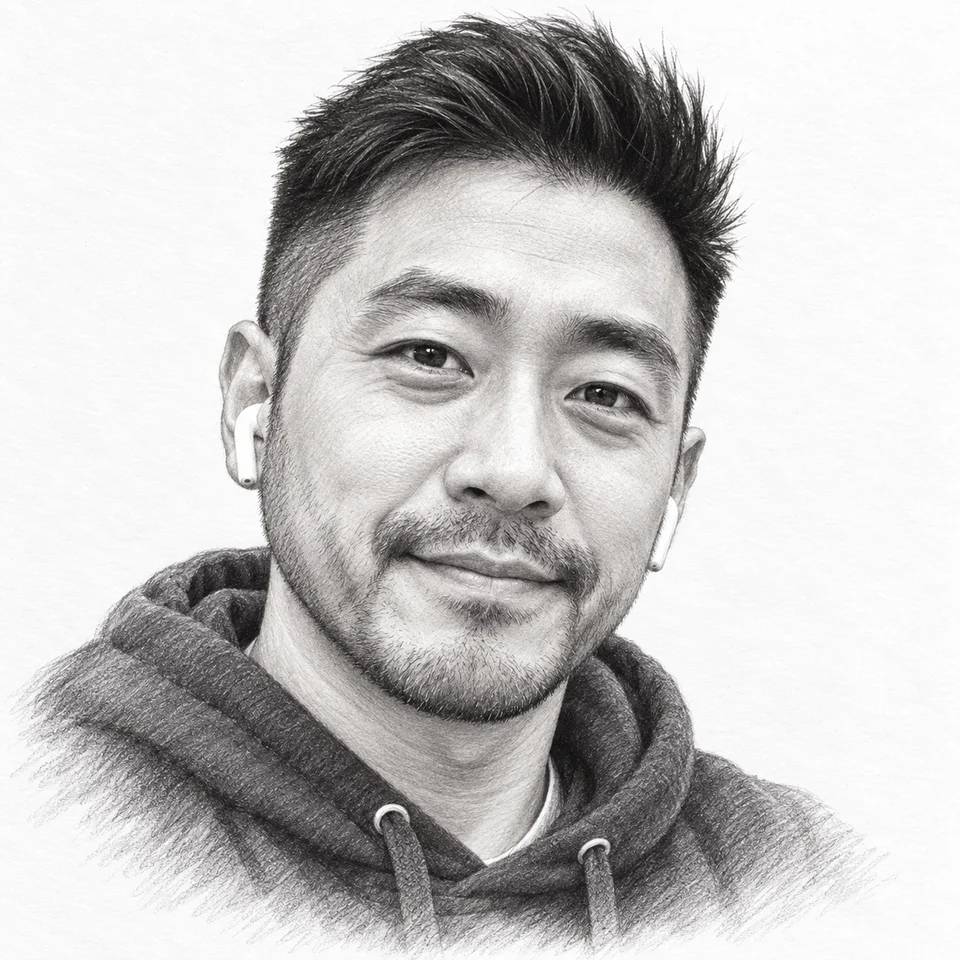
03Download in HD
What it costs
See credit packs- 2–4 previews
- 70–100 credits
- HD download
- 300 credits
- Starter pack
- $4.99
- ≈ 4 HD sketches
Questions
Which drawing styles are there?
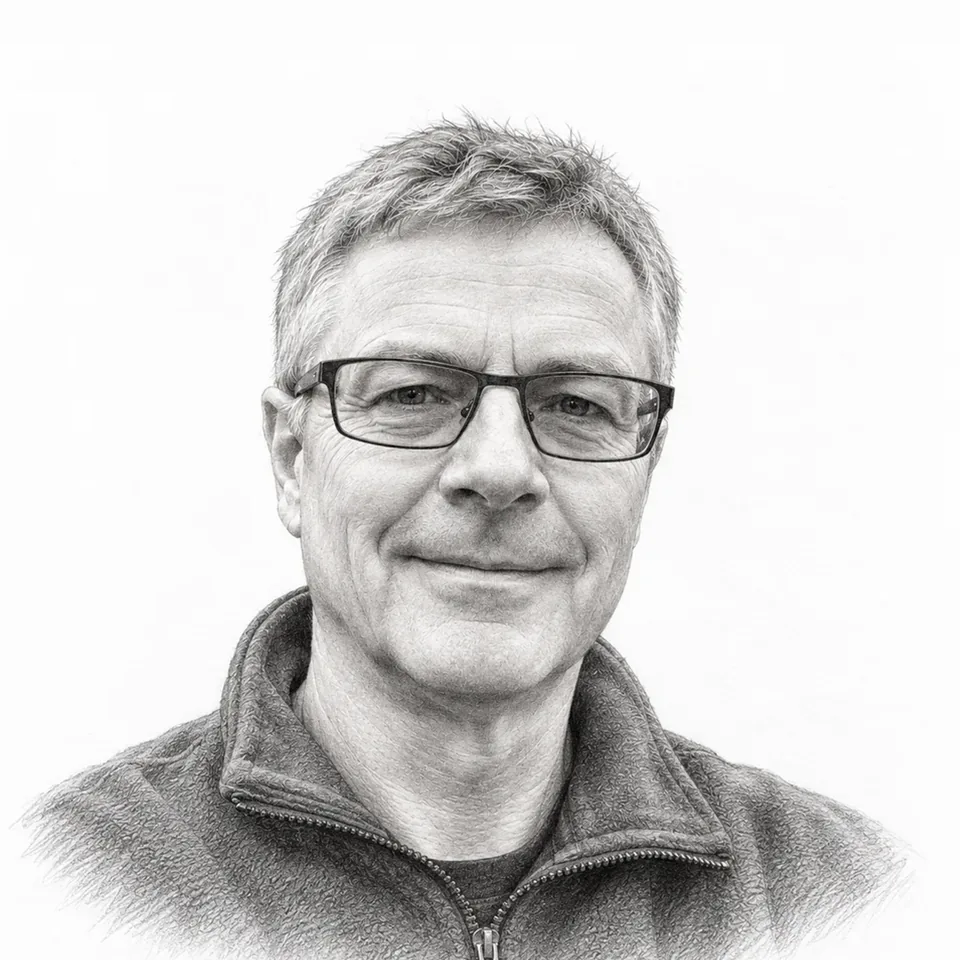
Pencil, charcoal, ink pen, an easy line drawing and coloured pencil, on white paper or a cream sketchbook page. The easy line drawing is a few clean lines with no shading, simple enough to trace.
Is it a filter?
No. A filter traces the edges of your photo and greys it out; the AI redraws you as a drawing, with hatching, smudged charcoal or pencil strokes, so it looks drawn rather than processed.
Will it still look like me?
Your face shape, eyes, eyebrows, nose, mouth, hairstyle, glasses, earrings and facial hair are kept. For a coloured cartoon of you instead, see photo to cartoon.
Who are the people in the examples?
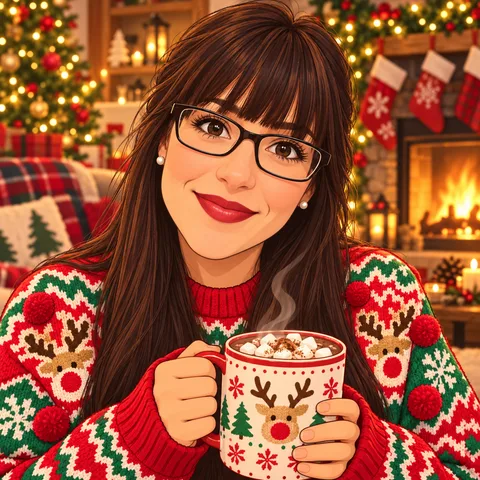
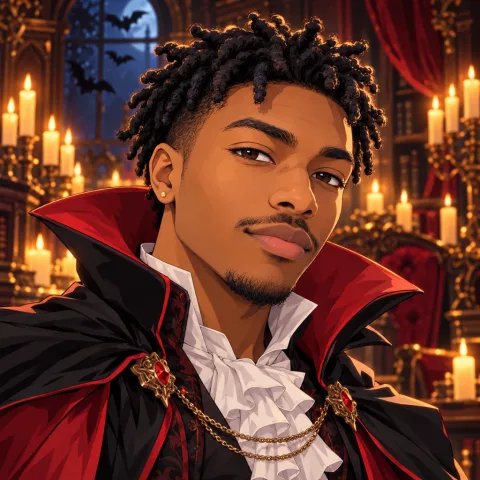
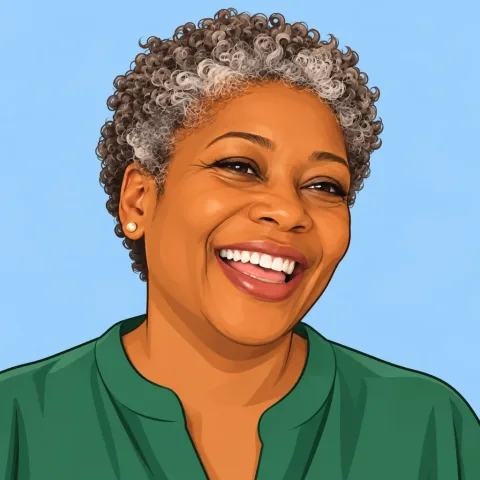
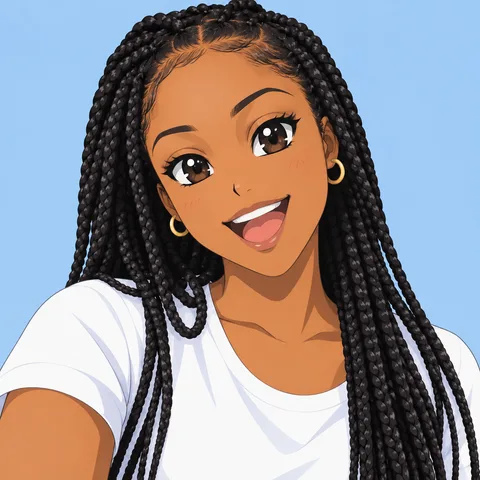
AI-generated faces, not customers. Each drawing was made with the exact prompt the tool uses and the choices shown, with no retouching.