Discord PFP
Pay once · no subscription
How it works
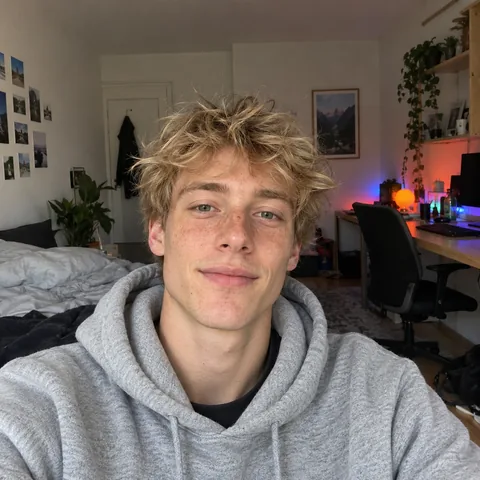
01Upload photo
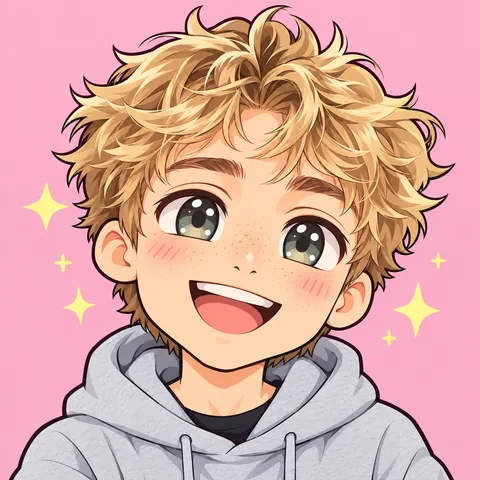
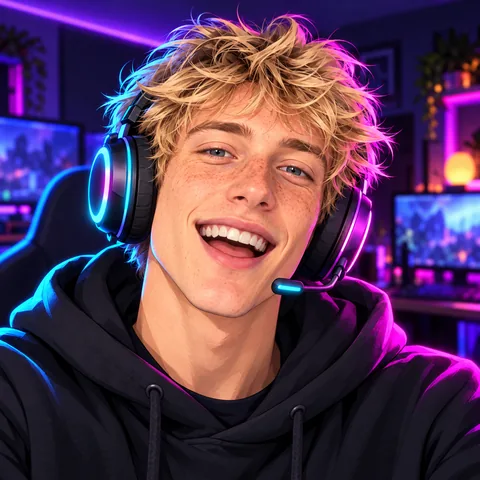
02Pick a look
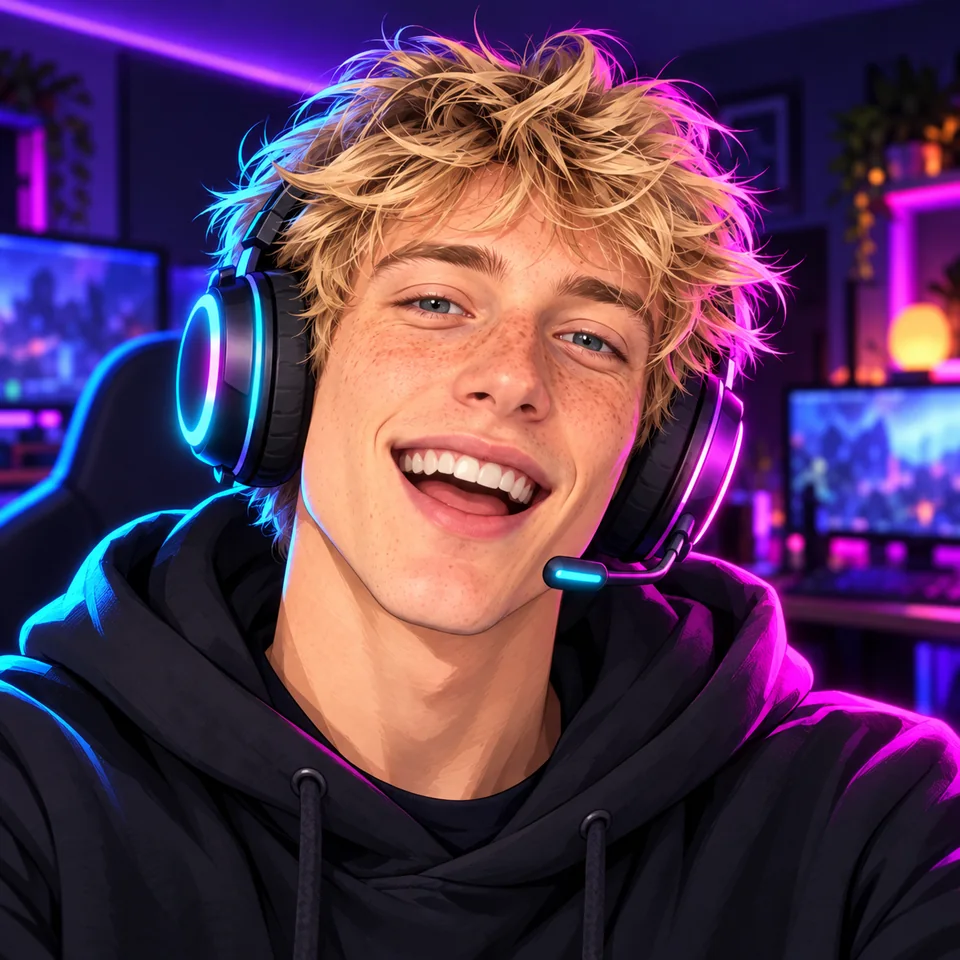
03Download in HD
What it costs
See credit packs- 2–4 previews
- 70–100 credits
- HD download
- 300 credits
- Starter pack
- $4.99
- ≈ 4 HD avatars
Questions
Which look reads best in a chat?
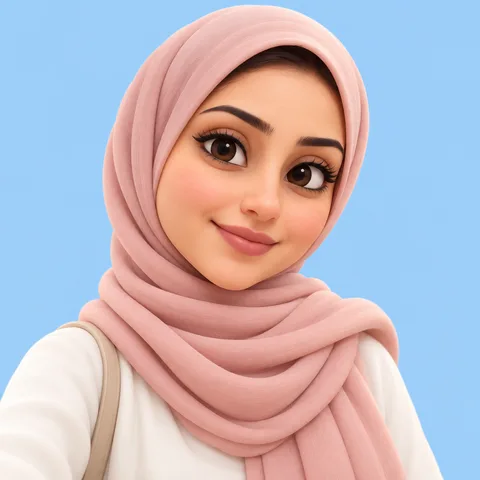
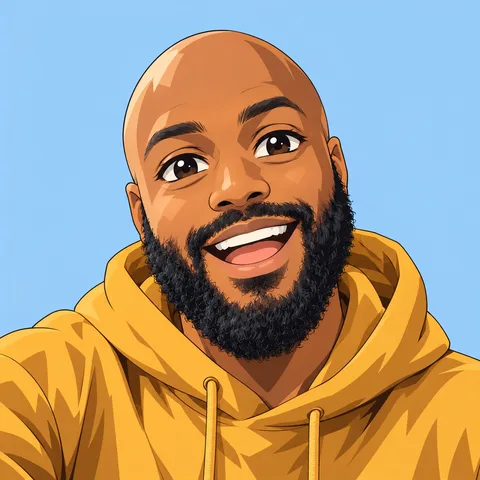
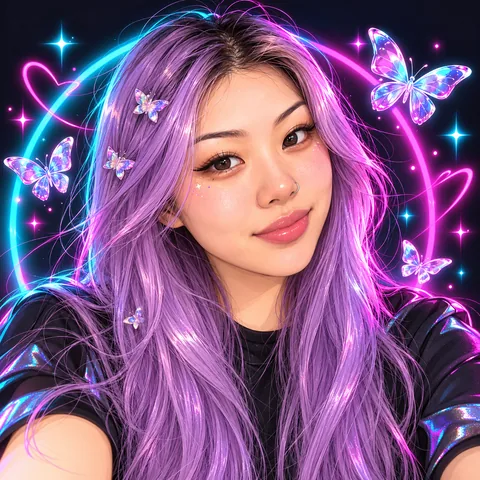
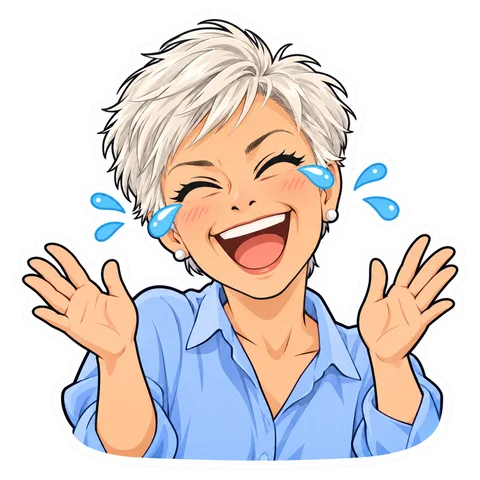
Chibi, because the face fills most of the circle. Every look is drawn with bold outlines and the face large in the middle, and plain backgrounds read best at 40 px; dark mode matches Discord's dark theme.
What size is a Discord PFP?
Discord crops it to a circle and shows it at about 32 to 80 px, from images at least 128 px square. Download PNG 512, which is plenty, or keep the full 1024 px.
How do I set it?
On desktop: User Settings, Profiles, Change Avatar, then upload the PNG. On mobile: tap your picture, then Edit Profile. Animated avatars and a different one per server need Nitro; a still PNG works for everyone.
What happens to my photo?
It is used only to draw your avatar; we never publish it or train AI on it. An unused upload is deleted after 2 days. Photos you use and your PFPs stay in your account for 12 months, so you can grab another size later.
Need one for a bot?
Bots get their own: the Discord bot avatar maker builds a cute bot face at Discord's sizes, as a still PNG or a GIF.
Who are the people in the examples?
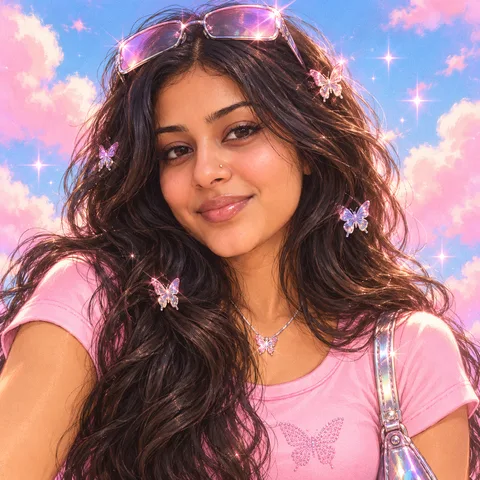
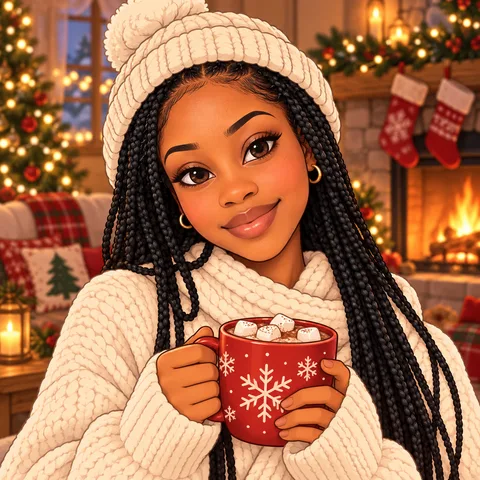
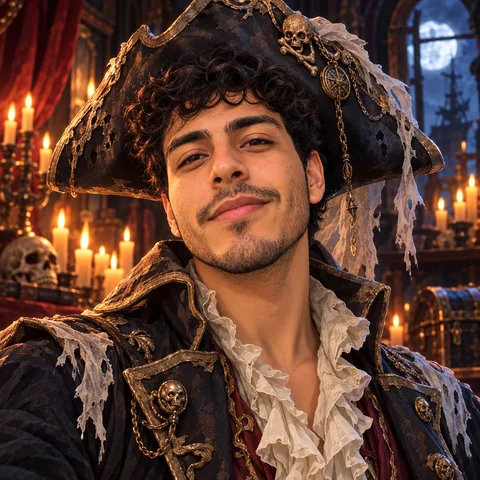
AI-generated faces, not customers. Each picture was made with the exact prompt the tool uses, with no retouching. Not affiliated with Discord; Discord is a trademark of Discord Inc.