Minecraft Avatar Maker
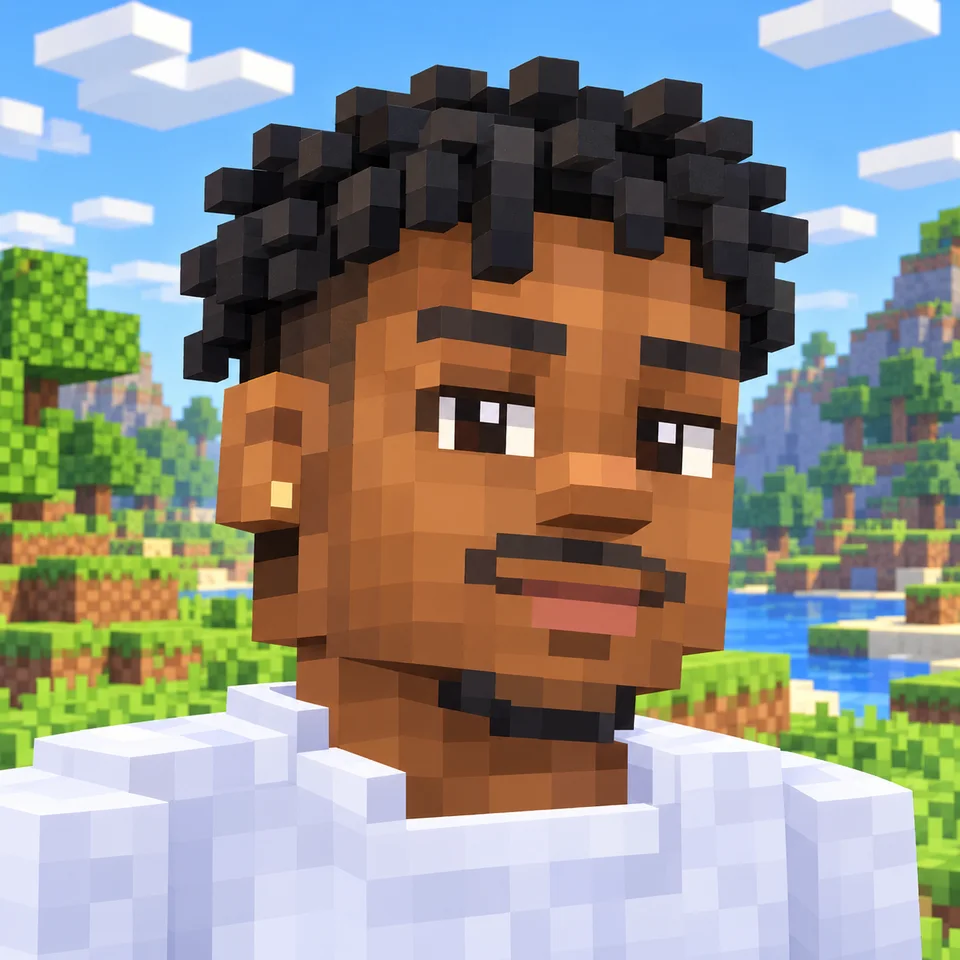
Your selfie as a blocky PFP and skin.
Coming soon
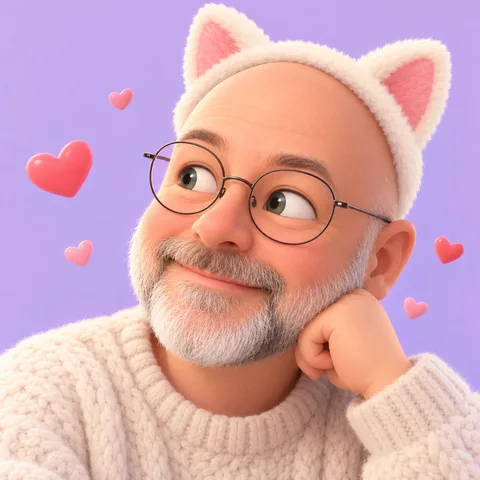
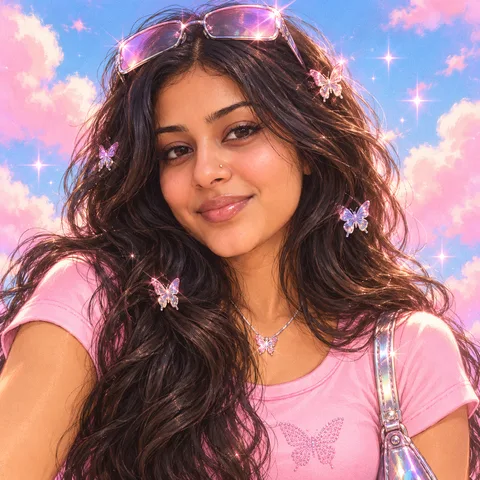
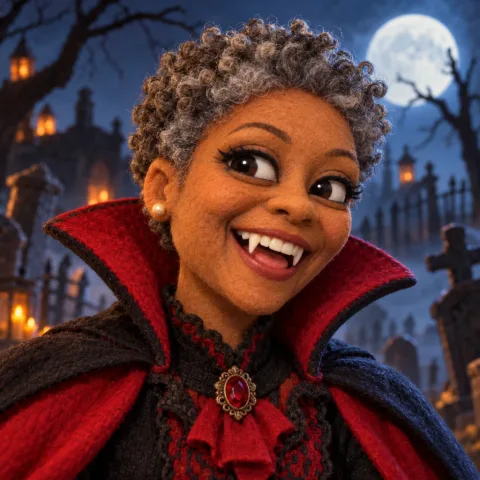
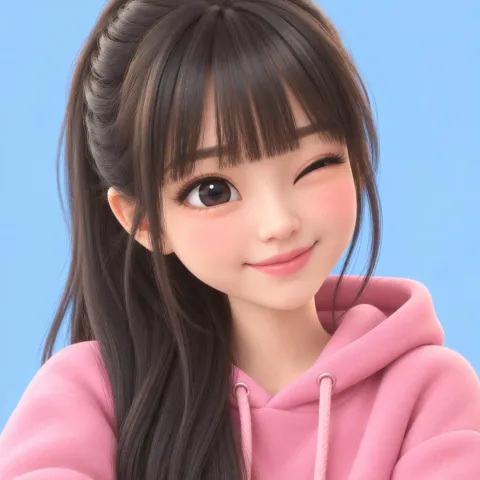
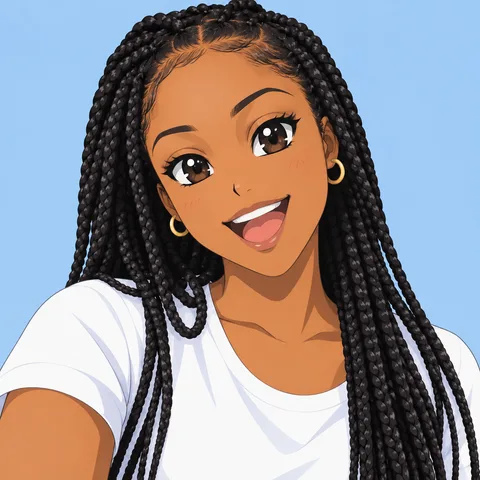
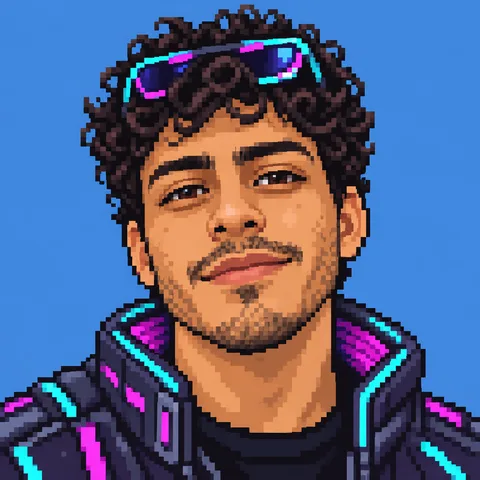
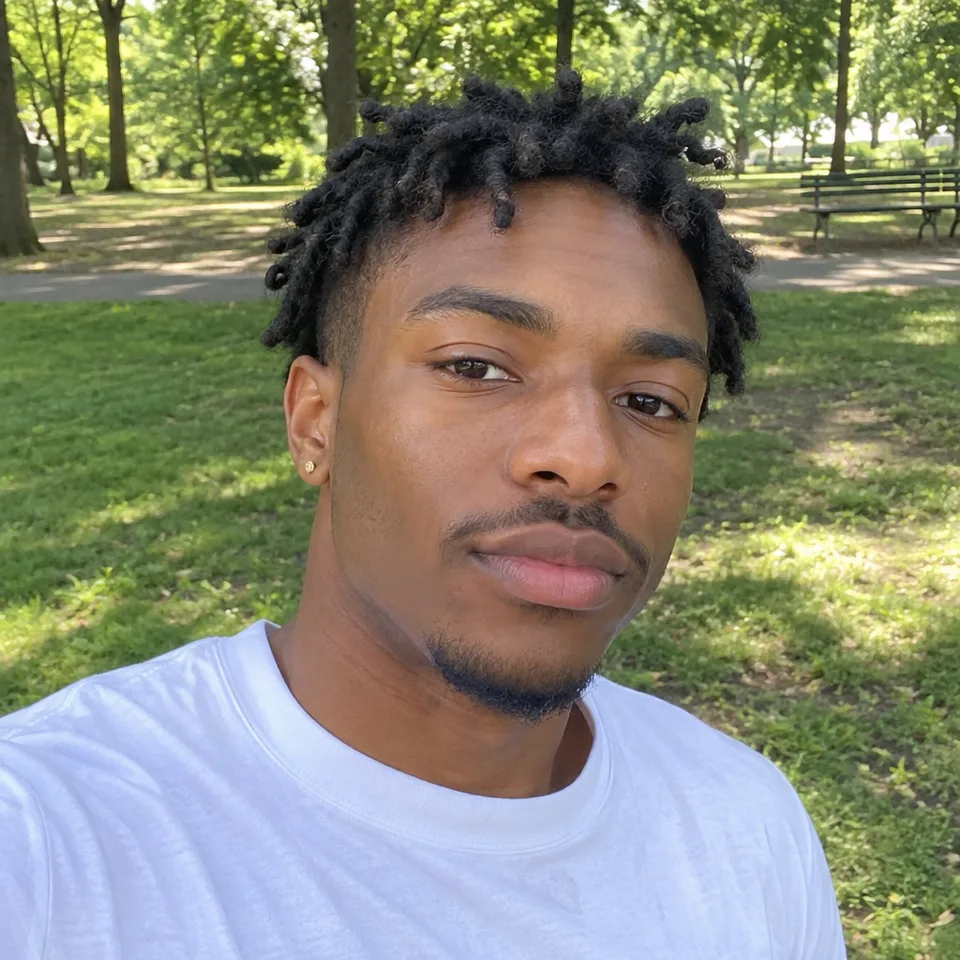
Avatars made from photos
The matching skins
How a face fits a skin
The skin file
A Minecraft skin is a 64 × 64 PNG unfolded flat, like a paper model: each side of the head, body, arms and legs has its own patch. The face is only the front of the head, 8 by 8 pixels, so each skin above is built from the same person's blocky avatar, not shrunk from the photo.
One feature to recognise
Each sample is built around one feature people know the person by: glasses, freckles or earrings. A thin necklace, a print on a shirt or a small tattoo is too small to keep at this size, so pick the one detail you want friends to spot.
The outer layer
Every skin has a second layer that sits slightly above the first, meant for hair that sticks out, hats, hoods and jackets. It gives a skin depth without breaking the block shape.
Picture and skin
The avatar picture is how you look on profiles outside the game; the skin is what other players see you wearing in a world. The form above asks which one you want, or both.
Questions
Can I use it as my PFP?
Yes. The avatar is a square picture with your blocky head filling the middle, so it survives the circle crop on Discord, YouTube, TikTok and Twitch.
How do I wear the skin in Java Edition?
Sign in at minecraft.net, open your profile's skin page, pick the classic arm width and upload the 64x64 PNG.
And in Bedrock Edition?
Open the Dressing Room, go to Classic Skins, choose Import and pick the PNG. It works on phones, consoles and Windows.
Which photo works best?
One person, face to the camera, in good light. At 8x8 pixels the face is mostly hair, skin tone and eyes, so your hair matters most; keep your glasses on if you usually wear them and they show up as a pixel frame. The people in the examples are AI-generated. Not an official Minecraft product; not approved by or associated with Mojang or Microsoft.