Grok Bot Style Avatar Maker — Free, or From Your Photo
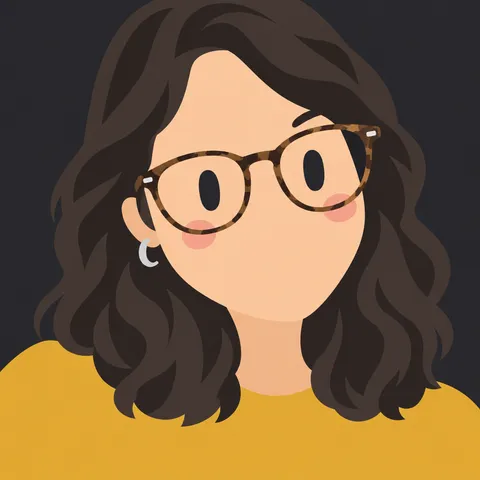
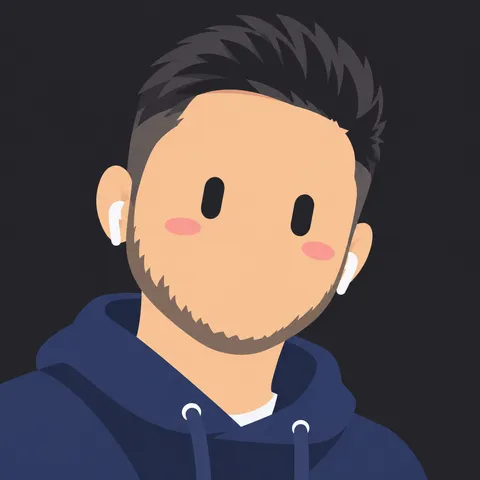
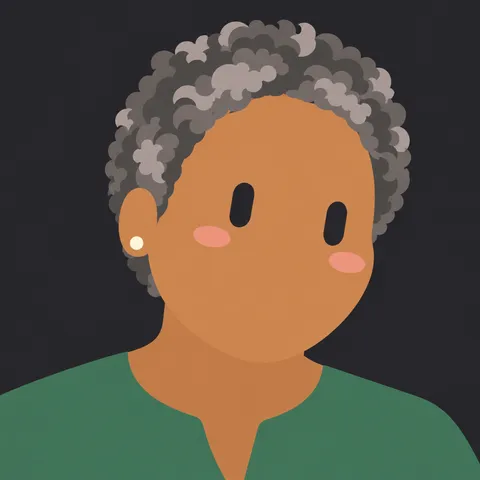
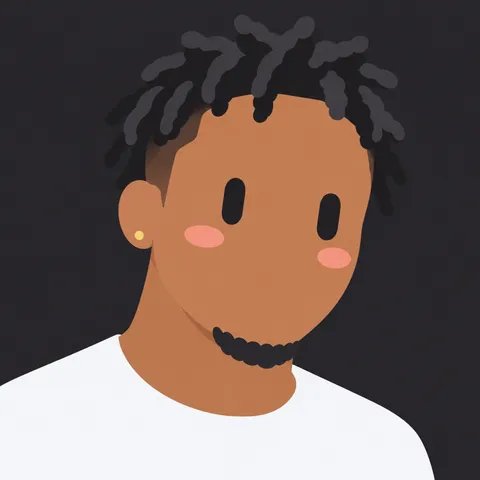
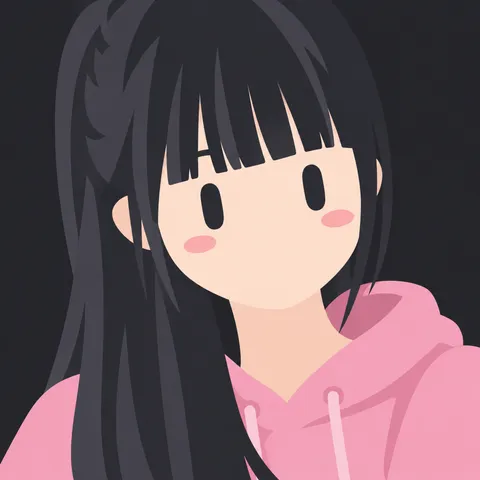
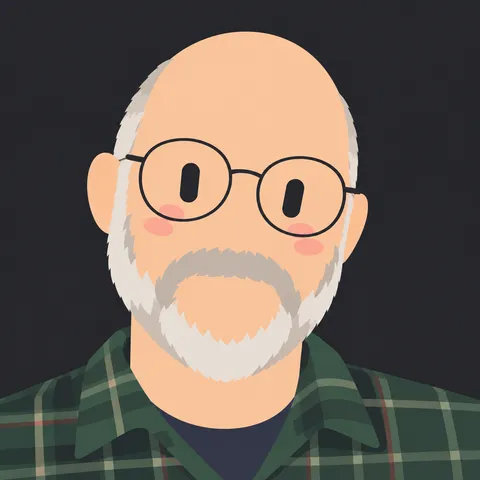
Make a Grok Bot style avatar for free: a big tilted chibi head, flat hair, wide-set capsule eyes and soft blush on charcoal. Build one in your browser, or turn your photo into one with AI.
Build yours for free
Most platforms crop profile pictures to a circle — keep the face inside the circle preview.
Download
Want it made from your photo?
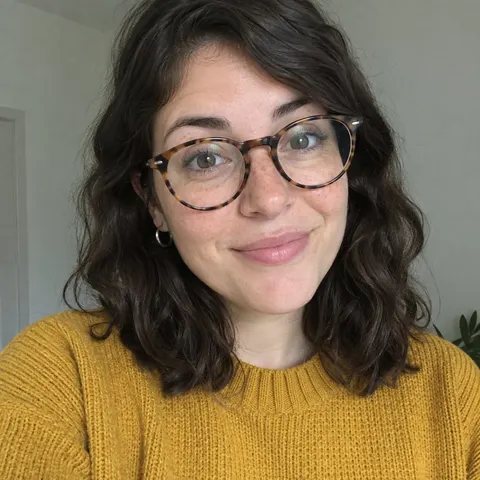
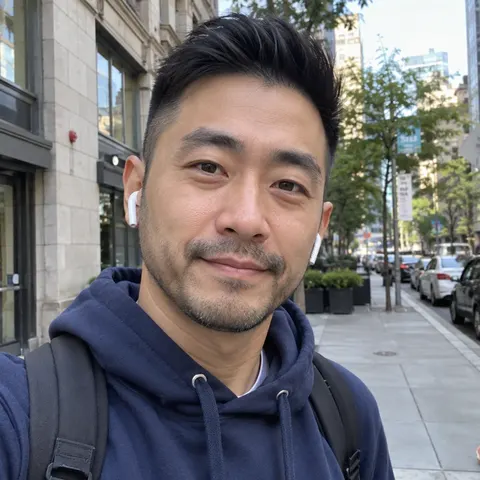
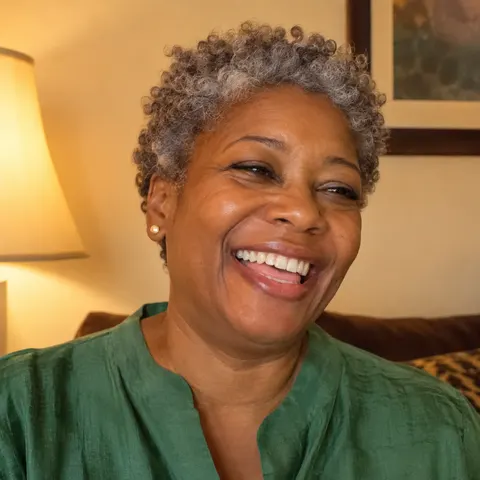
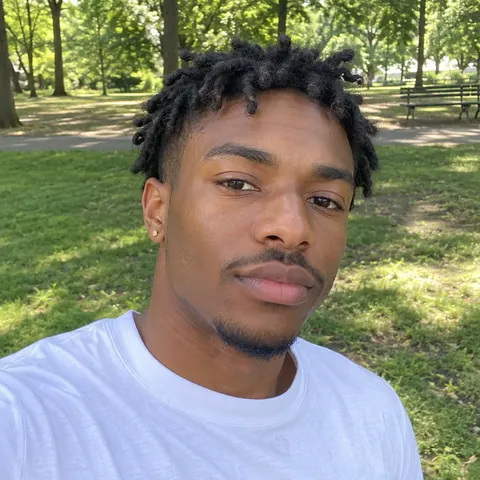
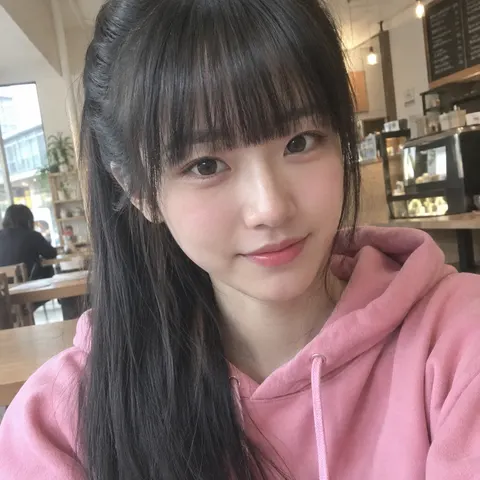
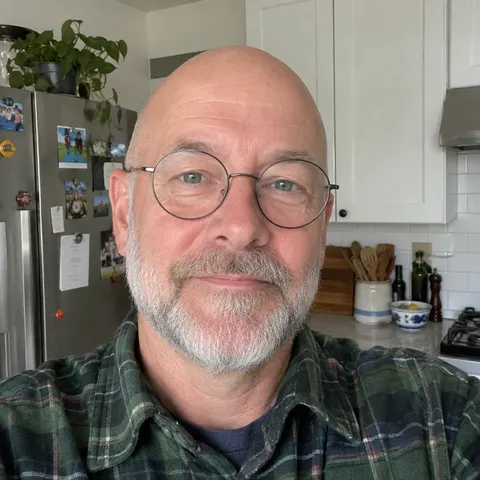
Upload a selfie and we'll redraw you in this style, keeping your hairstyle and signature details.
Photo to avatar: real examples
Unedited previews from this style. The people are AI-generated, not real customers.
What makes this style
- A big, slightly tilted head that fills the frame and is cropped at the edges, so it still reads as a face at 40px in a chat list or a Discord member list.
- Two solid near-black vertical capsule eyes set wide apart, with no pupils, lashes or eyebrows. Most of the expression comes from the eyes, the tilt and the blush, not from a mouth.
- No nose and usually no mouth. Soft oval pink blush under the eyes keeps the face friendly instead of blank.
- Hair simplified into two or three flat tones: a base colour, a darker shade for the back and strand lines, and a lighter highlight. No outlines, gradients or texture.
- A flat charcoal background (#2b2b30) that makes light skin tones and bright hair colours pop, and still looks clean on dark-mode apps.
Using it on your profiles
- Discord: export at 512 px and keep the head centred. Discord crops avatars to a circle, so switch on the circle preview and check that the eyes and the hair silhouette stay inside it.
- X (Twitter), Slack and GitHub: the 400–512 px PNG export is enough. The charcoal background keeps the avatar readable in both light and dark themes.
- Bots and AI agents: use the state buttons to export idle, thinking, success and error versions of the same character, so your bot can show what it is doing in a chat.
- Teams and communities: pick one face shape and background for everyone and vary only the hair, hair colour and accessories. The set looks consistent and each person is still easy to tell apart.
FAQ
Is the Grok Bot style avatar maker free?
Yes. The builder on this page is free with no sign-up: pick a face, hair, eyes and accessories, then download PNG, SVG or an animated GIF. Only the AI photo version costs credits, because every AI generation has a real cost for us.
Can I turn my own photo into a Grok Bot style avatar?
Yes. Upload a clear, front-facing photo and the AI redraws you in this style, keeping your real hairstyle, hair colour and up to three details such as glasses, earrings or a beard. You see previews first and only pay for the HD version you choose.
Can I use the avatar commercially?
You can use avatars you make here as profile pictures, bot icons and community art. The style is an original reinterpretation, so it contains no official logos or characters. This is an unofficial, fan-made style. It is not affiliated with or endorsed by xAI, and we never use the official Grok logo or characters.
What size should I export?
512 px works for almost every platform. Use 1024 or 2048 px if you plan to print it or use it as a large banner image. The SVG export scales to any size without losing quality.