Photo to Sticker
Turn a photo into a sticker with the free cutter, or upload a selfie for AI stickers in four styles.
Pay once · no subscription
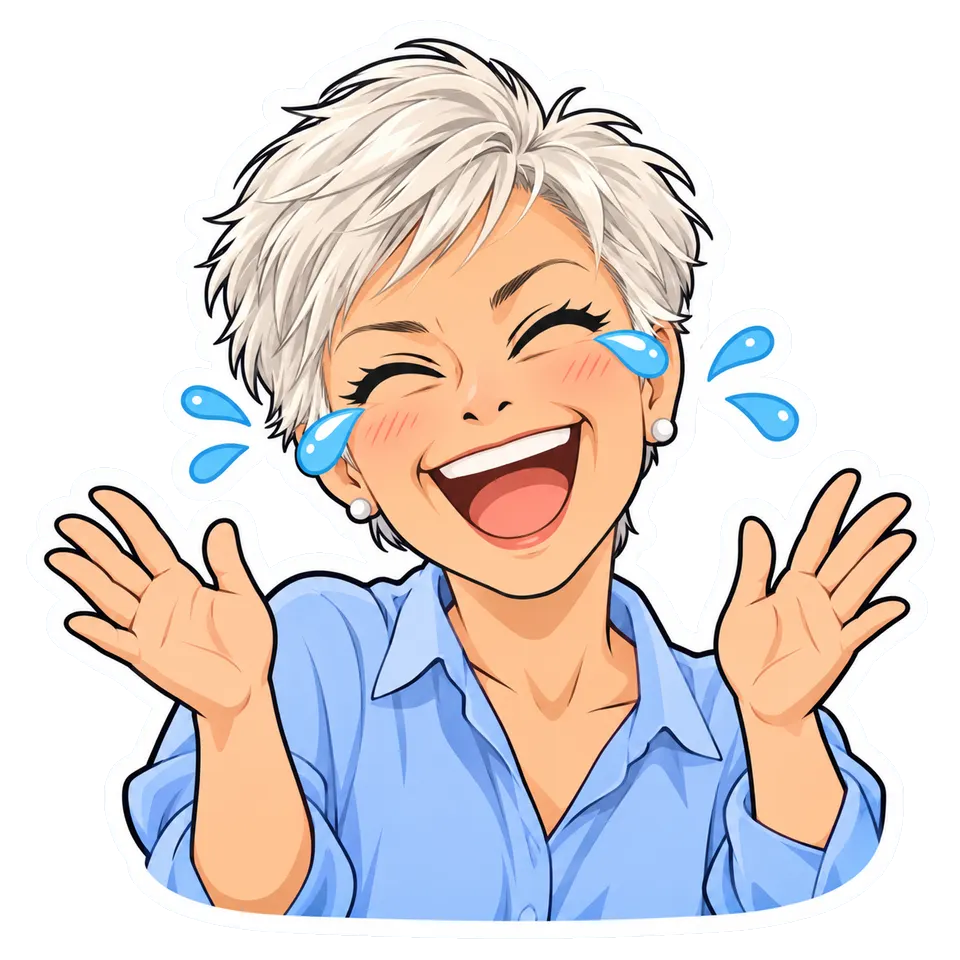
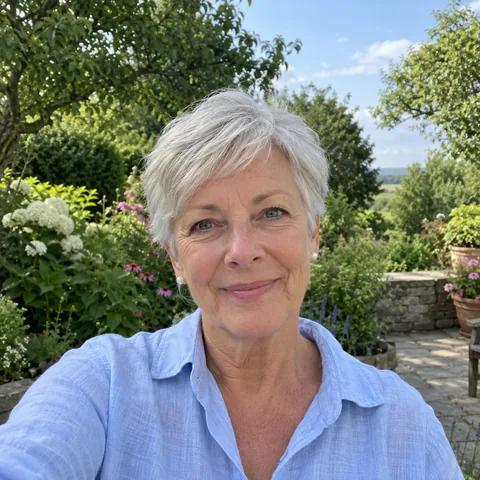
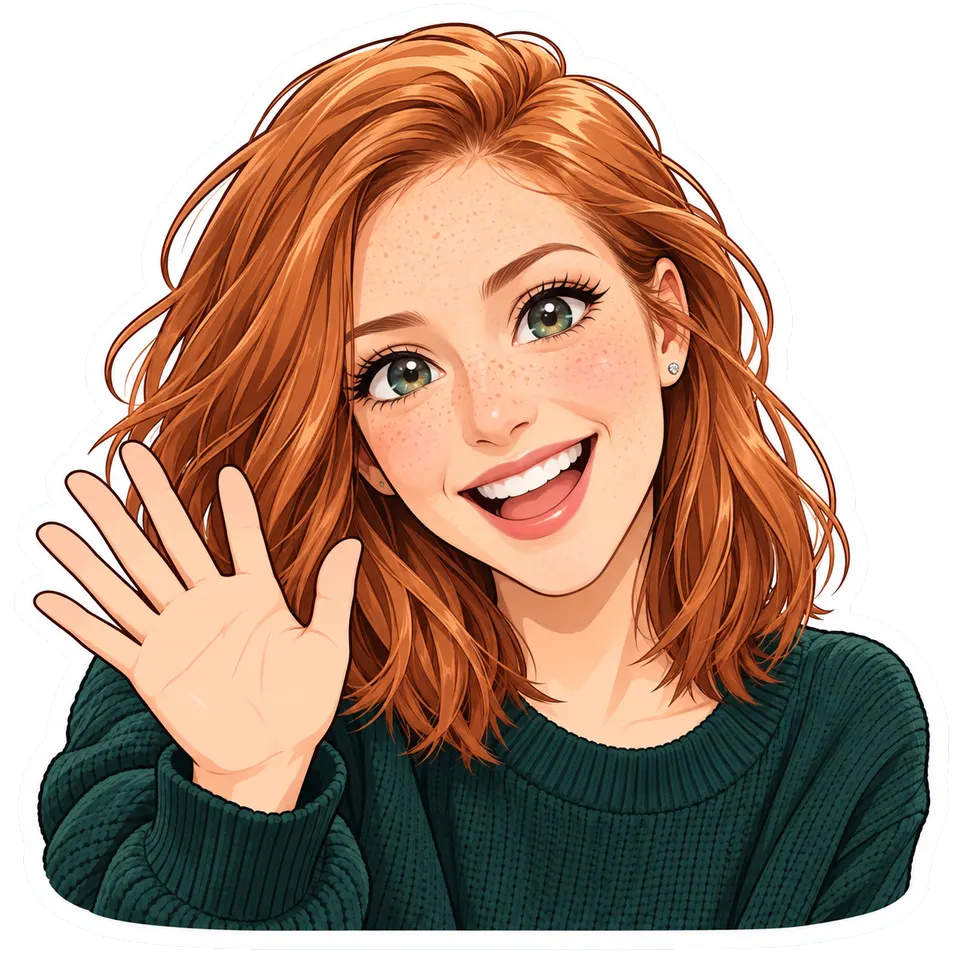
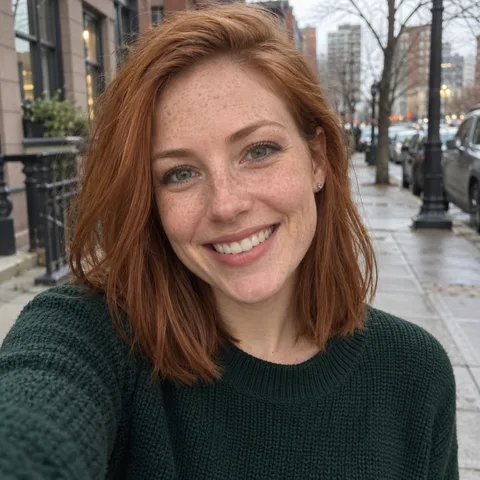
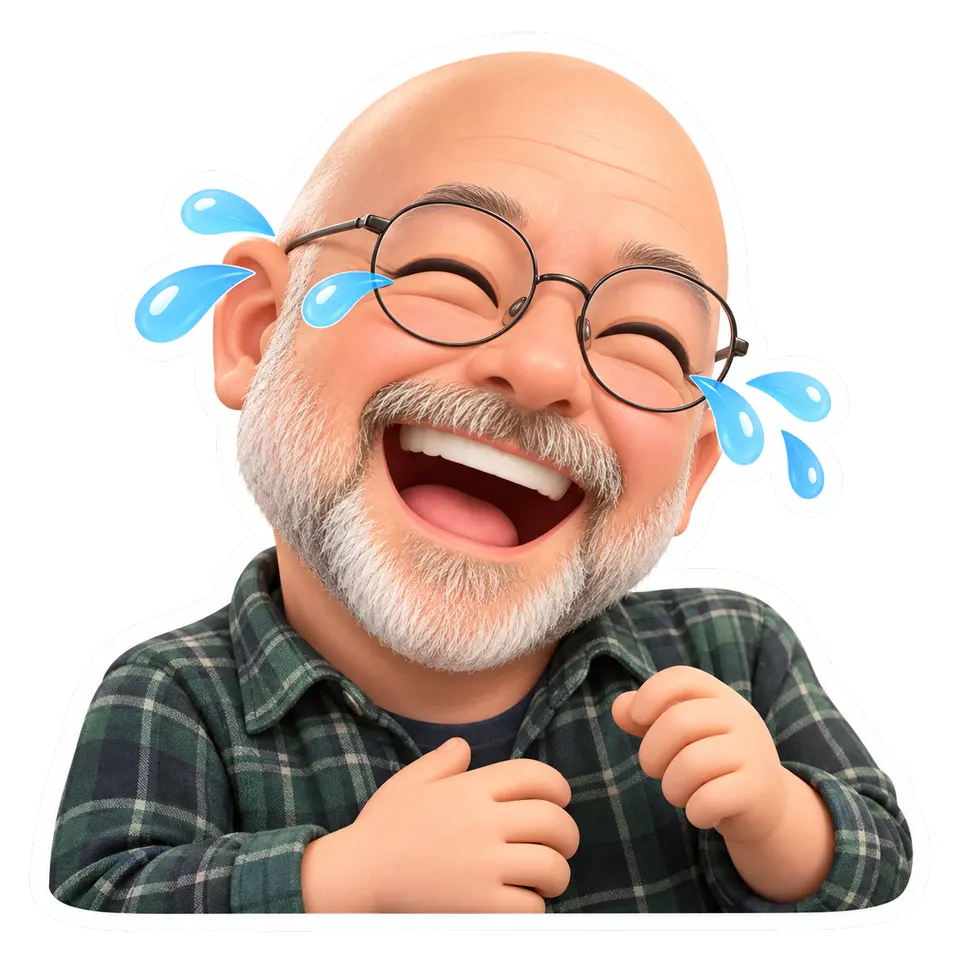
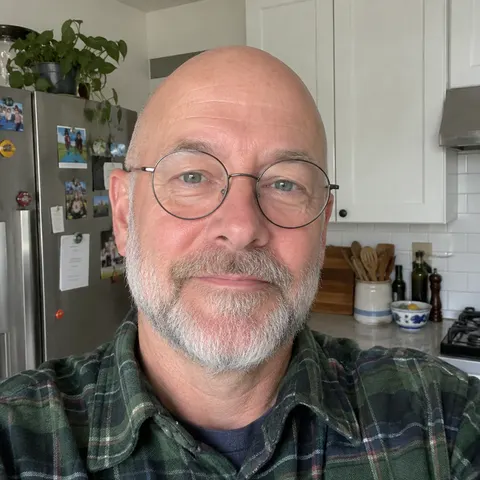
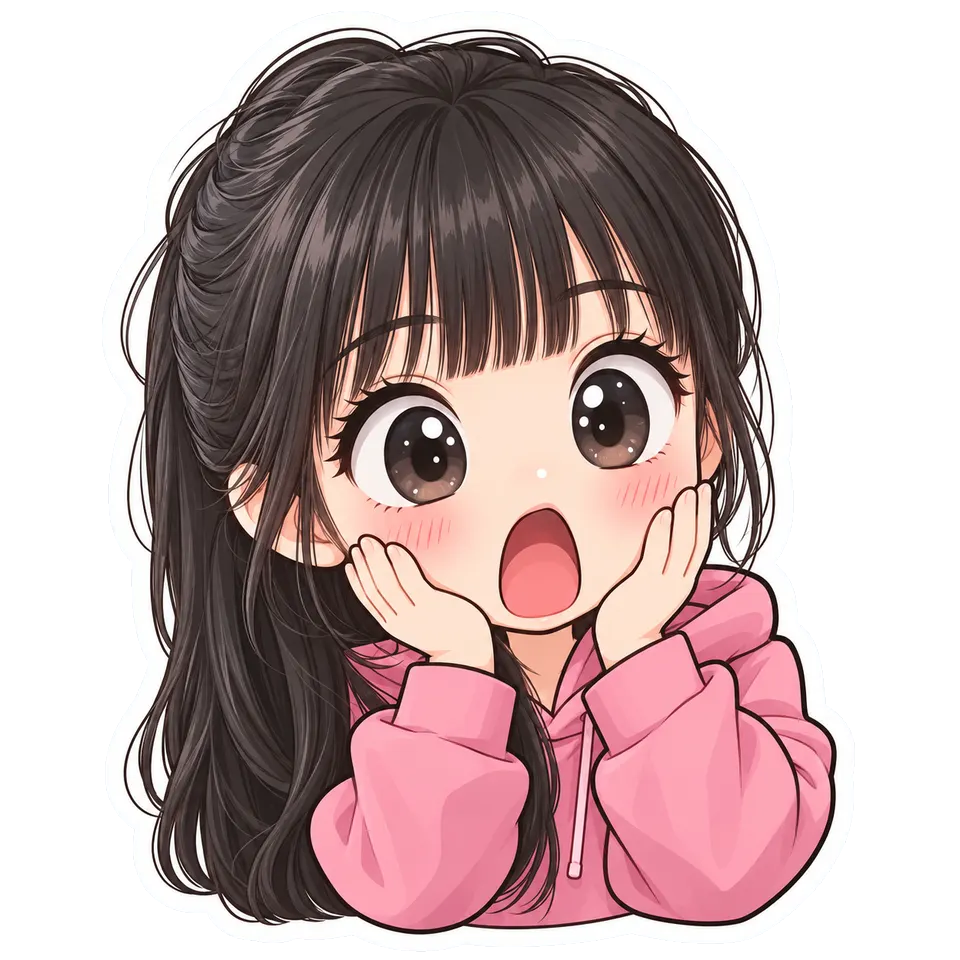
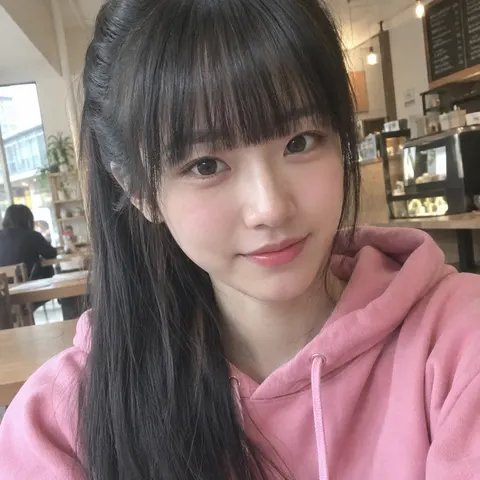
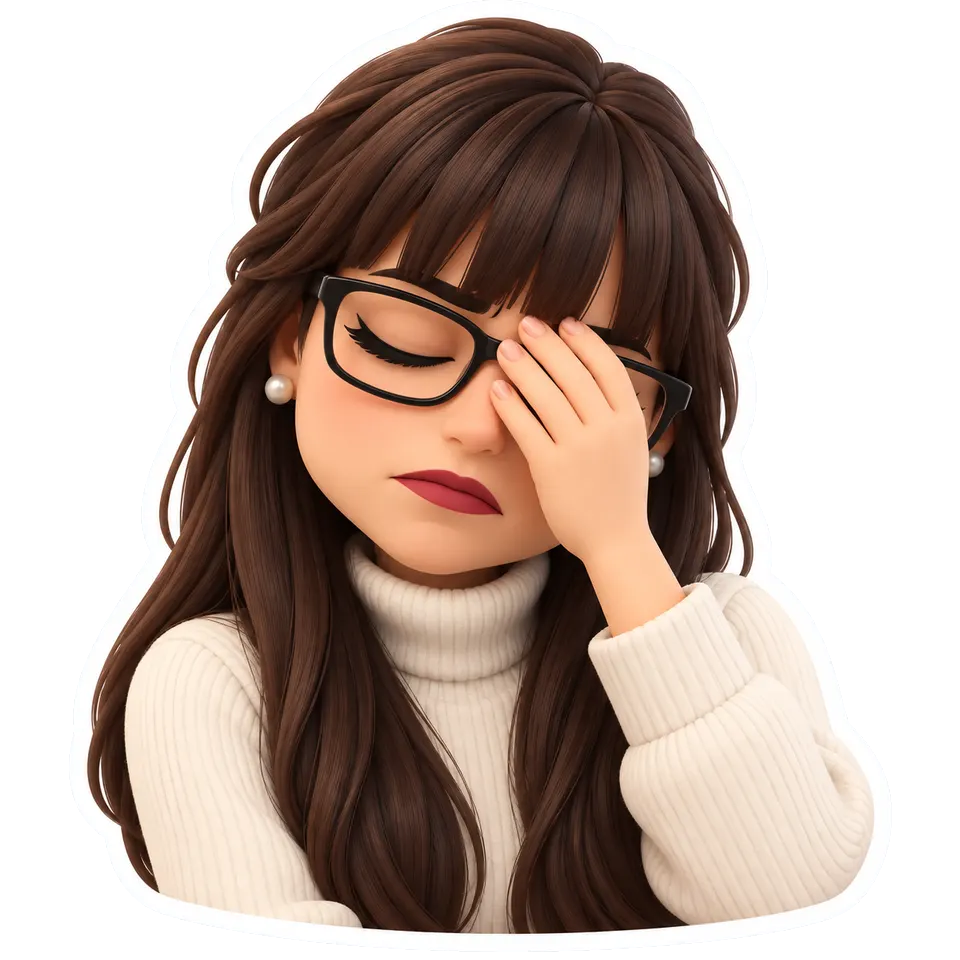
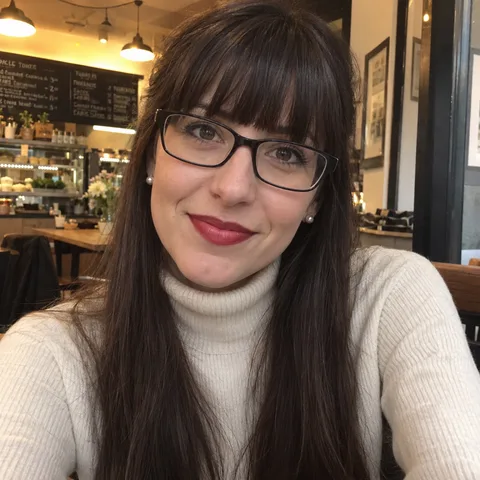
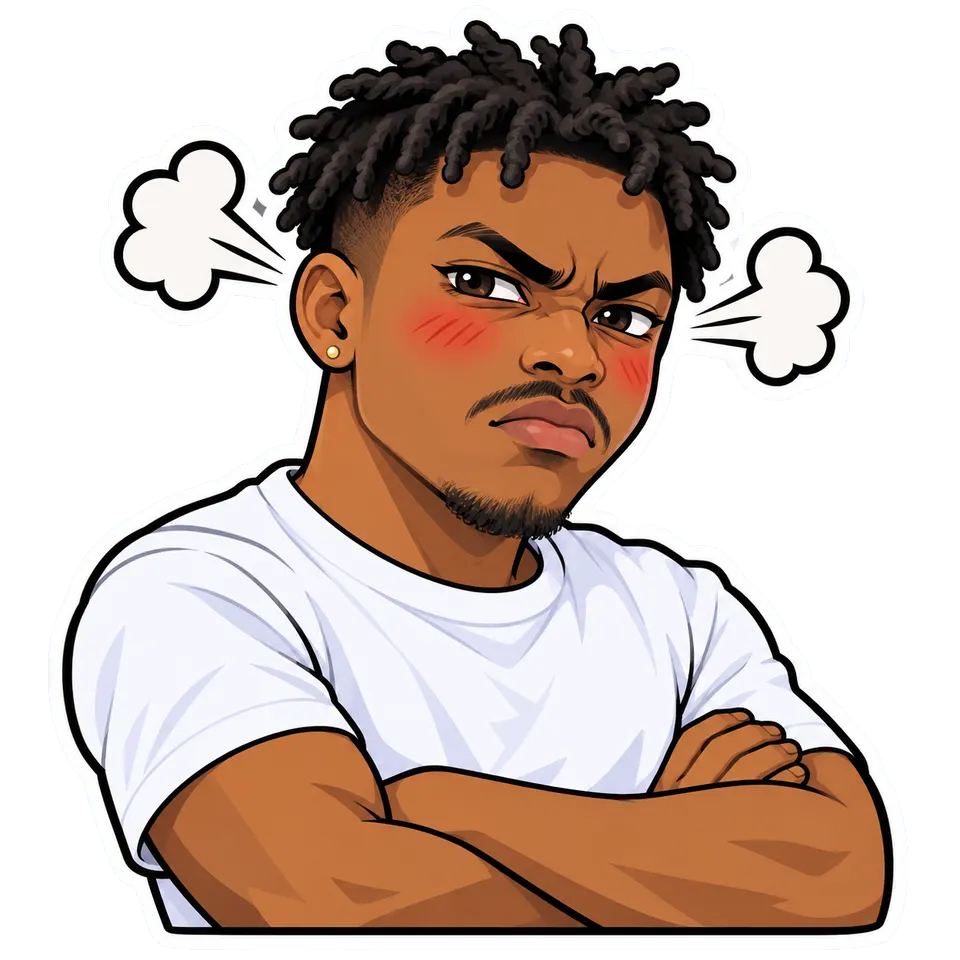
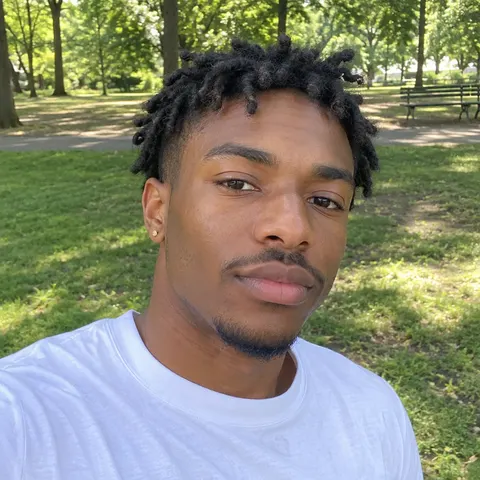
Photos turned into stickers
How it works
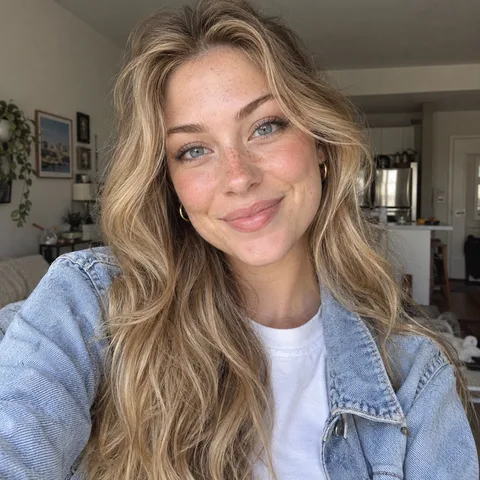
01Upload photo
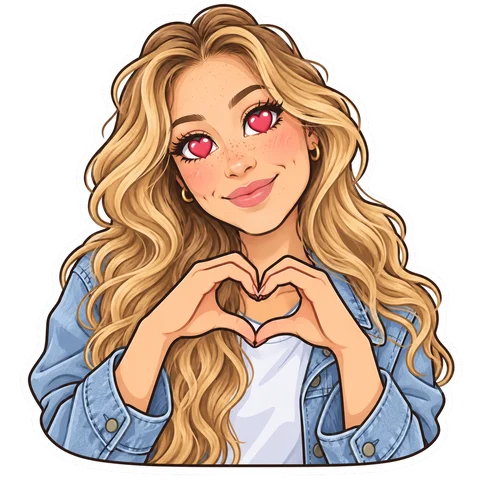 Love
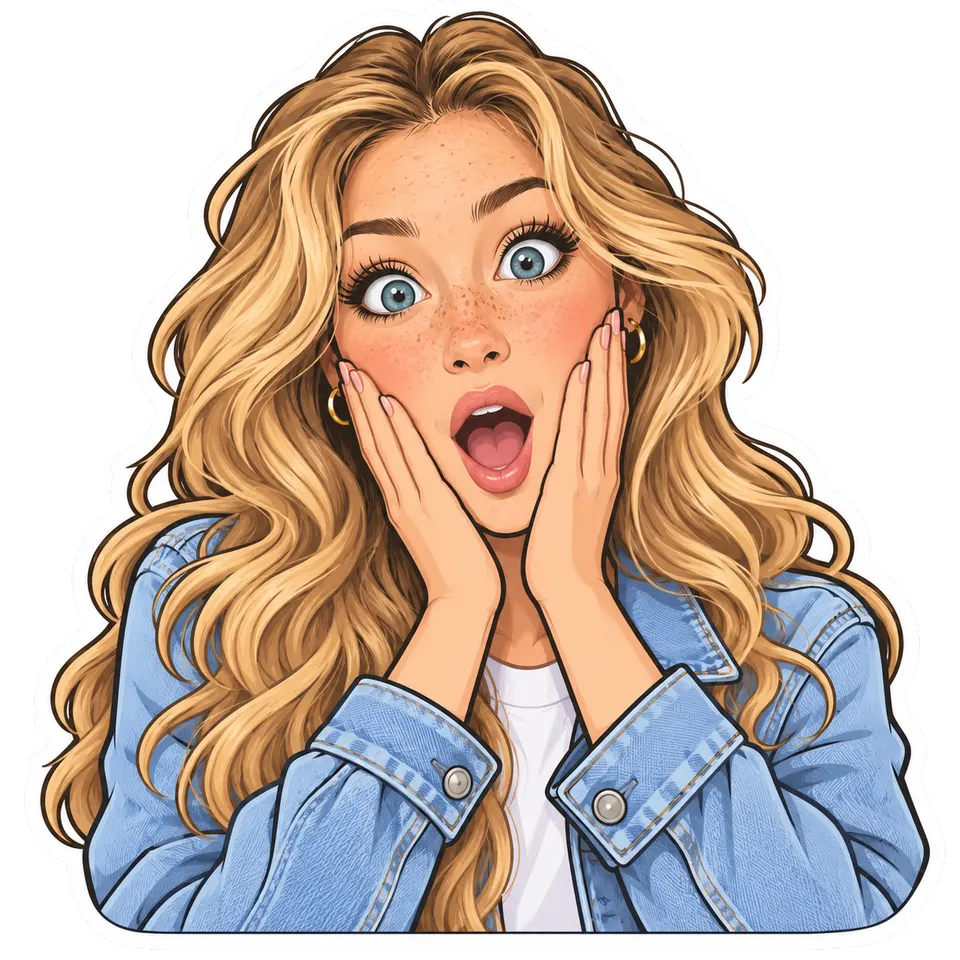
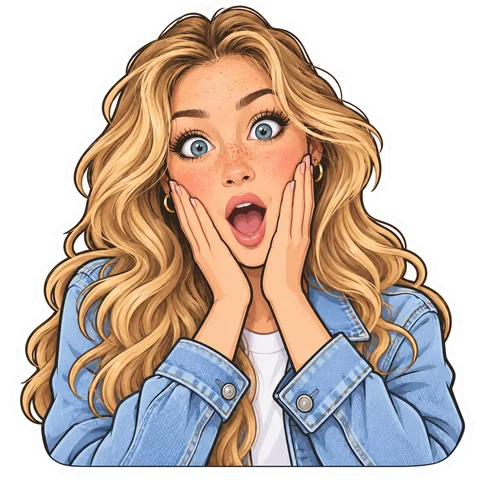 Shocked
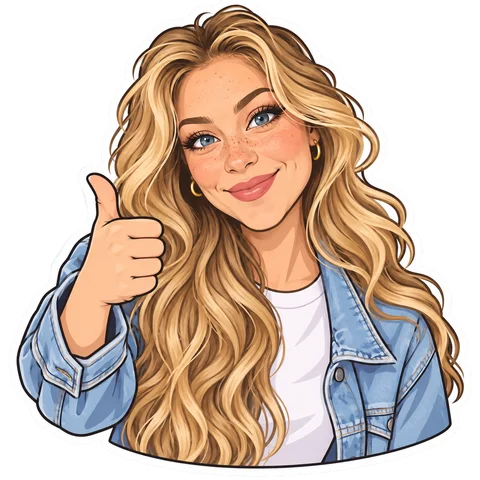 Thumbs up
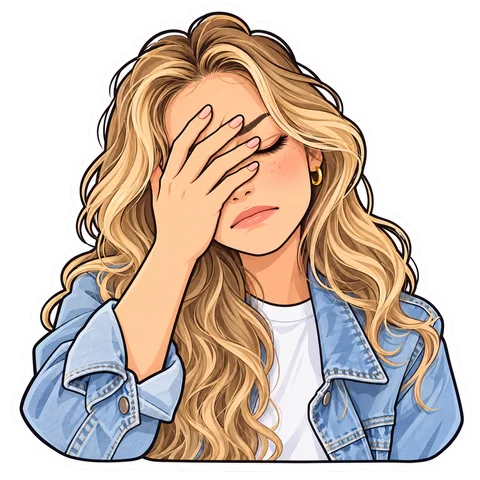 Facepalm
02Pick an emotion
03Download in HD
What it costs
See credit packs- 2–4 previews
- 70–100 credits
- HD download
- 300 credits
- Starter pack
- $4.99
- ≈ 4 HD stickers
Or cut one out yourself
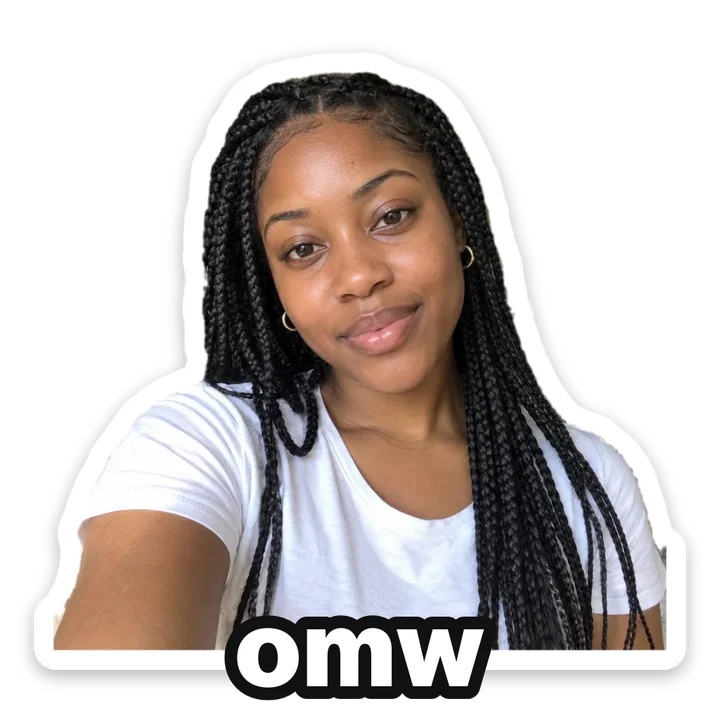
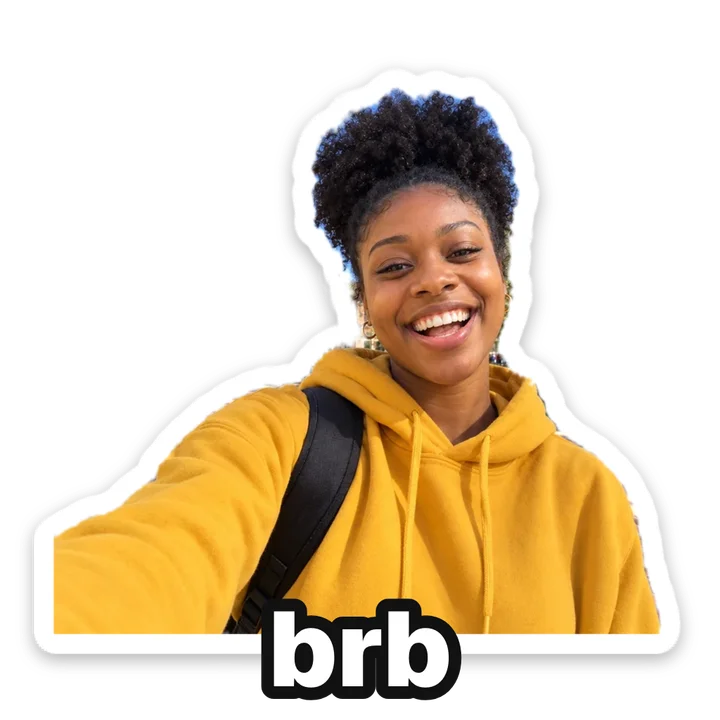
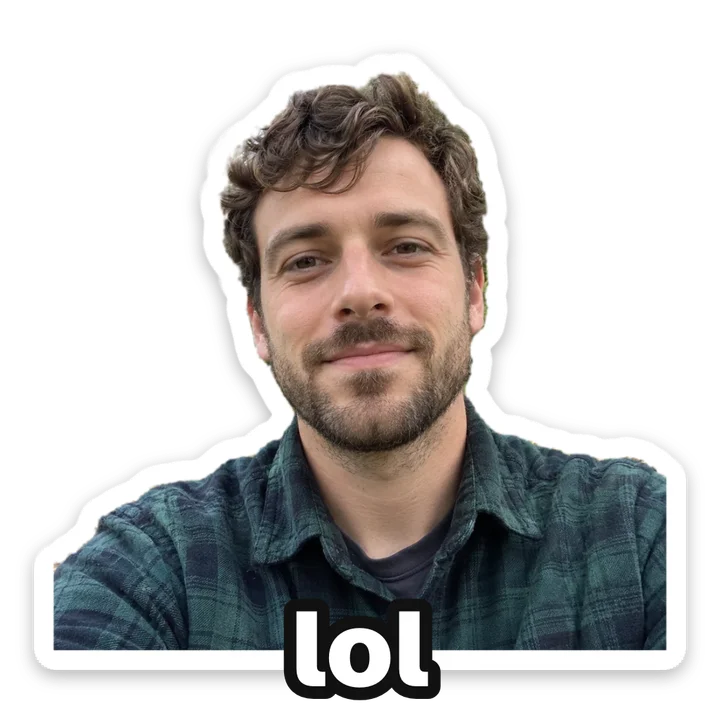
No AI, no credits: make a sticker from a photo, with a white border and a caption.
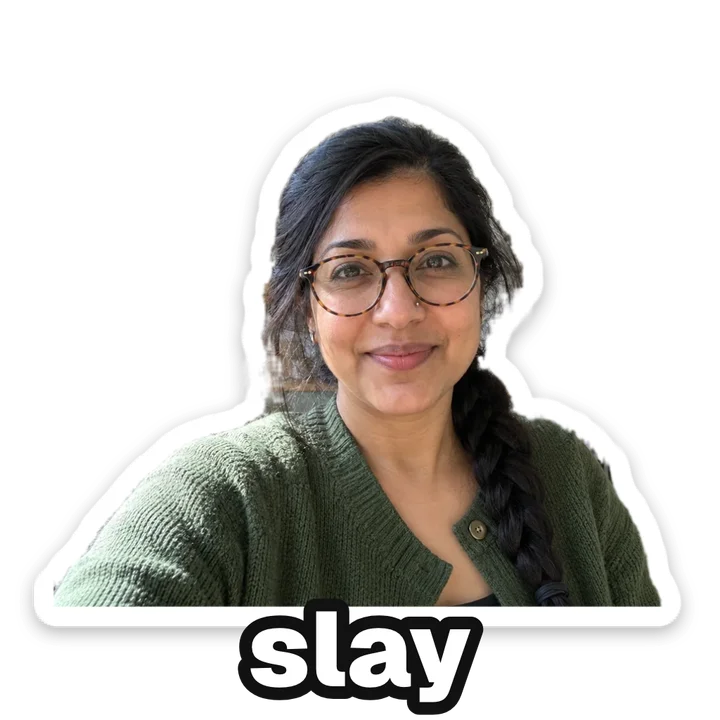
- Discord 320 × 320 PNG
- WhatsApp 512 × 512 WebP
- Telegram 512 × 512 PNG
Free cutout or AI sticker?
When the cutter is enough
If a photo already has the face you want, a real laugh or an eye-roll, the free cutter keeps it real. Short captions work best: the samples above say omw, brb, lol and slay, words people send many times a day that still fit on one line at sticker size.
When an AI sticker is better
When your photo doesn't have the reaction, or you want a drawn look. From one plain selfie the AI draws the emotion you pick, so you get a facepalm or an angry face without acting it out for the camera.
Building a pack
Each AI sticker is one emotion, so a pack is several stickers made in the same look from the same selfie. Keep the look fixed and change only the emotion: a pack that mixes chibi and 3D toy reads like stickers of different people.
Why a file per app
WhatsApp stickers are WebP files, Discord and Telegram take PNG, and each app has its own size, so the cutter saves a separate file for each. Use the one made for your app and it goes in without being cropped or rescaled.
Questions
How do I add it to my chats?
WhatsApp: in a chat, open the sticker tab and choose Create sticker, then pick the file. Discord: Server Settings, then Stickers, then Upload Sticker (you need the Manage Expressions permission). Telegram: message @Stickers, send /newpack and send the PNG as a file, not as a photo.
Is the photo to sticker maker free?
The cutter is. Cutting out, the border, the caption and the downloads all run in your browser with no sign-up, and the photo is never uploaded. Only the AI stickers cost credits.
Which AI stickers can I make?
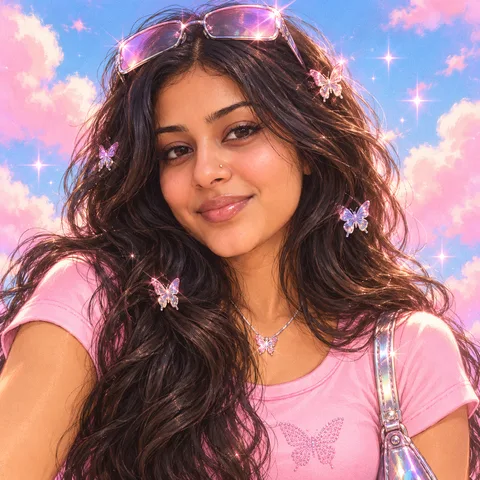
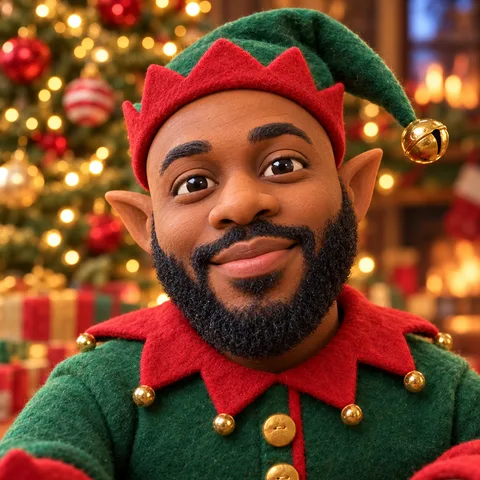
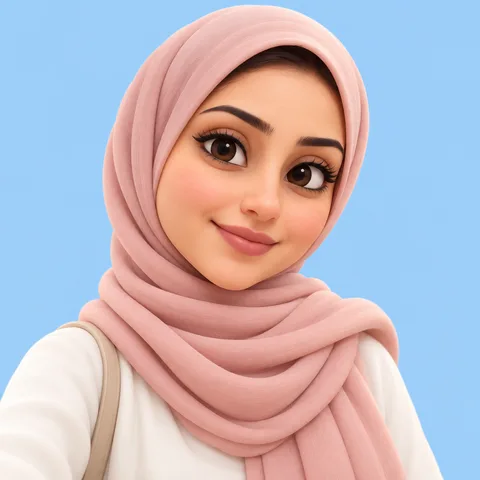
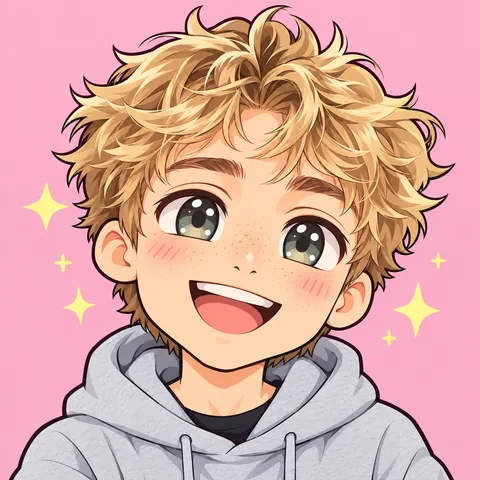
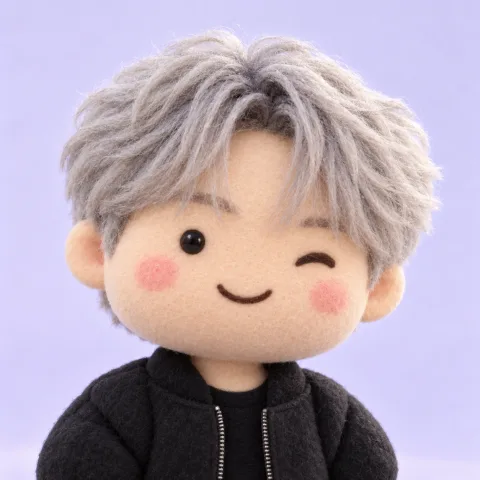
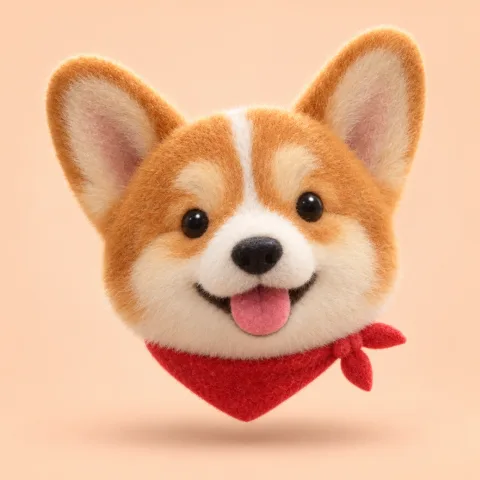
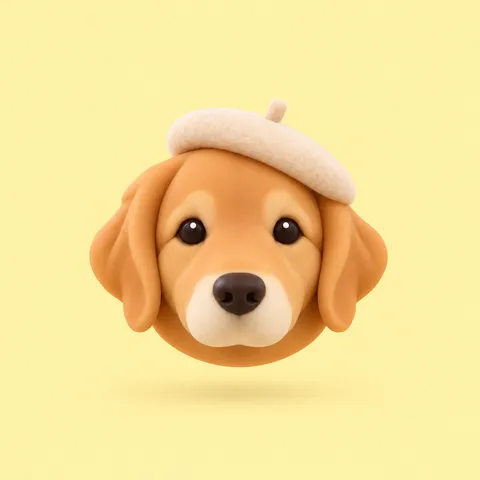
Four looks (cartoon, chibi, 3D toy and anime) and eight reactions: LOL, love, thumbs up, shocked, crying, facepalm, angry and Hi!. The HD download has a transparent background, so it sits on any chat colour.
What happens to my photo?
With the free cutter it never leaves your browser. For AI stickers it is uploaded: an unused photo is deleted after 2 days, and one you use stays in your account with your stickers for 12 months. You can delete the photo sooner.
Who are the people in the examples?
AI-generated faces, not customers. Each AI sticker was made with the exact prompt the tool uses; we only removed the grey background, as the HD download does. Not affiliated with Discord, WhatsApp or Telegram; their names are trademarks of their owners.