Make a Profile Picture for Your Discord Bot
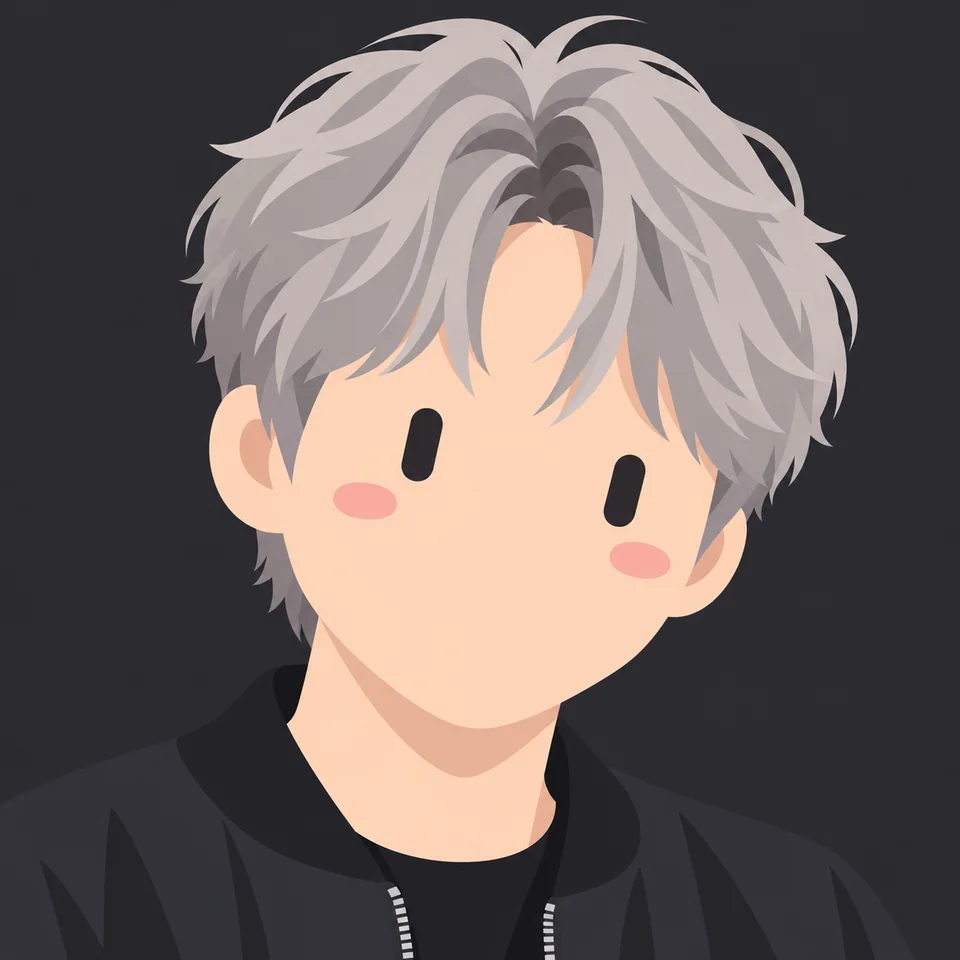
Pick a shape, a face and colours for your bot, check it in the circle preview, then download it.
Not affiliated with Discord. This is an unofficial, fan-made style. It is not affiliated with or endorsed by xAI, and we never use the official Grok logo or characters.
Want it made from your photo?
Upload a selfie and we'll redraw you as a Grok-style portrait, keeping your hairstyle and signature details.
Start with my photo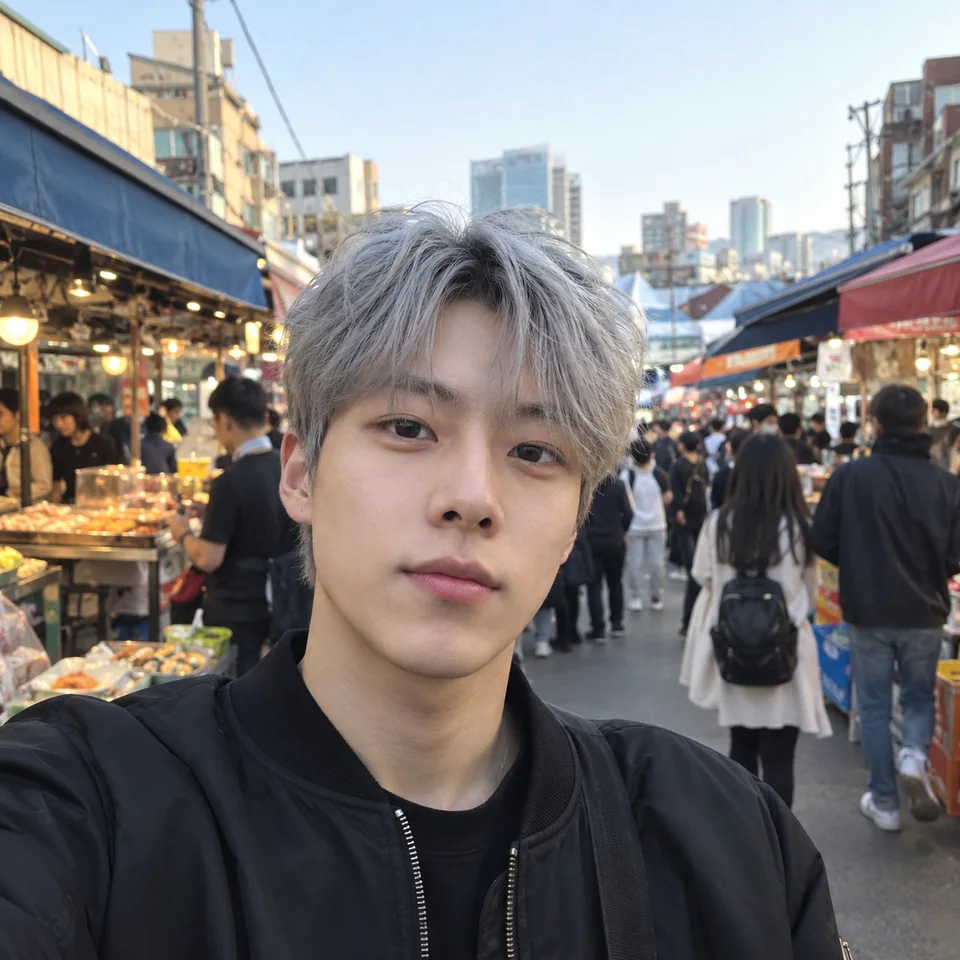
How to set your bot's avatar
In the Discord Developer Portal, open your application and go to the Bot page. Upload your image as the bot's icon and save. The General Information page has a separate app icon, shown on your app's profile; most developers use the same image for both.
More details
You can also change the avatar from your bot's code. Discord limits how often a bot can change its avatar, so set it once instead of on every start, and give the new picture a few minutes to show everywhere.
// discord.js
await client.user.setAvatar('./avatar.png');

# discord.py
with open('avatar.png', 'rb') as f:
    await client.user.edit(avatar=f.read())
Size and format
Upload a square image. Discord accepts PNG, JPG and GIF for app and bot avatars and crops them to a circle in the member list and next to messages, so keep the face in the middle and leave the corners empty. The circle crop preview in the builder shows what will be cut off.
More details
PNG 1024 is a safe choice: Discord scales it down cleanly everywhere. Pick the transparent PNG if you want the circle to show the chat background behind your bot instead of a coloured disc.
Animated bot avatars
Since March 2024 Discord apps can have animated avatars, while people still need Nitro for an animated profile picture. Download the animated GIF from the builder and upload it the same way as a still image.
More details
Our GIF is one 4-second loop at 512px, which keeps the file small. If your bot also posts on a website or a README, the animated SVG is lighter still and stays sharp at any size.
One bot, several moods
Running several bots, or want yours to look different when it is busy or down? Keep the same shape and colours and change only the expression, so people still recognise the family. Each expression is one click, and downloading the same design again in the same format is free.
Questions
Does my bot need Nitro for a GIF avatar?
No. Since March 2024 Discord lets developers set an animated avatar on their app's profile. Nitro is a perk for people's own profiles, not for bots.
Why hasn't my bot's new avatar shown up?
A new avatar can take a little while to show up everywhere. Wait a few minutes and reopen Discord. If you set it from code, change it once rather than in a loop.
Can I change someone else's bot's avatar?
No. Only the bot's owner can change it, in the Developer Portal or from the bot's own code.
What does it cost?
Making the avatar is free, and so is the PNG up to 512px. PNG 1024, transparent PNG, SVG, animated SVG, GIF and MP4 cost a few credits; your first one before signing in is free and new accounts get 25 credits.
Is this made by Discord?
No. This is an independent tool for making bot avatars, and we are not affiliated with Discord.