Pixel Art Avatar From Your Photo
Your photo as a retro game character.
Pay once · no subscription
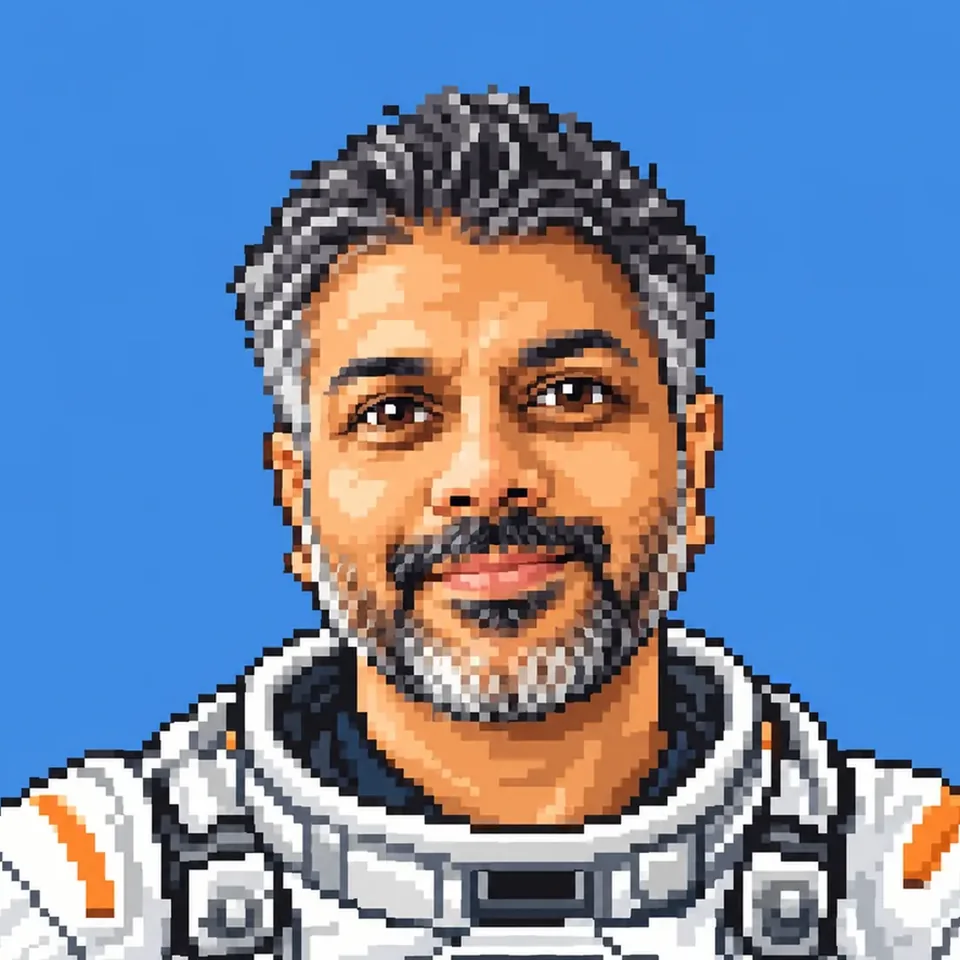
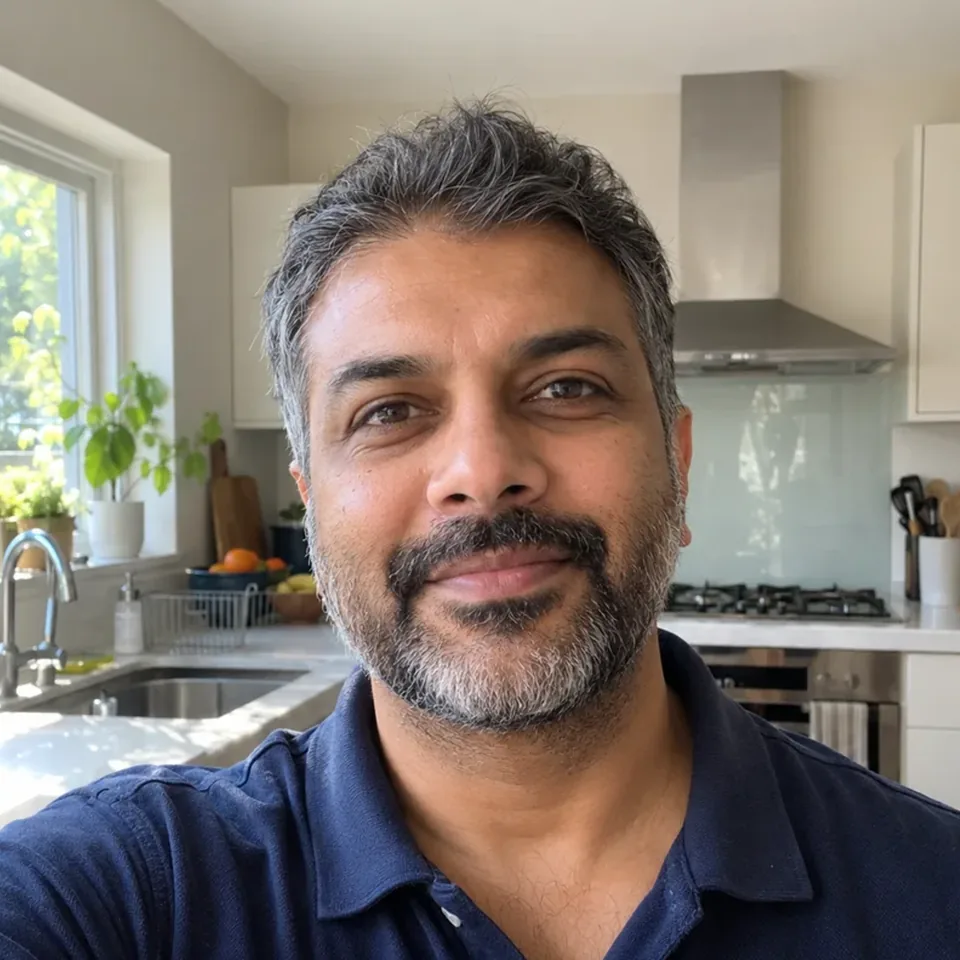


Pick an era or dress up
How it works
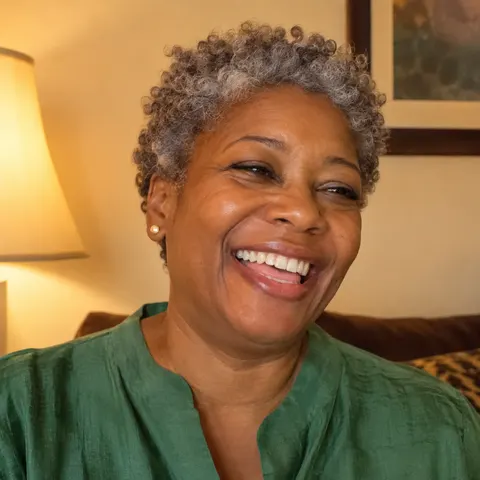
01Upload photo
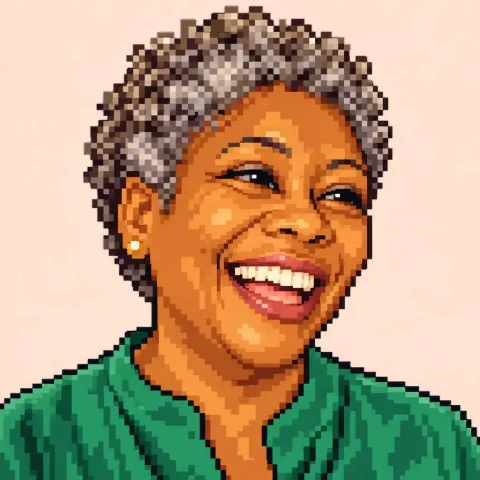 16-bit
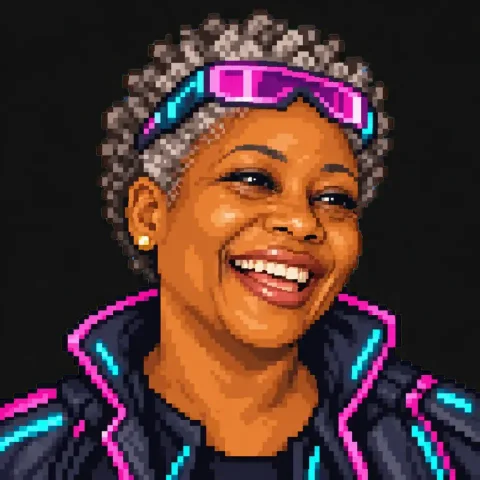 Cyberpunk
02Pick your look
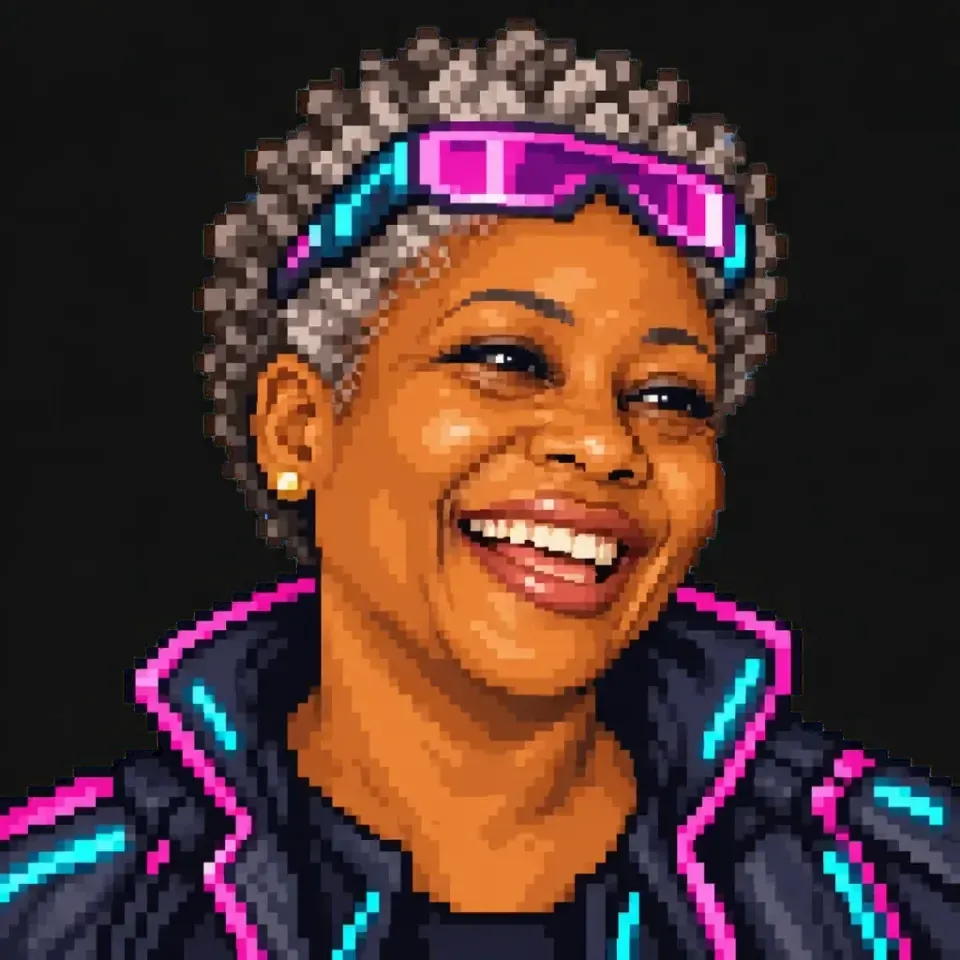
03Download in HD
What it costs
See credit packs- 2–4 previews
- 70–100 credits
- HD download
- 300 credits
- Starter pack
- $4.99
- ≈ 4 HD avatars
Or try it free in your browser
Pick a size, add a grid, save a PNG.
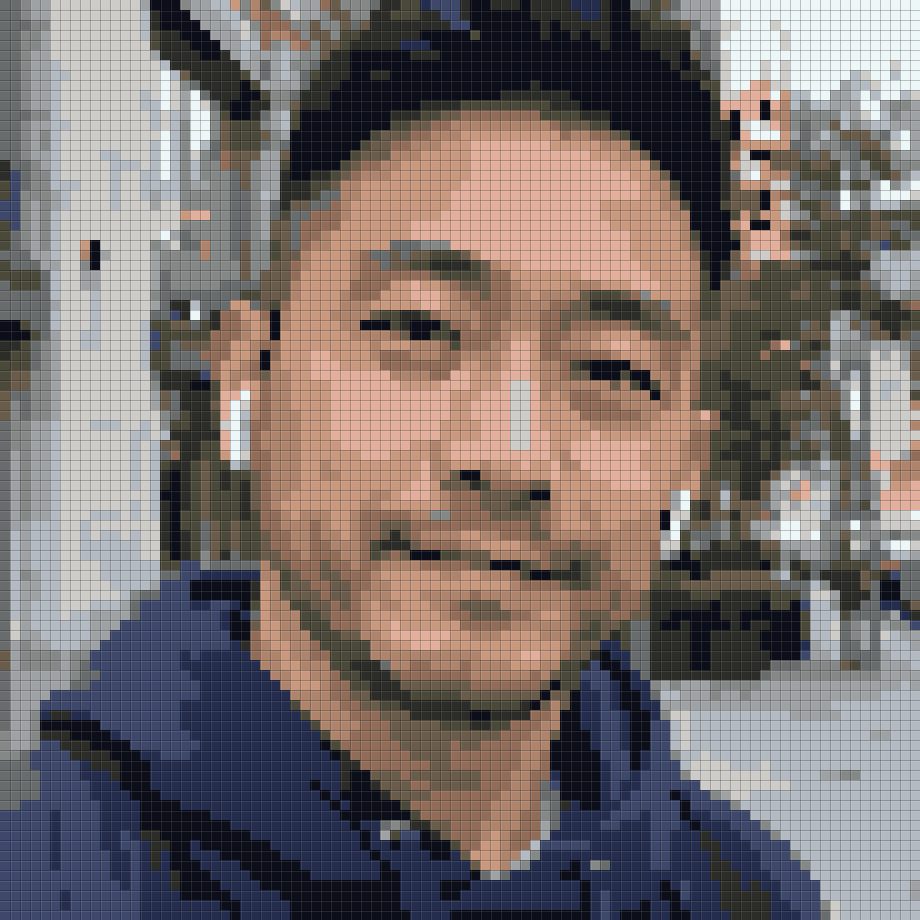
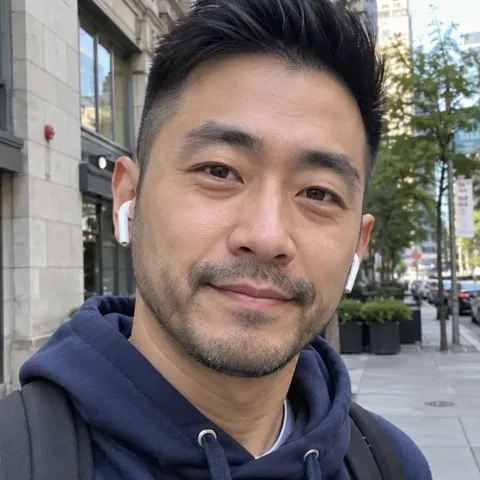
Free · your photo stays in your browser
Free converter examples
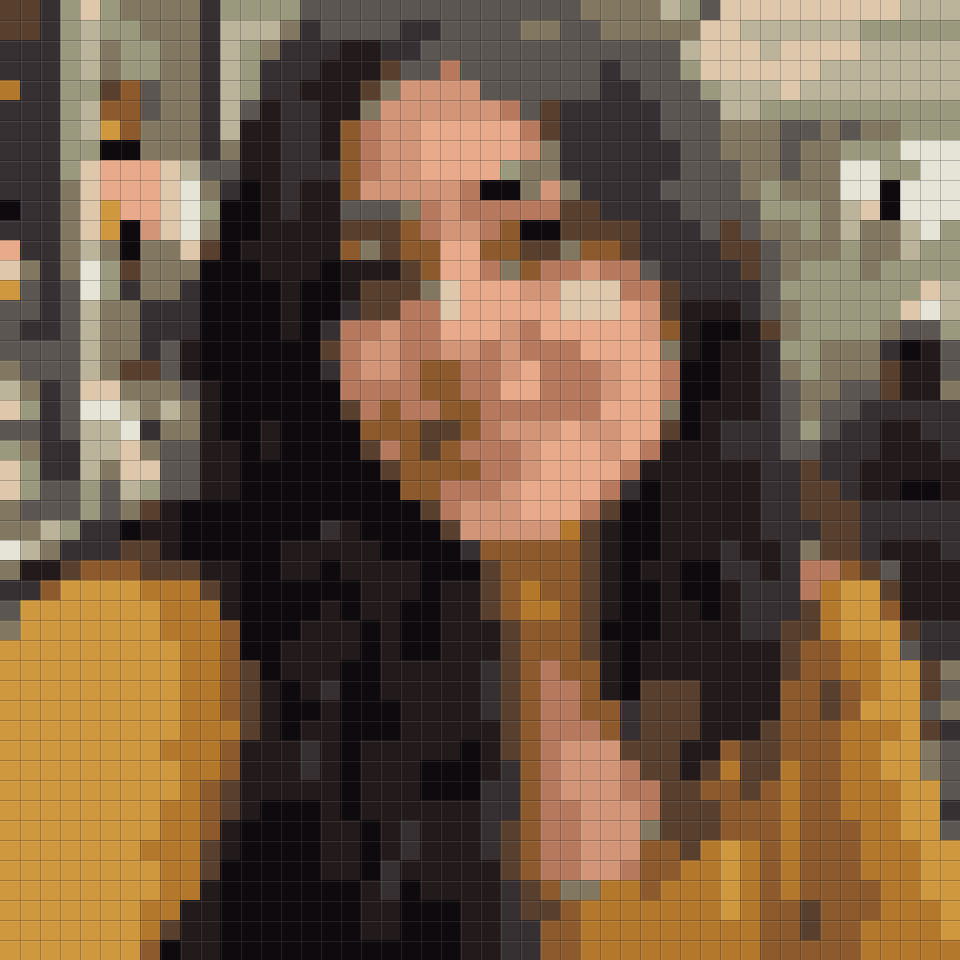
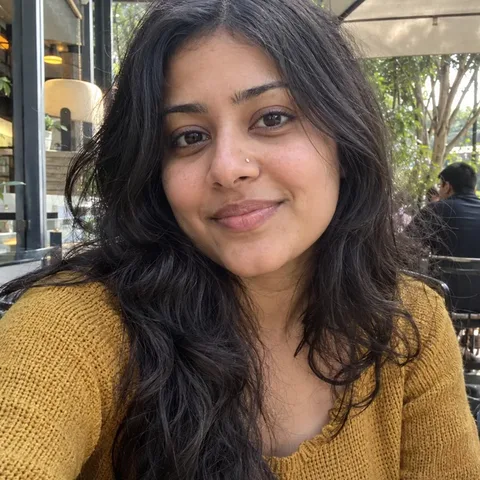 48 px
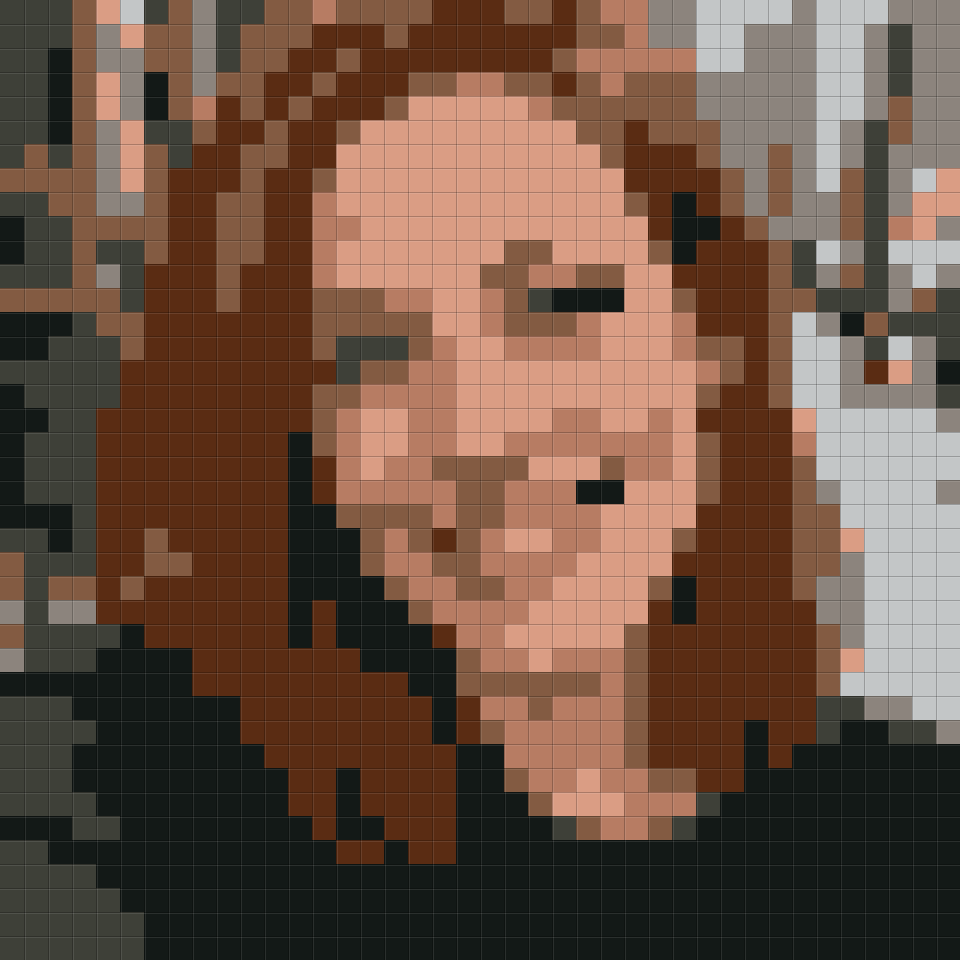 8 colours
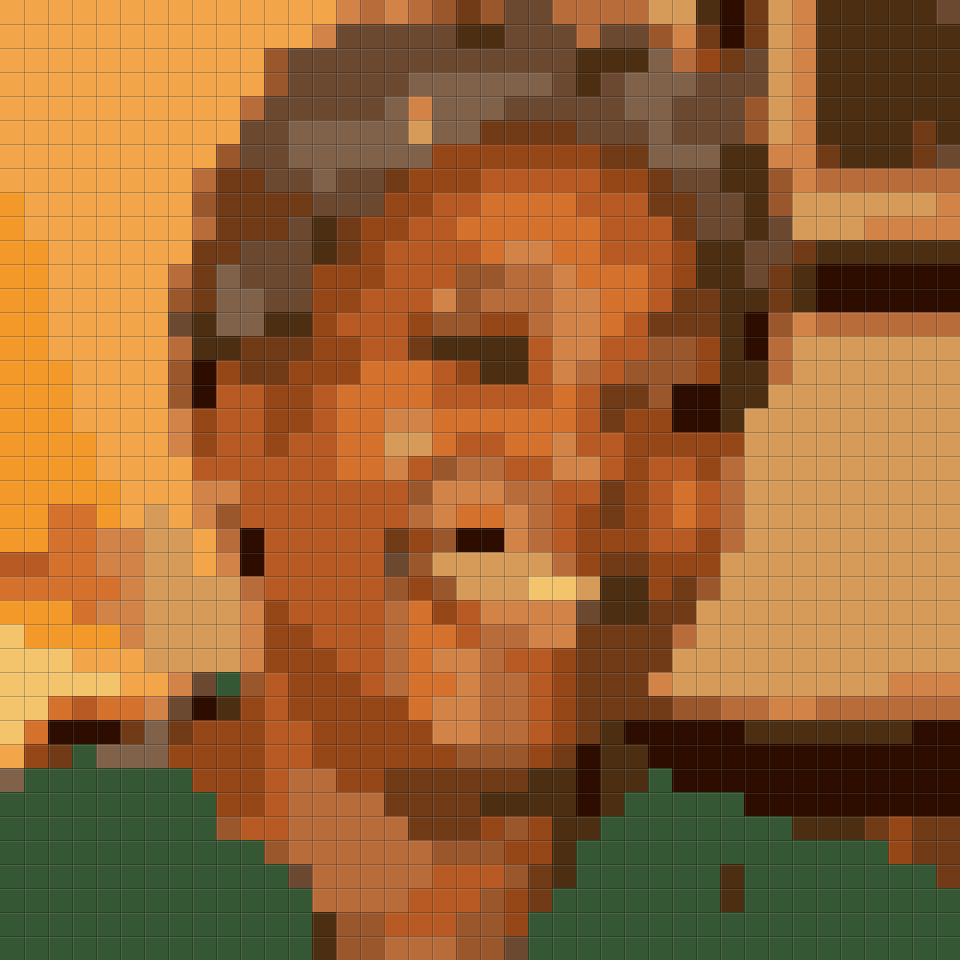 40 px
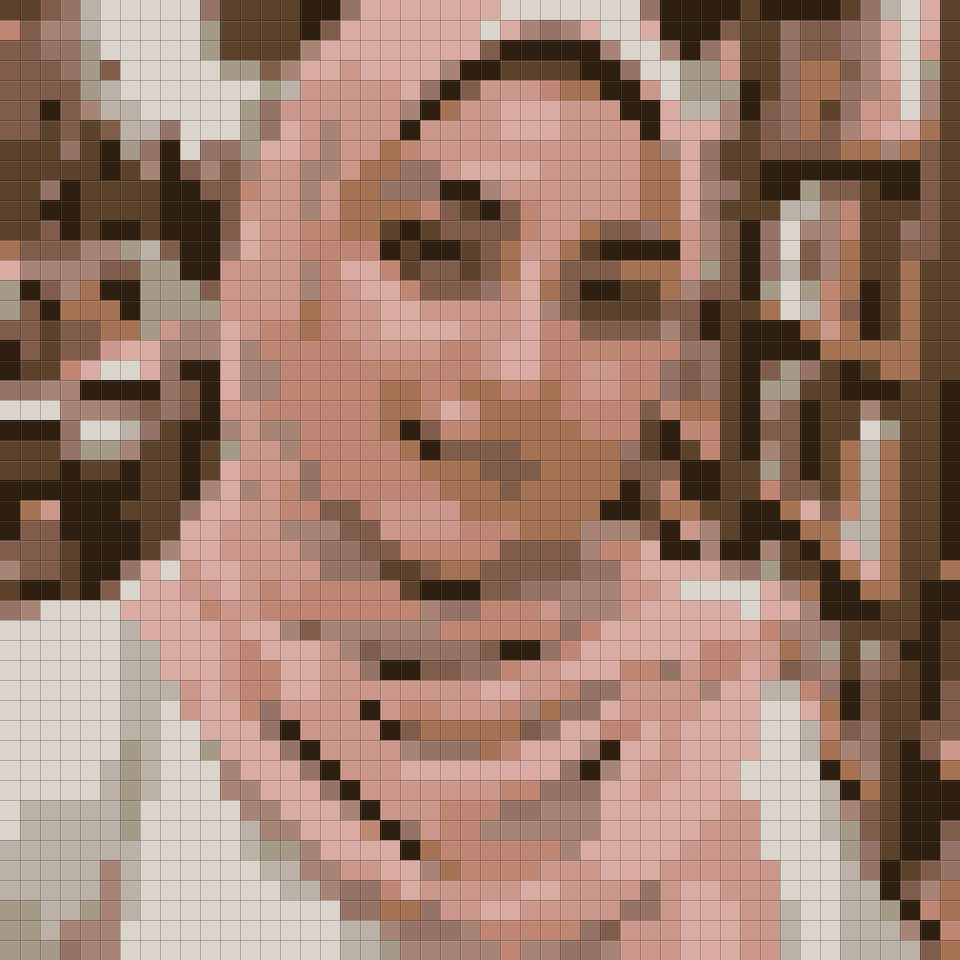 12 colours
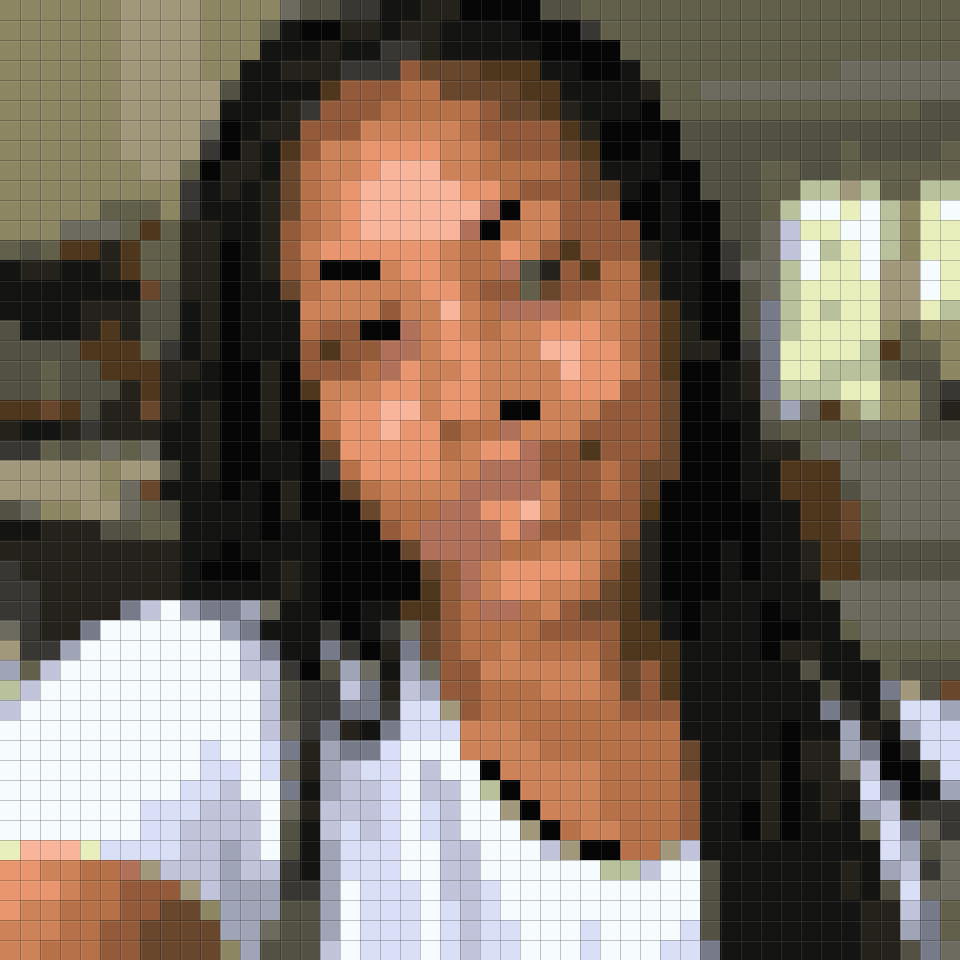 24 colours
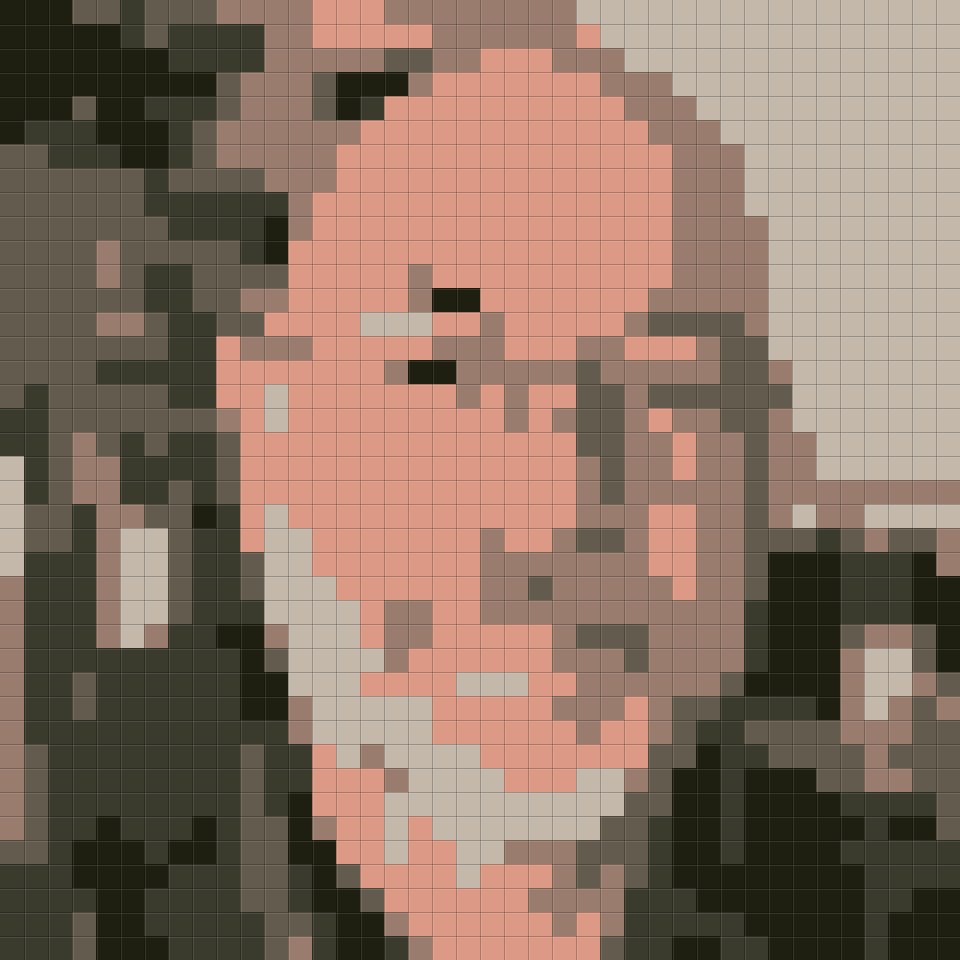 6 colours
Questions
Which pixel styles are there?
Three eras: chunky 8-bit, classic 16-bit and modern detailed pixels. Keep your own clothes or dress up as a knight, wizard, astronaut, ninja, pirate or cyberpunk.
Which photo works best?
One person facing the camera in good light. A pixel face has few dots, so hair colour, glasses and a beard do most of the work: keep them visible, and pick “My own clothes” to keep your outfit.
AI pixel art or the free converter?
The AI redraws you as a game character, with a clean face that reads at 40 px. The free converter below shrinks your photo to a palette in your browser: better for bead and cross-stitch patterns, but faces can look blotchy. No photo at all? Build a made-up buddy with the free pixel PFP maker.
What do I download?
Your pick at 1024 or 2048 px with a transparent background. Upload the HD file and let Discord or your game scale it down; shrinking it yourself blurs the pixels.
What happens to my photo?
It is only used to draw your pixel character. An unused upload is deleted after 2 days; photos you use and your pixel art are kept for 12 months so you can download the HD file again; you can delete a photo sooner.
How does the free pixel art converter work?
It runs on a canvas on your device, so your photo is never uploaded and it works offline once the page has loaded. Pixel width sets how many pixels wide the art is: 92 keeps a face clear, 32 to 48 looks chunkier, 128 is the most detail. Best colours finds 4 to 32 colours that fit your photo; Game Boy and PICO-8 use their console palettes. You download a PNG about 1024 px wide with hard edges. For a made-up character instead of a photo, try the free pixel PFP maker.
Can I make a bead or cross-stitch pattern?
Yes, with the free converter. The grid is on by default, so every art pixel has an outline to count from, and once you have chosen a photo the swatches under the button are the colours to buy.
Who are the people in the examples?
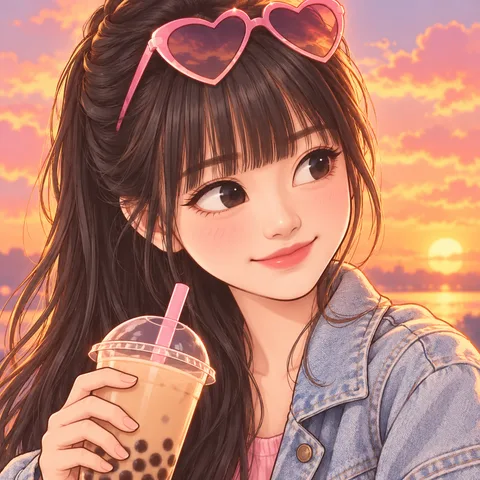
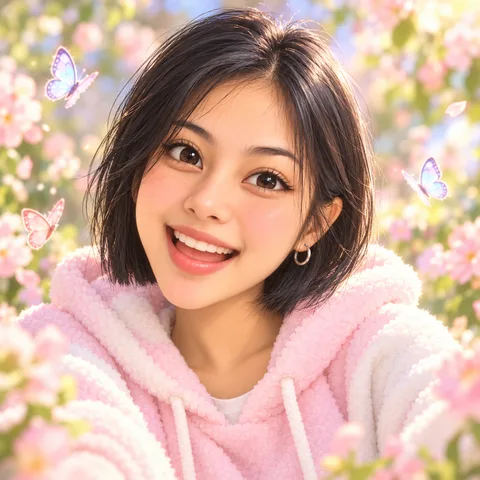
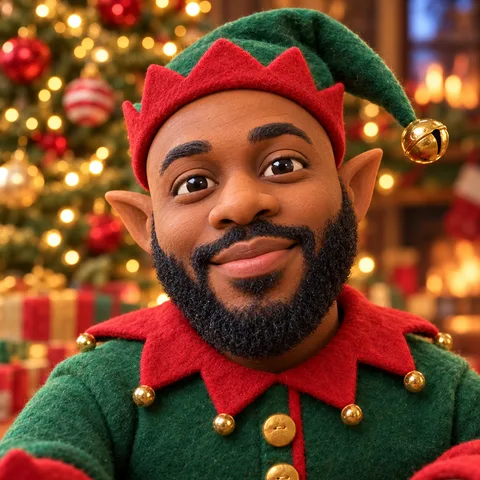
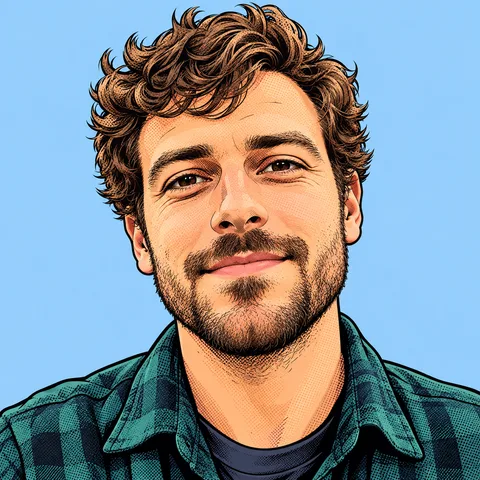
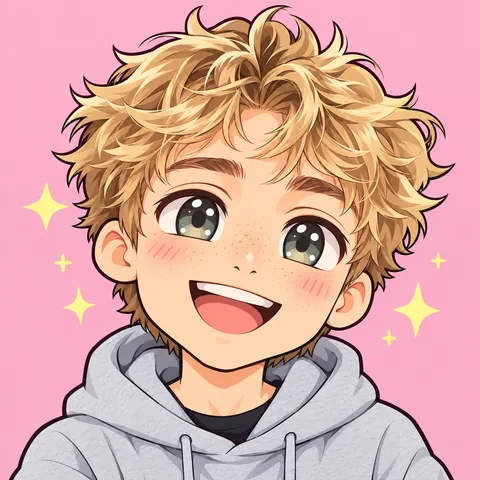
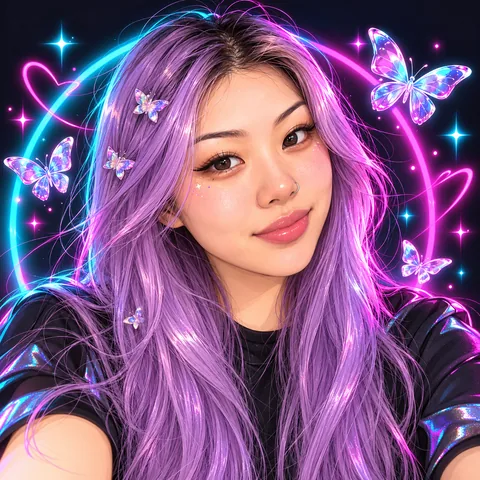
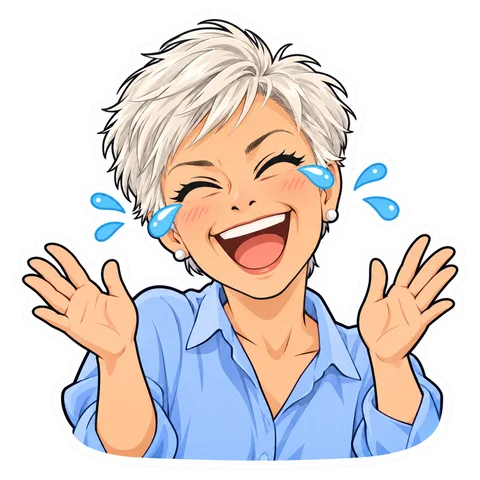
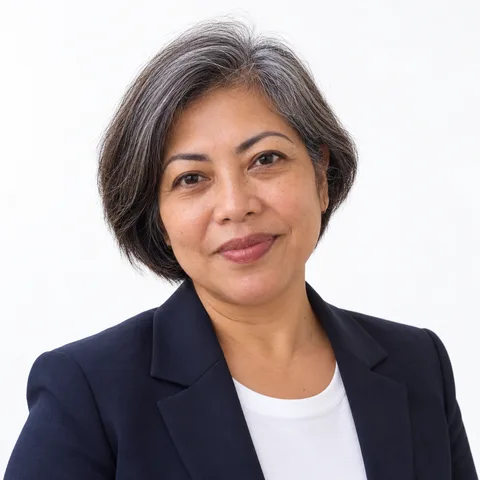
AI-generated faces, not customers. Each picture was made with the exact prompt the tool uses, with no retouching; the background colours are ones you can pick at download.