AI Bot Avatar Maker
Make a free bot avatar: a cute AI bot or robot face for your profile, Discord bot or chatbot.
Want it to look like you?
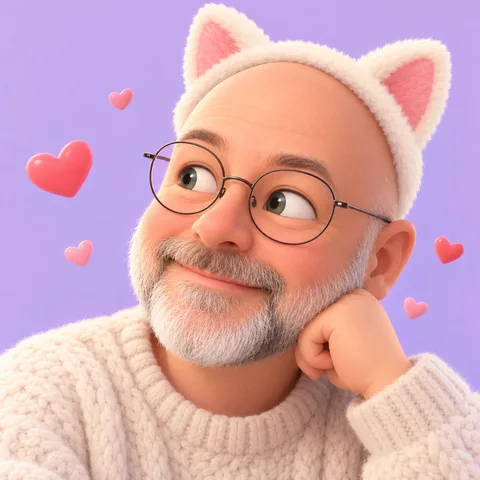
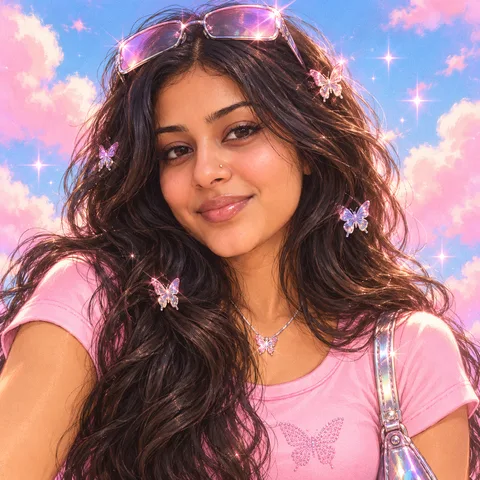
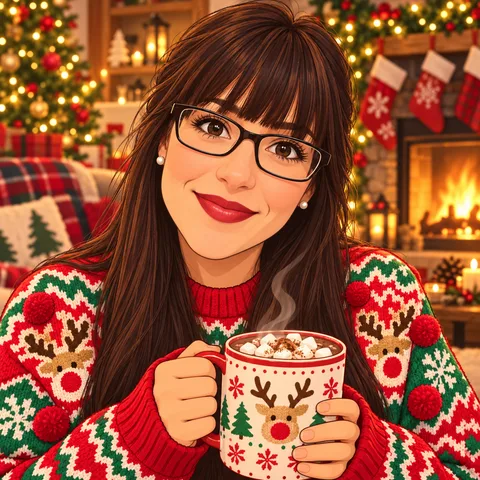
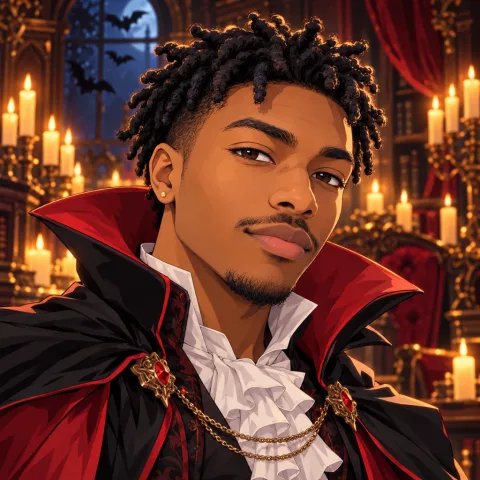
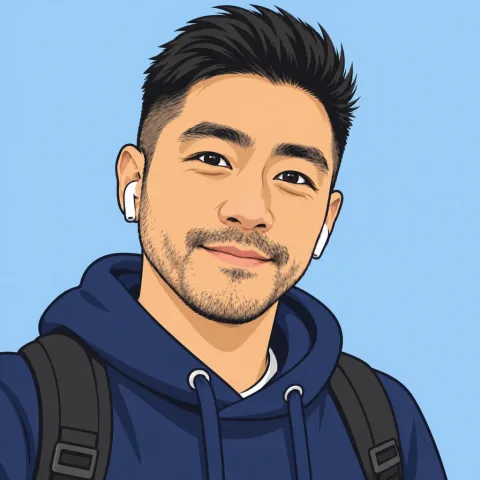
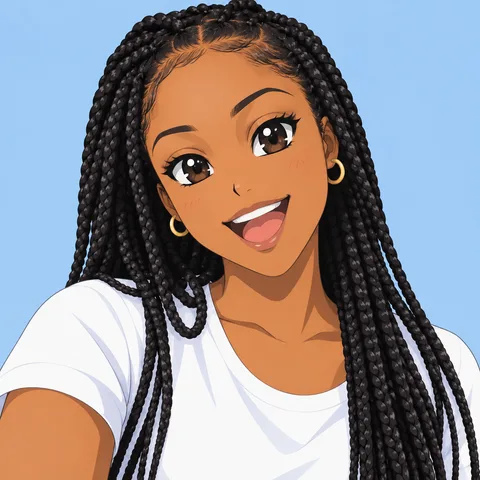
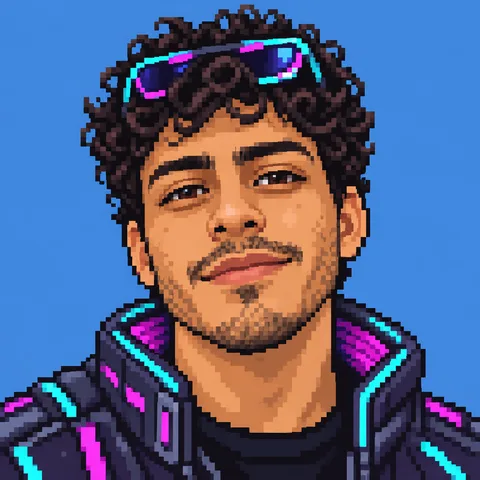
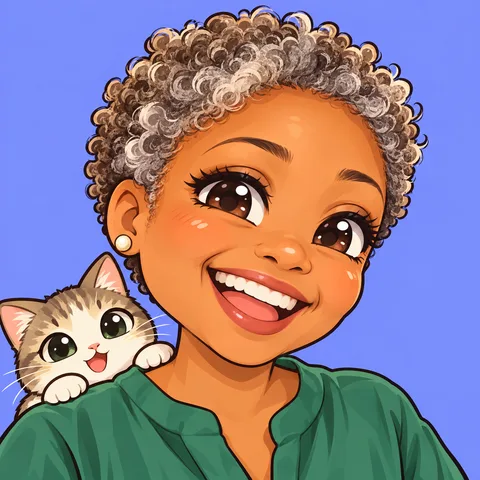
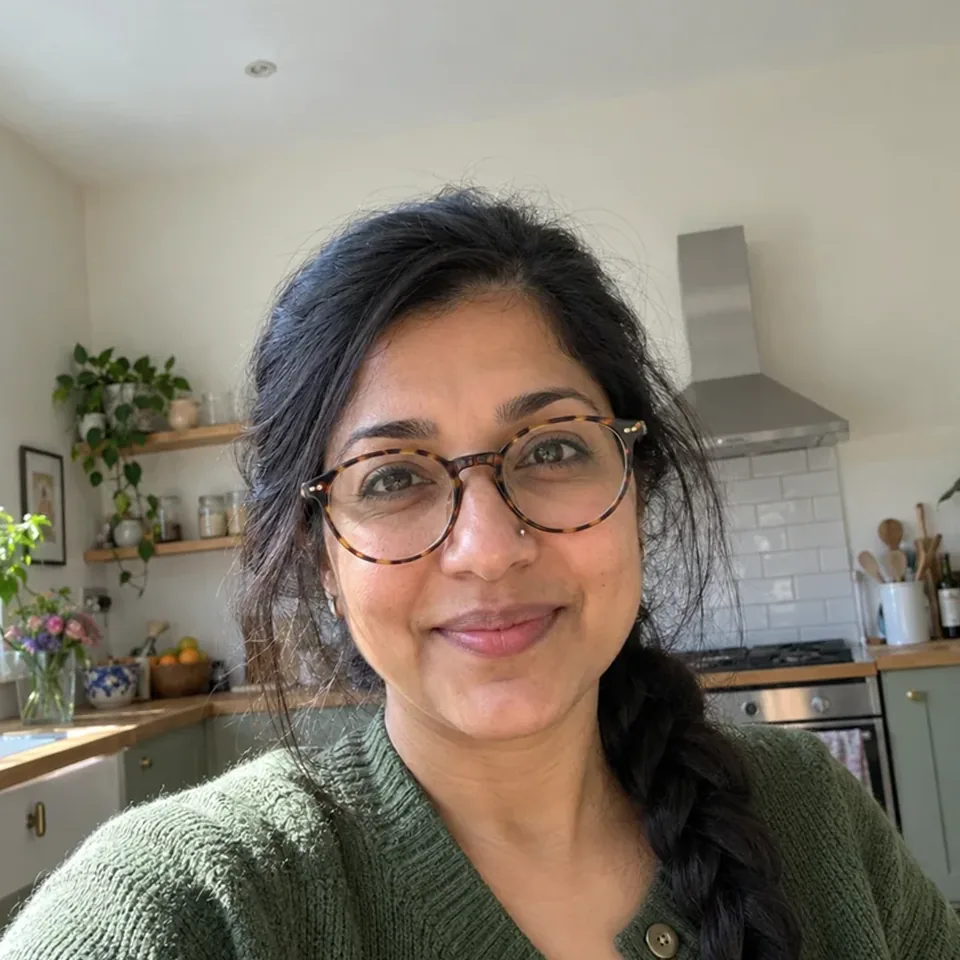
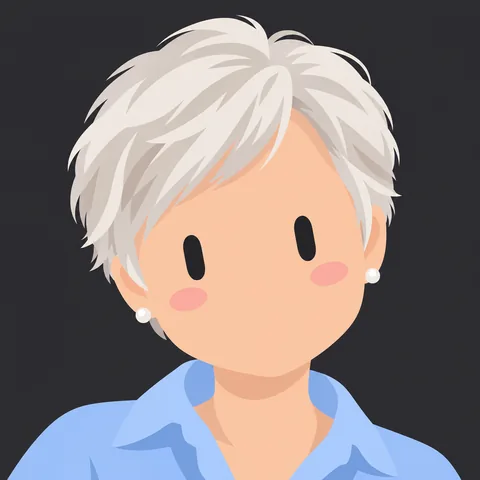
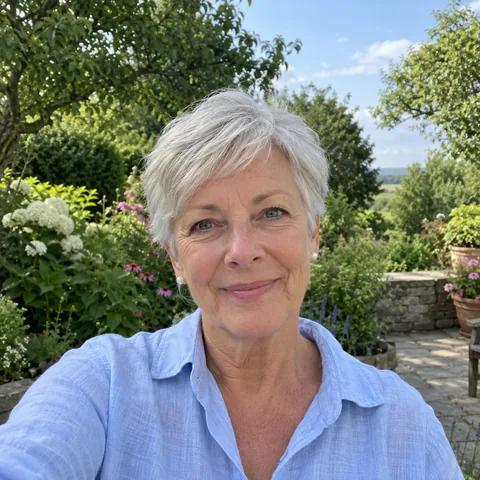
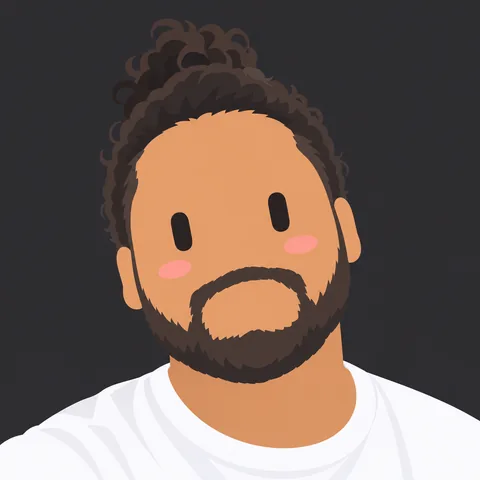
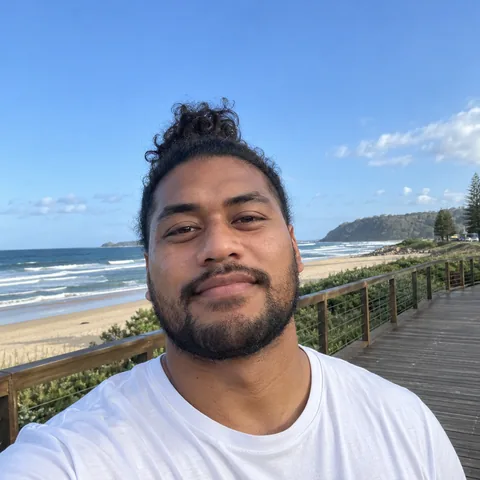
Upload a selfie and we draw you as a Grok-style portrait.
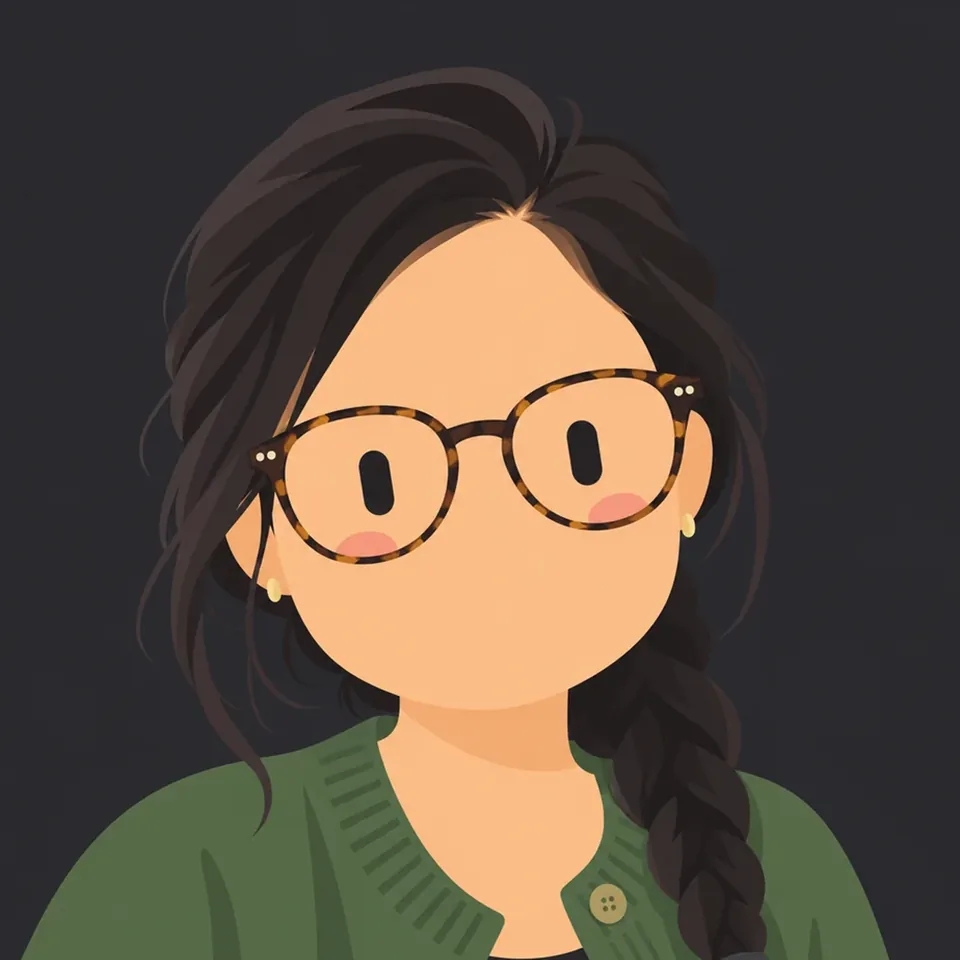 PhotoGrok-style portrait
How to make yours
Pick a bot style
Open one of the makers above. No sign-up.
Make it yours
Change the shape, face, colours and accessories; turn on the circle preview to see the crop.
Download
PNG 512 is free, with no sign-up. PNG 1024, SVG and an animated GIF cost a few credits.
Upload it in the app
Set it as your profile picture; the app scales the square image down.
Profile picture sizes for each app
Download a square PNG and every app below scales it down. What each one asks for:

Instagram
No published size · square works
Instagram's help pages explain how to change your profile picture but do not publish a size, so upload a square image and let Instagram scale it down. PNG 1024 from the builder gives it plenty of detail to work with.

Facebook
Pages 320×320 · shown as a circle
For Pages, Facebook recommends a 320×320px profile picture and shows it cropped to a circle, at about 176px on computers and 196px on phones. It does not publish a size for personal profiles; a square PNG 1024 works for both.

X (Twitter)
400×400 · up to 2 MB · no GIF
X recommends a 400×400px profile photo in JPG, PNG or GIF, up to 2 MB. Our PNG 1024 gives X room to scale down; if it is ever over 2 MB, the PNG 512 is free and still sharp at the sizes X shows.

TikTok
At least 20×20 · video allowed
TikTok's help pages only say a profile photo must be at least 20×20px; upload a square PNG 1024 and TikTok will scale it down.
More on this
WhatsApp
No published size · square works
WhatsApp's help pages explain how to set a profile photo but do not publish a size or format. Upload a square PNG 1024; a clean, simple design holds up better at small sizes than fine detail.

Discord
PNG, GIF or JPG · animated needs Nitro
Discord accepts PNG and GIF profile pictures, and JPG as well. Upload a square PNG 1024 and Discord scales it down for the member list, messages and your profile.
More on this
GitHub
About 500×500 · under 1 MB · circle
GitHub recommends a profile picture of about 500×500px, accepts PNG, JPG and GIF, and limits the file to under 1 MB and 3000×3000px. If a PNG 1024 is over 1 MB, the free PNG 512 is close to GitHub's recommended size.
Guides
- Discord bot avatar
Setup in the Developer Portal or from code, and the size Discord crops to a circle.
- Chatbot avatar
A face for your AI assistant, with one picture for each state: idle, thinking, success, error.
- Bot faces
All 16 expressions in one place, and which face fits which bot state.
- Animated bot avatar
A 4-second loop as GIF, animated SVG or MP4, and where it actually moves.
Questions
What is a bot avatar?
A bot avatar is the profile picture of a bot or an AI account: a Discord or Telegram bot, the chatbot on your website, or your own profile when you want a robot look. Here you pick a cute bot face, change its mood, shape and colours, and download it.
Is the bot avatar maker free?
Making one is free: everything happens in your browser and needs no account, and PNG 512 is free. PNG 1024, transparent PNG, SVG, animated SVG, GIF and MP4 cost a few credits (your first one before signing in is free, and new accounts get 25 credits). Turning your own photo into an avatar uses credits from a paid pack.
What is the difference between the two styles?
Grok Bot style is a soft, clay-like bot character that you change through its expression, body shape and colour. Grok-style portrait is a flat chibi face with hair, accessories and skin tones, and it is also the style we draw you in when you start from a photo.
Are these the official Grok characters?
No. Both styles are our own unofficial, fan-made drawings in the look people associate with Grok. We are not affiliated with xAI, and we don't use its logo or characters.
Which size should I download for Discord, X or Instagram?
PNG 1024 works almost everywhere. Most sites crop profile pictures to a circle, so keep the face near the middle; Circle crop preview shows you the crop. Pick where you will use it and the builder gives you the right file.
How do I keep or share a design?
The link in your address bar always holds your current design, so copying it (or pressing Copy share link) lets anyone open the same avatar. Sign in if you want to save designs to your account and come back to them later.
This is an unofficial, fan-made style. It is not affiliated with or endorsed by xAI, and we never use the official Grok logo or characters.