Make a Chatbot Avatar for Your AI Agent or Assistant
A bot face people recognise at a glance, in your colours, ready as a transparent PNG or an SVG.
This is an unofficial, fan-made style. It is not affiliated with or endorsed by xAI, and we never use the official Grok logo or characters.
Want it made from your photo?
Upload a selfie and we'll redraw you as a Grok-style portrait, keeping your hairstyle and signature details.
Start with my photo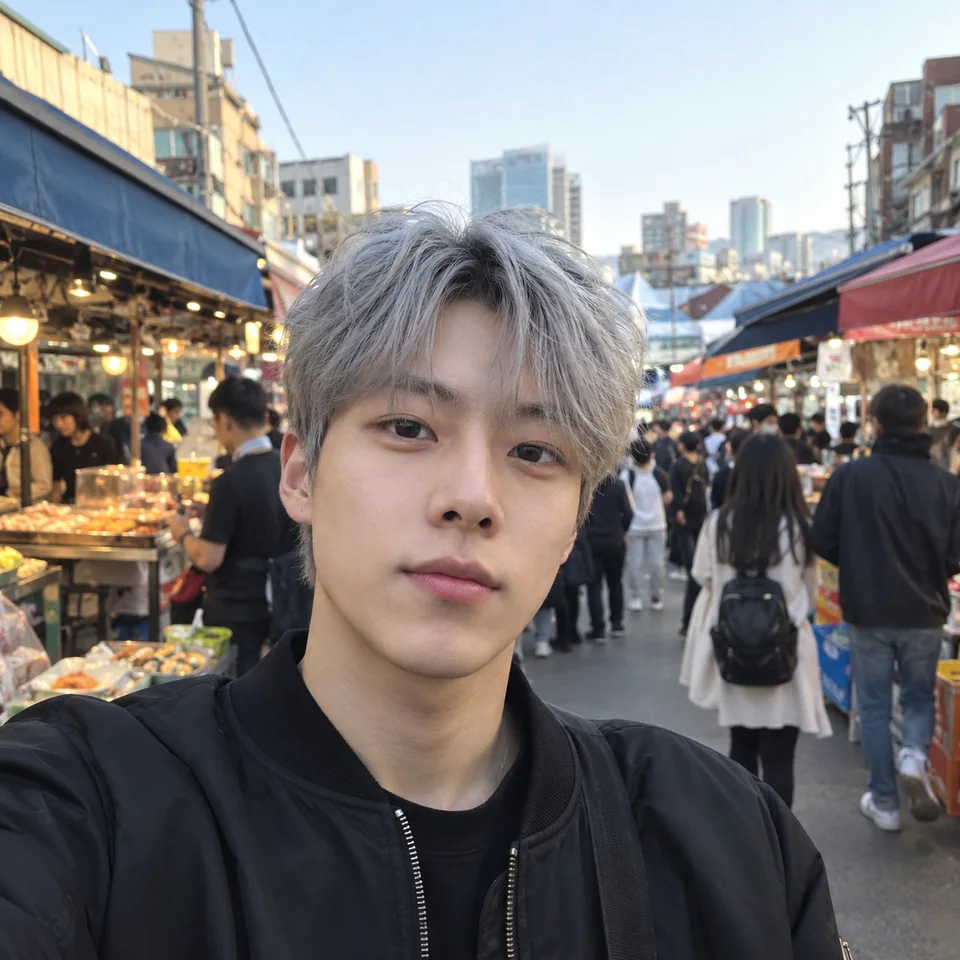
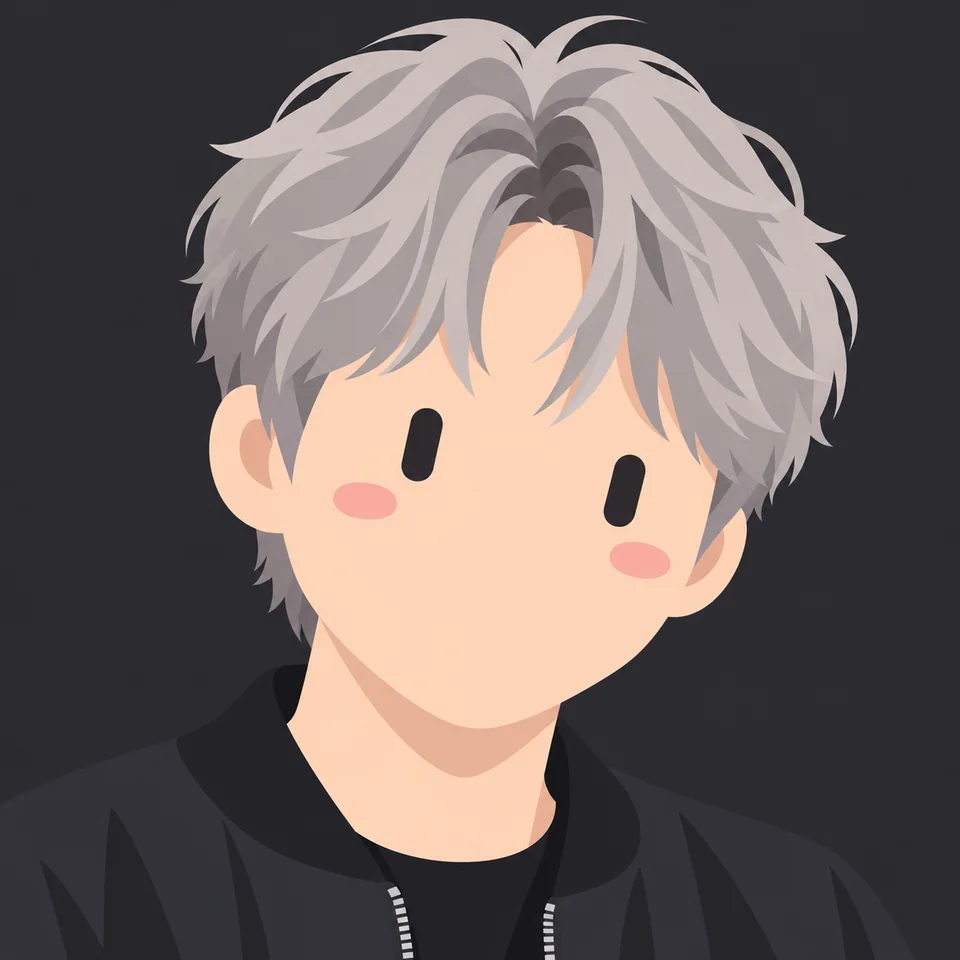
What makes a good chatbot avatar
It reads at small sizes. Chat widgets and team apps show the avatar about as big as a thumbnail, so simple shapes and big eyes work better than detail. Turn on the circle crop preview to check it.
More details
It looks like a bot, not a person. A clearly non-human face tells people they are talking to software, which sets the right expectations from the first message.
It matches your brand. Pick the colour closest to your brand and keep the same face on your website, help desk and team chat, so people know it is the same assistant.
One bot, many states
An assistant that shows what it is doing feels more alive. Use the State control in the builder, or pick a fitting expression, and download each state's image one at a time.
More details
| State | Expressions that fit | Why |
|---|---|---|
| Idle | Happy, Neutral | A friendly default while waiting for a question |
| Thinking | Curious, Determined | Shows that something is happening |
| Success | Love, Wink, Laughing | A small reward when a task is done |
| Error | Sad, Confused, Sleepy | Says something went wrong without alarming anyone |
Which file to use where
Every download comes from the same design, so the bot looks the same everywhere.
More details
| Where | File |
|---|---|
| Chat widget on your website | Transparent PNG, or SVG if the widget accepts it |
| Team chat app icon | PNG 1024 |
| Website, docs or README | SVG or animated SVG |
| Typing or thinking indicator | Animated GIF or animated SVG |
| Apps that take video (Telegram bots, LINE) | MP4 video |
Sizes for common bot platforms
From each platform's own help pages. Platforms change their rules, so check again before you upload.
More details
| Platform | What to upload |
|---|---|
| Slack app icon | Square, 512×512 to 2000×2000 px; Slack rounds the corners itself |
| Discord bot | Square PNG, JPG or GIF; apps may use animated avatars |
| Telegram bot | A JPG photo, or a square MP4 video for an animated picture (up to 1080×1080, 800×800 recommended) |
| GitHub App logo | About 200×200 px, PNG, JPG or GIF, under 1 MB |
Questions
What size should a chatbot avatar be?
Download it at 1024px and let the platform scale it down; chat apps usually show avatars small. Keep the face in the middle so a circle crop does not cut it.
PNG or SVG for a chat widget?
Use a transparent PNG if the widget asks for an image upload. If the widget accepts SVG or you add the avatar with your own code, an SVG stays sharp at every size and is usually smaller.
Should my bot have a human face?
Usually not. A clearly non-human face tells people they are talking to software. If you do want a stylised portrait of a real person, our photo to avatar service turns a photo into one.
Do I need an account?
No account is needed to make one or to download the free PNG 512. Other downloads cost a few credits; your first one before signing in is free and new accounts get 25 credits.