Photo to Clay Avatar
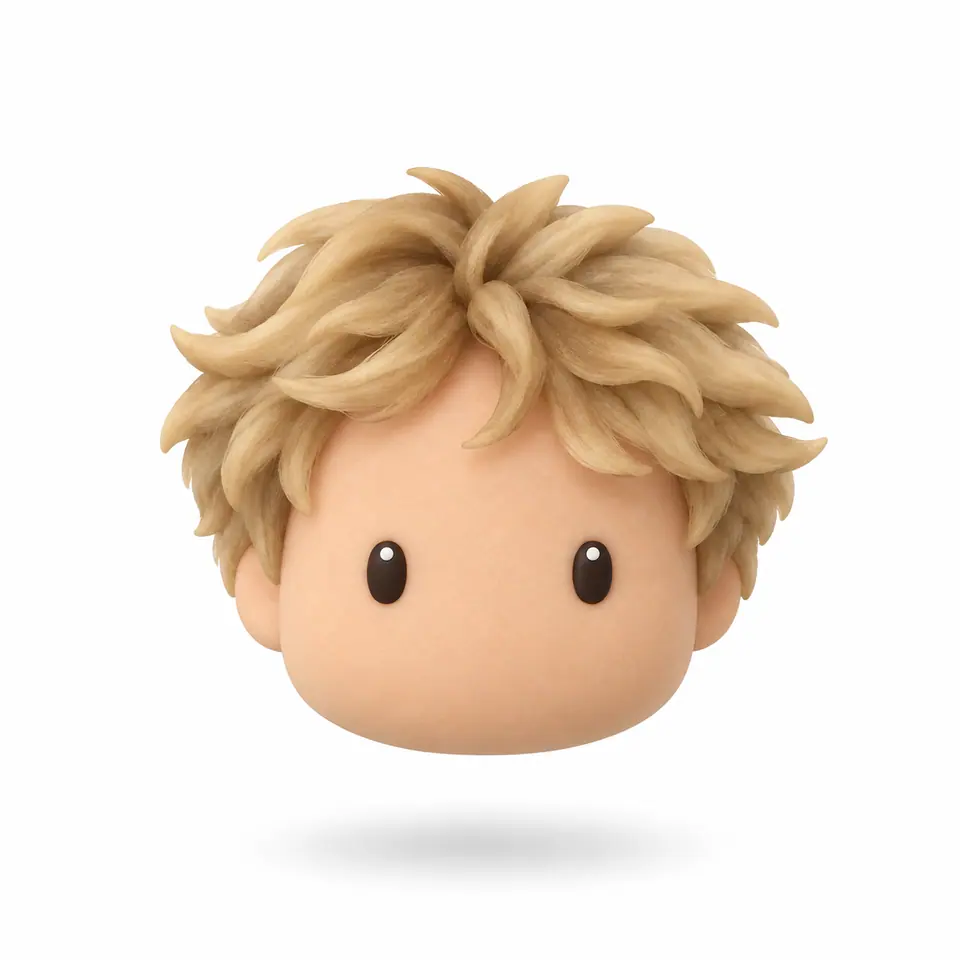
Your photo as a little clay head. You pick the hat and colours.
Pay once · no subscription
Clay heads from real photos
How it works
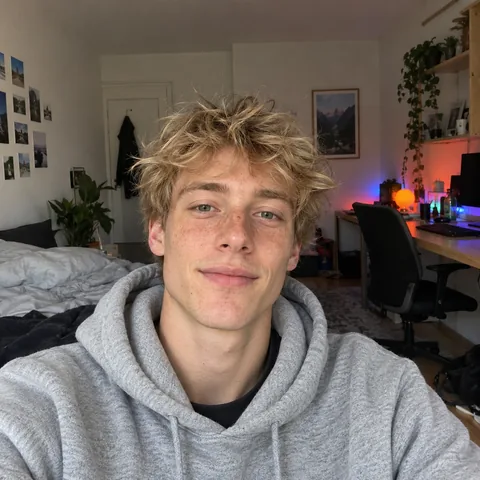
01Upload photo
02Pick hat and colours
- @mia.lin1,204 followers
03Download in HD
What it costs
See credit packs- 2–4 previews
- 70–100 credits
- HD download
- 300 credits
- Starter pack
- $4.99
- ≈ 4 HD avatars
Questions
Will it look like me?
Your hair, glasses, beard and earrings come from your photo. The face is simplified to two small eyes.
Can I add a hat?
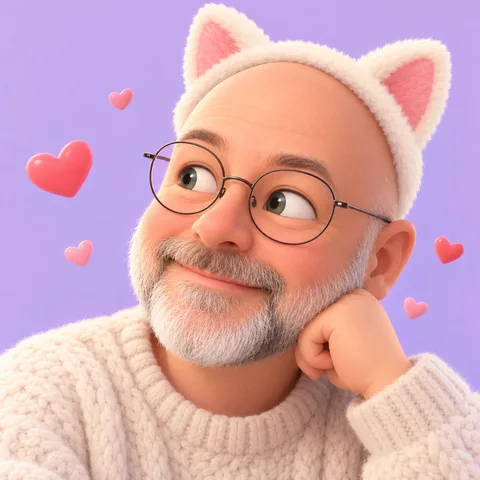
Yes: a beret, beanie, bucket hat or cat ears, in five colours, or keep the hat from your photo. Nothing else is added unless you pick it.
What else can I change?
The eyes (small ovals, happy arcs or button eyes) and the clay colour: your own skin tone, or one playful colour such as mint, lilac or sky blue. Hair, glasses and beard still come from your photo.
Can I use a photo of my pet?
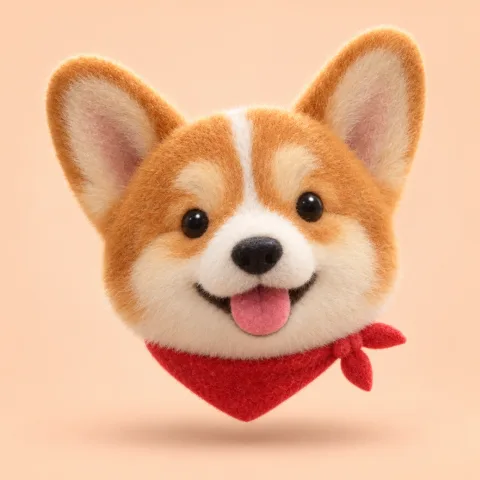
Yes. Choose “My pet” and the clay head keeps its ears, muzzle and fur colours.
What is the claymation portrait?
Your head and shoulders as a handmade plasticine puppet, for the classic stop-motion look.
What happens to my photo?
It is only used to sculpt your clay version, and pet photos are treated the same. An upload you never use is deleted after 2 days; photos you use and your clay avatars are kept for 12 months so you can download them again.