TikTok PFP
Pay once · no subscription
How it works
01Upload photo
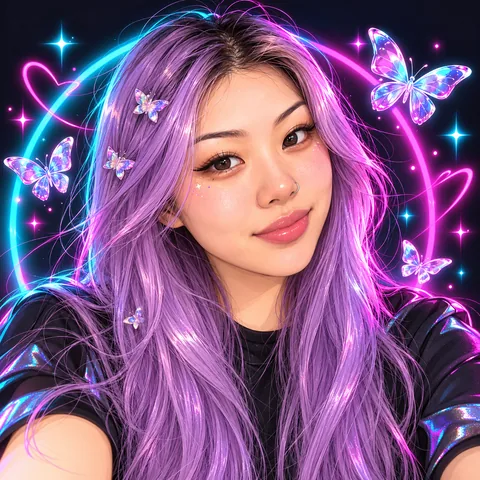
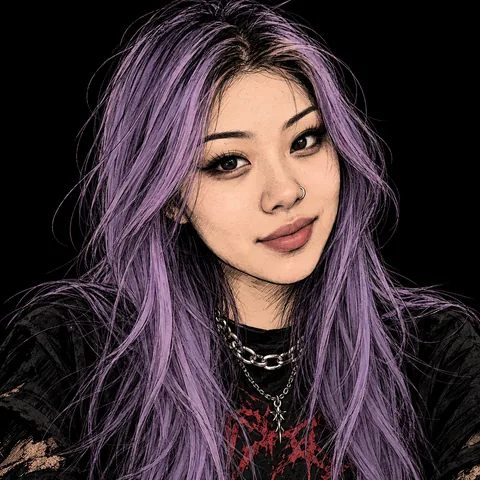
02Pick a look
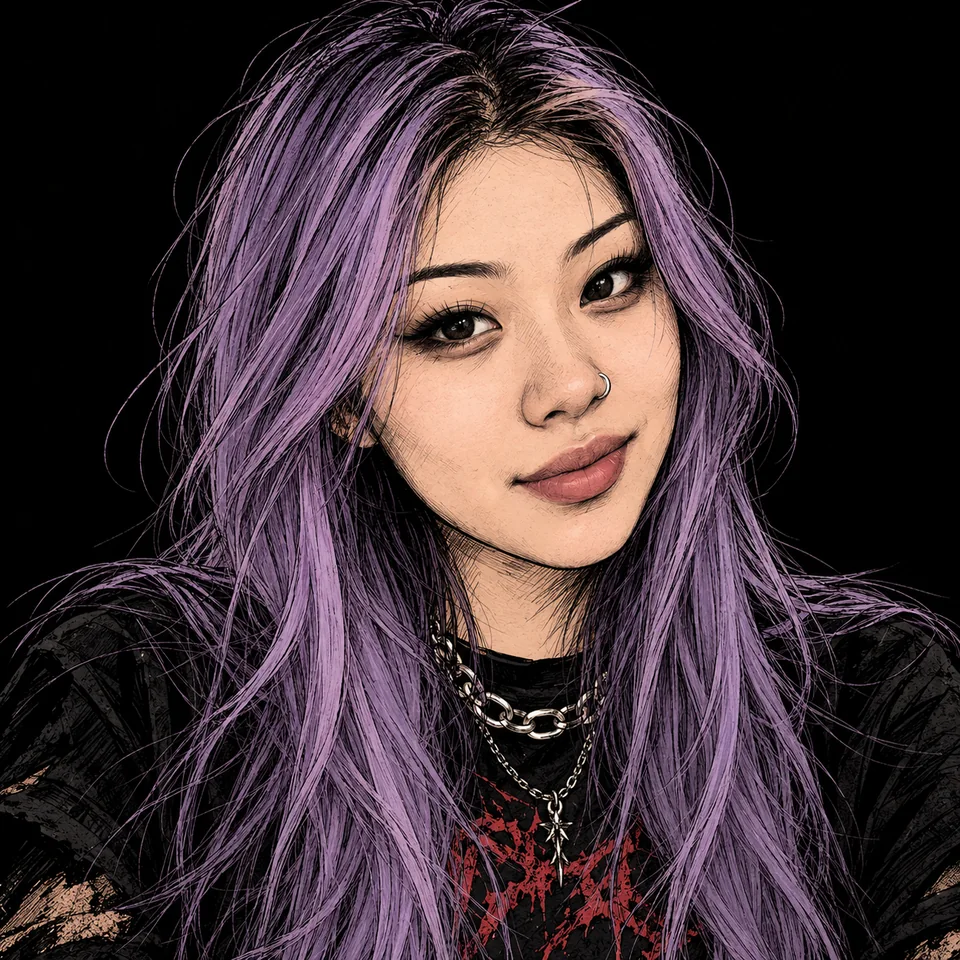
03Download in HD
Matching the look to your account
A look for your niche
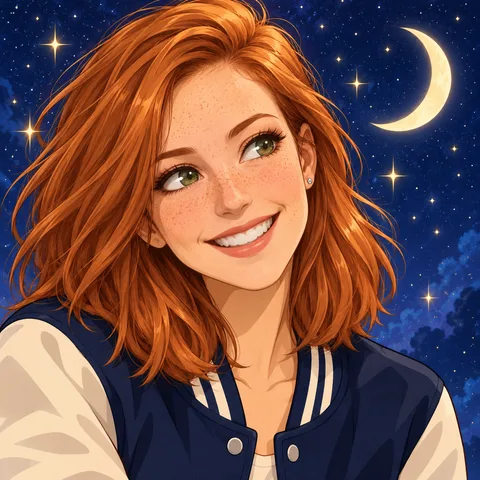
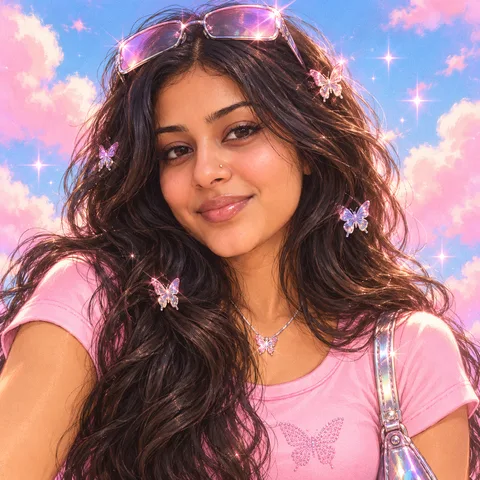
Soft aesthetic and coquette suit beauty, lifestyle and get-ready-with-me accounts. Y2K fits fashion and thrift hauls, grunge fits music and alt accounts, and anime fits gaming and fandom edits. Pop art, the loudest of the six, suits comedy.
Backgrounds and extras
The background is a pastel gradient from lilac to peach unless you pick black, a neon glow, sky and clouds, a fairy-light bedroom or cream. Extras such as headphones, sparkles, butterflies and hearts can be combined; keep it to one or two, since the circle cuts the corners and more crowd your face.
Light and dark mode
TikTok runs in light or dark mode, so your circle sits on white for some viewers and on black for others. The pastel, sky and cream backgrounds keep a clear edge on black; black and the neon glow stand out most on white.
Where people see it
TikTok shows your PFP beside every video in the For You feed, on each comment and in messages, so viewers learn it before they read your name. When you change the look later, keeping the same background colour helps followers still spot you.
What it costs
See credit packs- 2–4 previews
- 70–100 credits
- HD download
- 300 credits
- Starter pack
- $4.99
- ≈ 4 HD avatars
Questions
Which looks are there?
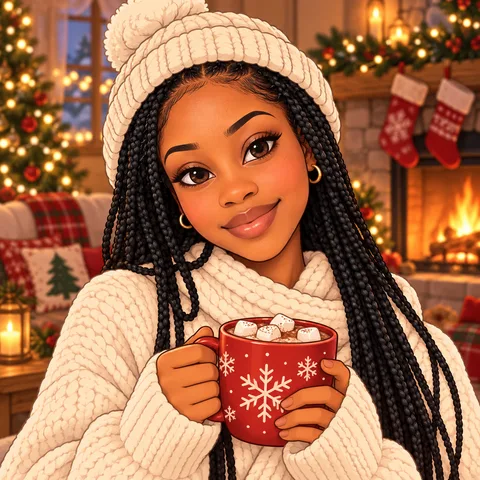
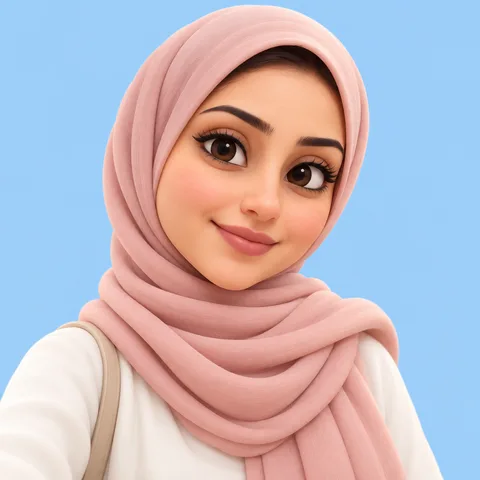
Six: soft aesthetic, Y2K gloss, coquette bows and pearls, anime, grunge with one deep red accent, and pop art with halftone dots, the easiest to spot at comment size. Plain and black backgrounds read best small.
Which photo works best?
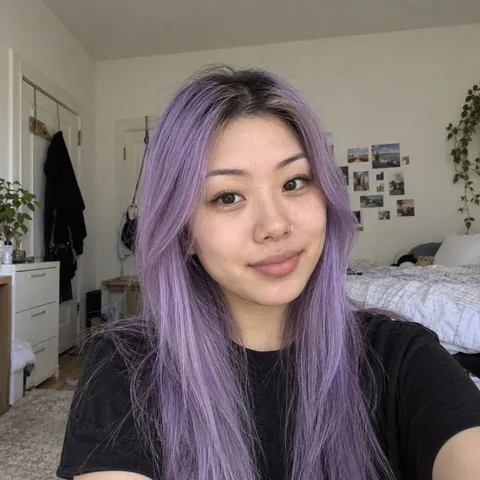
Just you, facing the camera, in good light. The mood is redrawn (a soft smile, smirk, big laugh, peace sign or side-eye), so a neutral selfie is fine, and your glasses can stay or go.
What size is a TikTok PFP?
TikTok crops it to a circle; anything 200 px square or larger looks sharp, and your download is 1024 px. Keep your face in the middle, since the corners are cut off.
How do I set it?
In the app: Profile, Edit profile, Change photo, then pick the picture from your camera roll. The same picture works on any app; for more styles see PFP ideas.
What happens to my selfie?
It is used only to draw your PFP, never posted anywhere and never used to train AI. Unused uploads are deleted after 2 days; selfies you use and your PFPs stay in your account for 12 months; you can delete a selfie sooner.
Who are the people in the examples?
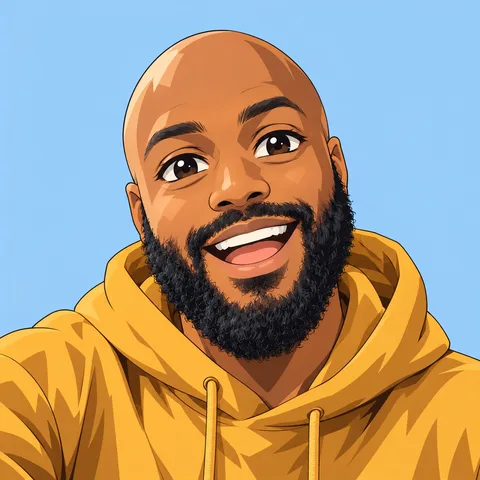
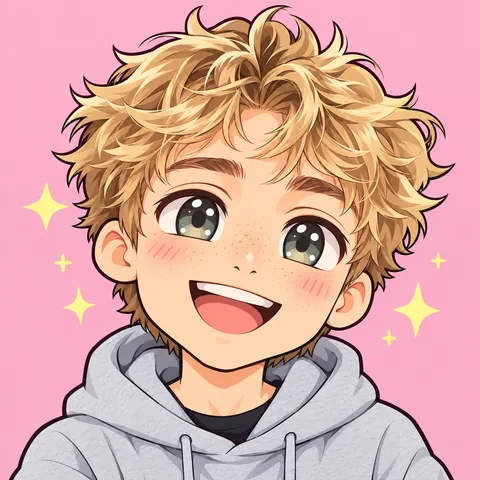
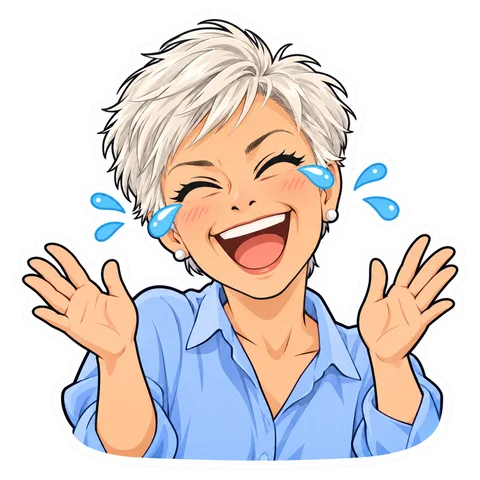
AI-generated faces, not customers. Each picture was made with the exact prompt the tool uses, with no retouching. Not affiliated with TikTok; TikTok is a trademark of ByteDance Ltd.