Grok Bot Style Avatars
Grok Bot style faces: squishy clay bots. Pick a shape, a mood and colours, then download.
Want it made from your photo?
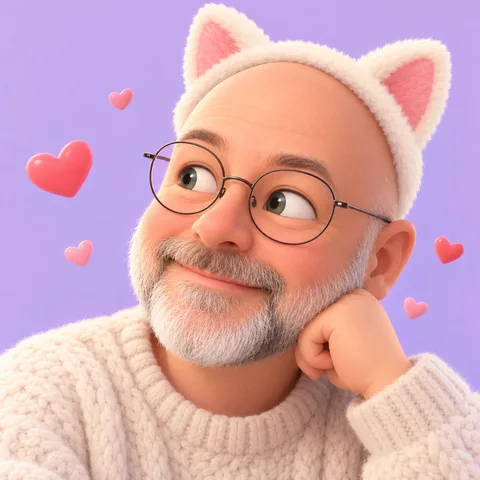
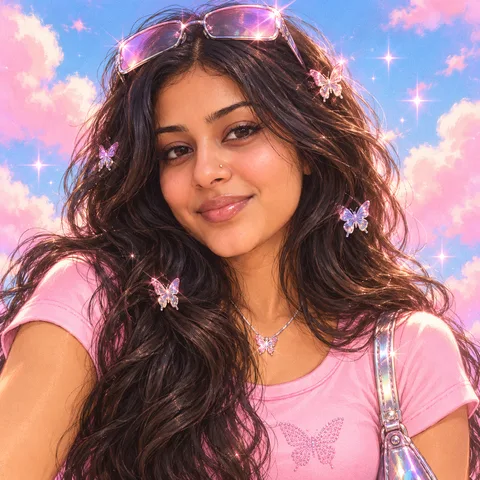
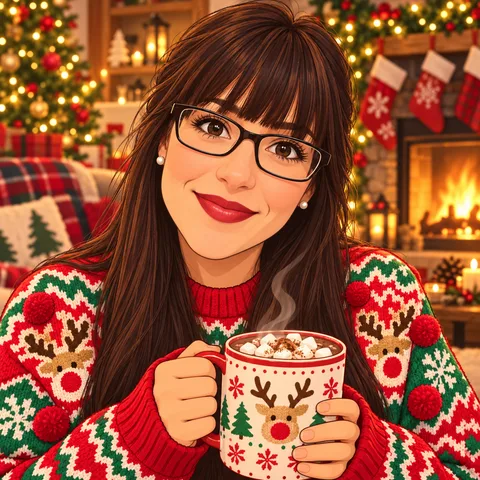
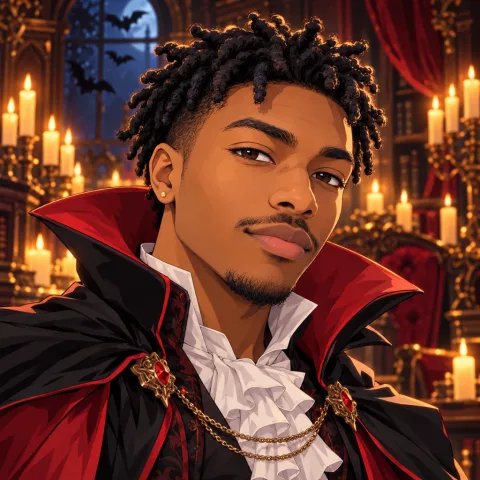
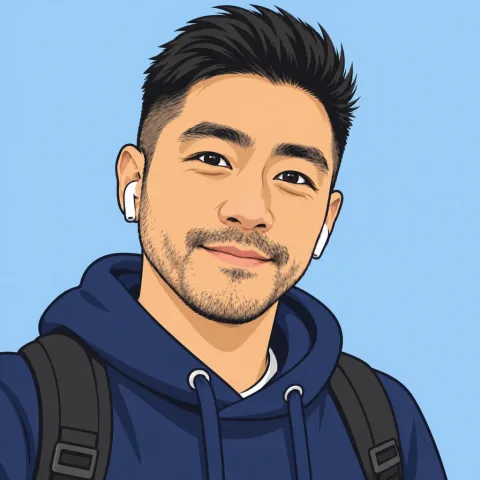
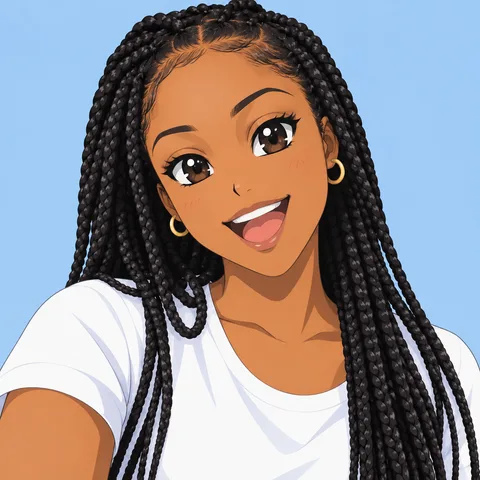
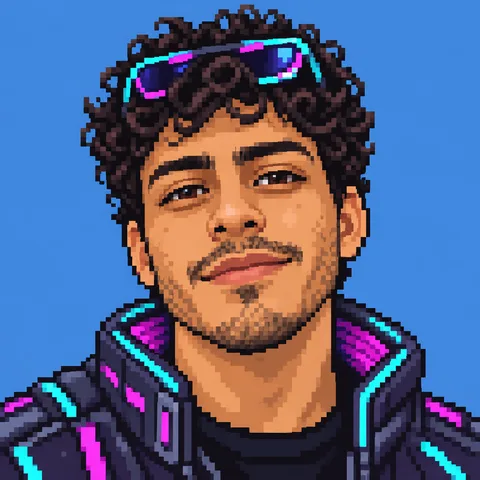
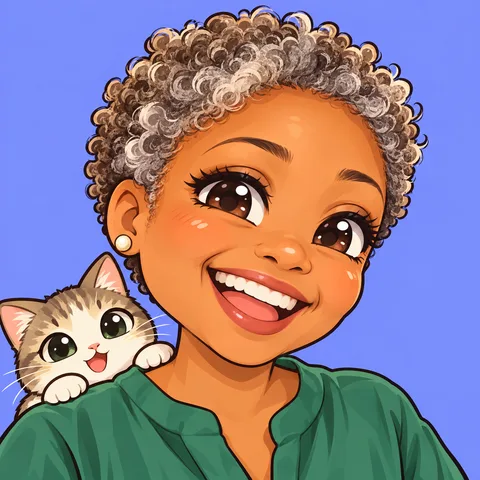
Upload a selfie and we'll redraw you as a Grok-style portrait, keeping your hairstyle and signature details.
Questions
What makes this style different?
- A single soft body instead of a head and hair: a circle, pebble, squircle, capsule, rounded triangle, hexagon, cloud or droplet. The silhouette alone tells your bot apart from the others in a member list.
- A clay look lit from the top left: the body fades from its main colour to a deeper shade at the edges, with a glossy highlight near the top and a slightly darker rim at the bottom, so it feels like a small toy you could pick up.
- A minimal face of two eyes and a mouth, with no nose, ears or hair. Sixteen ready-made expressions, from happy and surprised to sleepy, smug and dizzy, cover most moods a bot needs, and you can still swap the eyes and mouth one by one.
- Bright, friendly colours such as mint, sky, lilac, peach and lemon, plus a light snow and a dark charcoal body for contrast. Every colour comes with matching blush and shading, so any combination stays clean.
- Small extras that say "bot" without adding clutter: an antenna, a headset with a microphone, sparkles or a halo. Everything stays readable at 32px.
How do I use it on my profiles?
- Discord bots and servers: export a 512 px PNG and keep the circle preview on. The body sits in the middle of the frame, so Discord's round crop never cuts off the face.
- Chatbots and AI agents: switch between idle, thinking, success and error with the state buttons and download each one, so your bot can react inside the chat with the same character.
- Slack, X (Twitter) and GitHub: pick the dark background for dark-mode apps, or the transparent PNG if you place the blob on your own colour. The SVG export stays sharp at any size.
- A family of bots: keep one shape and background for the whole team and give each bot its own colour and expression. Everyone can tell them apart at a glance, and the set still looks designed together.
Is this Grok bot avatar maker free?
Making one is free with no sign-up and no watermark, and PNG 512 is free. Choose a shape, expression, colour and extras; PNG 1024, transparent PNG, SVG, animated SVG, GIF and MP4 cost a few credits (your first one before signing in is free, and new accounts get 25 credits).
Can I make one from my photo?
The clay blob has no hair or face details to copy, so it is built by hand only. If you want an avatar that looks like you, the Grok-style portrait turns your photo into a flat chibi face with your hairstyle, and you keep your favourite of the previews in HD.
More questions
Can I use the avatar for my bot or project?
Yes. You can use the avatars you make as profile pictures, bot icons and in community spaces. The shapes and faces are original artwork drawn for this site.
Is this an official Grok avatar?
No. This is an unofficial, fan-made style. It is not affiliated with or endorsed by xAI, and we never use the official Grok logo or characters.
How do I share or edit my design later?
The page address always holds your current design. Copy the share link to send it to someone or bookmark it, and opening it brings back the exact shape, face and colours. Signed-in users can also save designs to their account.
Guides for this style
This is an unofficial, fan-made style. It is not affiliated with or endorsed by xAI, and we never use the official Grok logo or characters.